

TL;DR: To create an email newsletter, define your goal, pick a platform (Mailchimp, Kit, or Beehiiv work great for beginners), build your list with lead magnets, segment subscribers, design a clean layout, write content your audience actually wants, craft click-worthy subject lines, and track everything. Below is my step-by-step guide with platform comparisons and real benchmarks.
I started my first email newsletter back in 2016. It was terrible — generic content, no segmentation, and I was basically blasting the same email to everyone on my list. Open rates were around 8%, and I had no idea why.
Fast forward to 2026, and I’ve built and managed newsletters across multiple projects. The difference? I stopped treating newsletters like a broadcast channel and started treating them like a conversation. My open rates now sit between 35-45%, and email consistently drives more conversions than any social media channel I use.
In this guide, I’m sharing exactly how to create an email newsletter that people actually want to read — step by step, with real platform comparisons and the mistakes I made so you don’t have to.
What is an Email Newsletter?
An email newsletter is a recurring email you send to subscribers with curated content, updates, tips, or offers. Unlike promotional emails that push a single sale, newsletters build a long-term relationship with your audience.
Think of it this way — social media posts disappear in hours. Blog posts depend on Google’s mood. But an email sits in someone’s inbox until they read it. That’s why email marketing returns $36 for every $1 spent, according to Litmus — making it one of the highest-ROI channels available.
How to Create an Email Newsletter (8 Steps)
Here’s the exact process I follow every time I set up a new newsletter. Nothing fancy — just what actually works.
1. Define Your Newsletter Goal
Before you pick a platform or write a single word, answer this: what do you want your newsletter to achieve?
Some common goals:
- Drive traffic to your blog or website
- Nurture leads into paying customers
- Build authority in your niche
- Monetize directly through sponsorships or paid subscriptions
- Retain existing customers with updates and offers
Your goal shapes everything — the content you write, how often you send, and which platform you choose. When I started, I tried to do all of the above at once. It doesn’t work. Pick one primary goal and build around it.
2. Choose the Right Email Platform
This is where most beginners get stuck. There are dozens of email marketing platforms, and they all claim to be the best. Here’s what I’ve actually tested:
| Platform | Free Tier | Best For | Starting Price |
|---|---|---|---|
| Mailchimp | 500 contacts, 1,000 emails/month | Beginners, small businesses | $13/month |
| Kit (ConvertKit) | 10,000 subscribers | Creators, bloggers | $25/month |
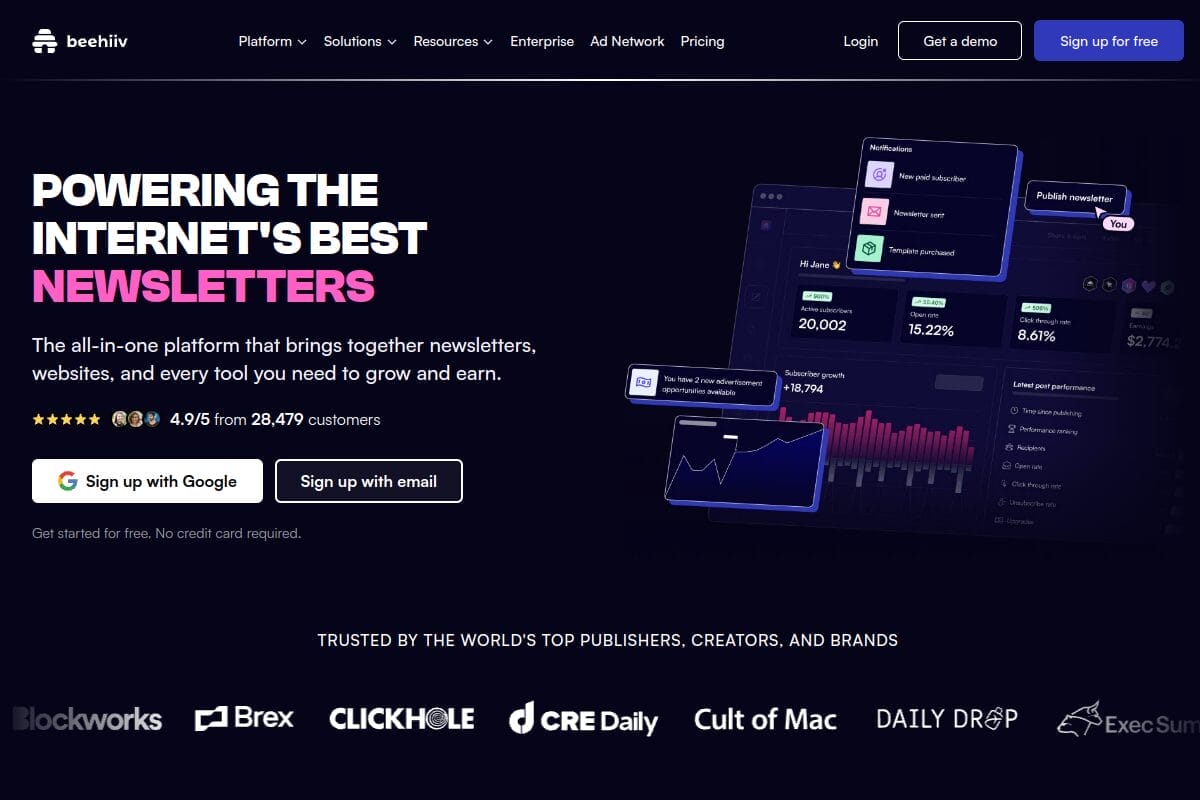
| Beehiiv | 2,500 subscribers | Newsletter-first businesses | $39/month |
| Brevo | 300 emails/day (unlimited contacts) | Transactional + marketing | $9/month |
| MailerLite | 1,000 subscribers, 12,000 emails/month | Budget-friendly automation | $10/month |
| Substack | Free (10% of paid subs) | Writers, paid newsletters | Free |
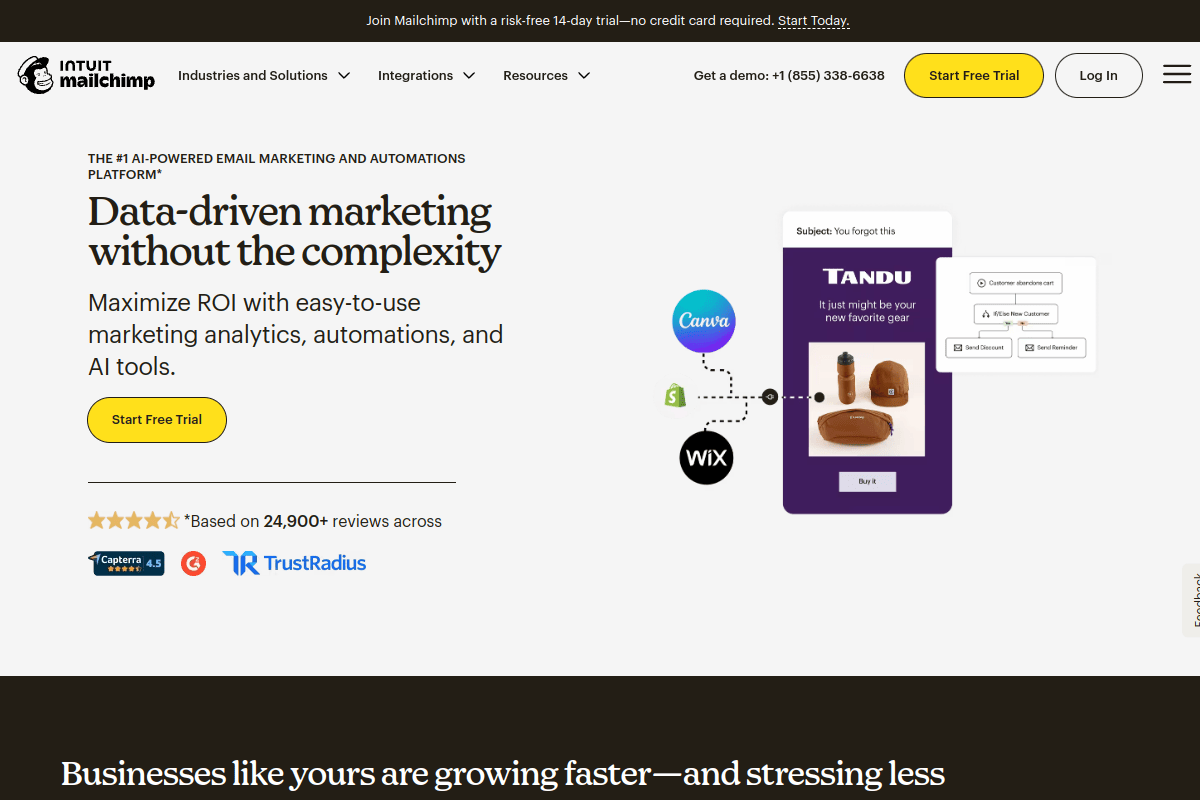
My recommendation: If you’re just starting out and want something free with good automation, go with Kit (formerly ConvertKit). Their free tier gives you 10,000 subscribers — that’s generous. For e-commerce, Brevo is hard to beat. And if you’re building a media-style newsletter, Beehiiv has the best growth tools.
3. Build Your Email List
No list, no newsletter. And buying email lists is a terrible idea — it violates CAN-SPAM regulations and tanks your deliverability.
Here’s what actually works for building a quality list:
Lead magnets — offer something valuable in exchange for an email address. This could be a free PDF guide, a checklist, a template, or exclusive access to something. I’ve found that specific, actionable lead magnets convert 3-5x better than generic “subscribe for updates” forms.
Website opt-in forms — place sign-up forms in high-visibility spots: header bar, within blog posts, exit-intent popups, and your About page. Don’t hide your sign-up form in the footer and wonder why nobody subscribes.
Content upgrades — this is my favorite strategy. Create a bonus resource specific to each blog post. Writing about SEO tools? Offer a downloadable comparison spreadsheet. The relevance makes conversion rates shoot up to 20-30%.
Social media — mention your newsletter in your bio, share snippets from past issues, and occasionally run a “subscribe for X” post. LinkedIn and Twitter/X work especially well for B2B newsletters.
4. Segment Your Subscribers
Sending the same email to everyone on your list is lazy — and it shows in your metrics. Segmentation means dividing your subscribers into groups so you can send more targeted content.
Basic segments that make a real difference:
- By interest — what topic did they sign up for?
- By engagement — active readers vs. people who haven’t opened in 90 days
- By source — did they come from a blog post, social media, or a webinar?
- By purchase history — customers vs. non-customers (if you sell something)
According to Campaign Monitor, segmented campaigns get 14% higher open rates and 100% higher click-through rates compared to non-segmented ones. That’s a massive difference from a simple organizational step.
Every platform I listed above supports segmentation. Use it from day one — it’s much harder to retrofit later.
5. Design a Clean Newsletter Layout
Your newsletter doesn’t need to look like a magazine. In fact, the best-performing newsletters I’ve seen are surprisingly simple.
Design principles that work:
- Single-column layout — works on all devices without breaking
- Brand colors + logo at the top for recognition
- Plenty of white space — don’t cram everything together
- One primary CTA per email — don’t give readers 10 things to click
- Mobile-first — over 60% of email opens happen on mobile devices
Most email platforms come with drag-and-drop builders and pre-built templates. Start with a template and customize it with your brand colors. Don’t spend weeks designing the perfect layout — a clean, readable email beats a fancy one every time.
And always include an unsubscribe link at the bottom. It’s legally required (CAN-SPAM, GDPR), and it actually helps your deliverability by keeping only engaged subscribers on your list.
6. Write Content People Actually Want to Read
This is where most newsletters fail. People subscribe expecting value, and then get hit with constant sales pitches or generic fluff.
I follow the 80/20 rule — 80% valuable content, 20% promotional. Your readers should feel like opening your email was worth their time, even if they never buy anything.
Content types that work well:
- Curated tips and insights — share what you’ve learned recently
- Behind-the-scenes updates — people love seeing the real process
- Industry news with your take — don’t just share news, add your opinion
- Exclusive content — give subscribers something they can’t get on your blog or social
- Case studies and results — real numbers build trust fast
Quick writing tips: Keep paragraphs short (2-3 sentences). Use bullet points for scannable content. Write like you’re emailing a friend, not presenting to a boardroom. And always end with a clear next step — even if it’s just “hit reply and tell me what you think.”
7. Nail Your Subject Lines
Your subject line decides whether your email gets opened or ignored. No pressure, right?
After testing hundreds of subject lines across my newsletters, here’s what I’ve found works:
- Keep it under 50 characters — anything longer gets cut off on mobile
- Be specific — “5 SEO tools I switched to this month” beats “Monthly update”
- Create curiosity — “The one metric I stopped tracking (and why)” makes you want to click
- Use numbers — “3 things that doubled my traffic” outperforms vague subject lines
- Personalize when possible — adding the subscriber’s first name can boost open rates by 10-14%
What to avoid: ALL CAPS, excessive emojis, clickbait that doesn’t deliver, and spam trigger words like “FREE!!!” or “Act now!” These tank your deliverability and annoy your subscribers.
Pro tip: A/B test your subject lines. Most platforms let you test two versions on a small portion of your list, then send the winner to the rest. I do this for every single send.
8. Track, Test, and Improve
Sending emails without checking your analytics is like driving with your eyes closed. Here are the metrics that actually matter:
| Metric | What It Tells You | Good Benchmark |
|---|---|---|
| Open Rate | How effective your subject lines are | 20-30%+ |
| Click-Through Rate (CTR) | How engaging your content is | 2-5%+ |
| Unsubscribe Rate | Whether you’re sending too often or irrelevant content | Below 0.5% |
| Bounce Rate | List hygiene — how many emails fail to deliver | Below 2% |
| Conversion Rate | Whether your CTA is working | 1-3%+ (varies by goal) |
Check these after every send. If your open rates are dropping, test new subject lines. If CTR is low, your content or CTA needs work. If unsubscribes spike, you might be sending too frequently or missing the mark on content.
A/B test one element at a time: subject lines one week, send time the next, CTA placement after that. Testing multiple things at once gives you useless data because you can’t tell what caused the change.
Email Newsletter Benchmarks by Industry (2026)
Wondering if your numbers are good? Here are average email newsletter benchmarks across industries, based on data from Mailchimp and Campaign Monitor:
| Industry | Avg Open Rate | Avg CTR | Avg Unsubscribe Rate |
|---|---|---|---|
| E-commerce | 15.7% | 2.0% | 0.27% |
| SaaS / Technology | 22.5% | 2.4% | 0.21% |
| Marketing / Advertising | 17.4% | 1.9% | 0.28% |
| Education | 28.5% | 4.4% | 0.15% |
| Health & Fitness | 21.5% | 2.6% | 0.26% |
| Media / Publishing | 22.2% | 4.6% | 0.12% |
| Finance | 21.6% | 2.7% | 0.19% |
| Non-Profit | 26.6% | 2.9% | 0.17% |
If you’re beating these averages, you’re doing well. If you’re below them, focus on subject line testing (for open rates) and content quality (for CTR).
5 Newsletter Mistakes That Kill Your Open Rates
I’ve made all of these. Learn from my pain:
1. Sending without a schedule. Subscribers forget about you if you email once in three months, then suddenly blast them daily. Pick a frequency (weekly works best for most niches) and stick to it.
2. Making every email a sales pitch. Nothing makes people unsubscribe faster than feeling like they’re on a marketing list. Follow the 80/20 rule — mostly value, occasional promotion.
3. Ignoring mobile optimization. Over 60% of emails are opened on phones. If your newsletter looks broken on mobile, you’ve already lost the majority of your audience.
4. Not cleaning your list. Dead subscribers who never open your emails drag down your sender reputation. Remove inactive subscribers every 3-6 months. A smaller, engaged list outperforms a large, dead one.
5. No clear CTA. Every email should have one thing you want the reader to do. Read a blog post, reply to a question, check out a product — whatever it is, make it obvious and make it one thing.
Frequently Asked Questions
How do I create an email newsletter for free?
Sign up for a free tier on platforms like Kit (10,000 subscribers free), MailerLite (1,000 subscribers free), or Brevo (300 emails/day free). All three offer templates, automation, and analytics at no cost. You can run a fully functional newsletter without spending a dime until you outgrow the free limits.
How often should I send my newsletter?
Weekly is the sweet spot for most niches — frequent enough to stay top of mind, not so frequent that you annoy people. Some creators send daily (Morning Brew, The Hustle), but that requires a dedicated content engine. Start with weekly or bi-weekly and adjust based on your open rates and unsubscribe data.
What should I include in an email newsletter?
A mix of original insights, curated tips, industry news with your opinion, and occasional promotions. Follow the 80/20 rule: 80% valuable content, 20% promotional. Every issue should have one clear CTA and a consistent format so subscribers know what to expect.
How long should a newsletter be?
There’s no perfect length — it depends on your audience. Short newsletters (200-400 words) work great for daily sends. Longer newsletters (800-1,500 words) work better for weekly deep-dives. The best approach is to test both and check which length gets higher click-through rates with your specific audience.
Can I make money from an email newsletter?
Yes. Common monetization methods include sponsored placements (charging brands to feature in your newsletter), paid subscriptions (using Substack or Beehiiv), affiliate links, selling your own products/courses, and promoting services. Most newsletter creators start monetizing once they hit 1,000-5,000 engaged subscribers.
What is the difference between a newsletter and email marketing?
A newsletter is one type of email marketing. Email marketing is the broader category that includes newsletters, promotional campaigns, transactional emails, automated sequences, and drip campaigns. Newsletters specifically focus on recurring, content-driven emails sent to subscribers on a regular schedule.
How do I avoid my newsletter going to spam?
Use a verified sending domain (set up SPF, DKIM, and DMARC records), avoid spam trigger words in subject lines, maintain a clean list by removing inactive subscribers, include an easy unsubscribe link, and don’t buy email lists. Consistent sending patterns and good engagement rates also help deliverability.
What is the best email newsletter platform for beginners?
Kit (formerly ConvertKit) is my top recommendation for beginners — it’s free for up to 10,000 subscribers and has an intuitive interface. Mailchimp is another solid choice with a drag-and-drop editor. If you’re building a media-style newsletter, Beehiiv has excellent growth tools built in.
Summing Up!
Creating an email newsletter isn’t complicated — but doing it well requires being intentional about every step. Pick the right platform for your needs, build your list with genuine lead magnets, write content that gives real value, and test everything.
If I had to give one piece of advice: start with Kit or Beehiiv’s free tier, send weekly, and focus on being useful before being promotional. That single approach will put you ahead of 90% of newsletters out there.
Already running a newsletter? I’d love to hear what’s working for you — drop a comment below!




