
If you’re running a WooCommerce store in 2025 and still sending bland, default emails – you’re likely leaving money on the table. Nearly 70% of customers open transactional emails before any other type of message, yet most store owners overlook how these emails look and perform. That’s where a WooCommerce Email Customizer becomes essential.
Without a proper WooCommerce email editor, your confirmation emails, shipping updates, and abandoned cart messages can feel impersonal and off-brand – driving down engagement and repeat purchases. You’ve worked hard to attract a customer; don’t lose them at the inbox.
This blog covers the 5 best WooCommerce email customizer plugins in 2025 that make it easy to build branded, high-converting email templates without writing a single line of code. Whether you want to use a drag and drop email builder or fine-tune WooCommerce transactional emails, these tools can help you create stunning designs that boost customer trust and retention.
Let’s explore the top options that are changing the email game for WooCommerce store owners.
Why You Need a WooCommerce Email Customizer in 2025
In today’s eCommerce landscape, first impressions matter a lot – and that includes your emails. Default WooCommerce transactional emails are functional but uninspired. In 2025, where over 80% of customers expect personalized digital experiences (according to Salesforce), basic emails just don’t cut it.
A WooCommerce email customizer plugin allows you to:
- Match your emails with your brand’s colors, fonts, and logo.
- Add dynamic content like order summaries, upsell offers, or coupon codes.
- Improve click-through rates and customer retention.
- Guarantee that all types of emails are fully optimized for mobile responsiveness.
When you customize WooCommerce emails, you’re not just polishing design – you’re reinforcing trust. Branded, well-designed emails can lead to higher open and engagement rates, which directly impact your store’s revenue.
Using a drag and drop WooCommerce email builder like Spark Email Editor or YayMail lets store owners skip the code and still look professional. And with tools like these, updating order confirmations, shipping notifications, and refund alerts becomes both easy and impactful.
In 2025, customer expectations are higher – and customized emails are no longer optional.
Best WooCommerce Email Customizers
1. Retainful
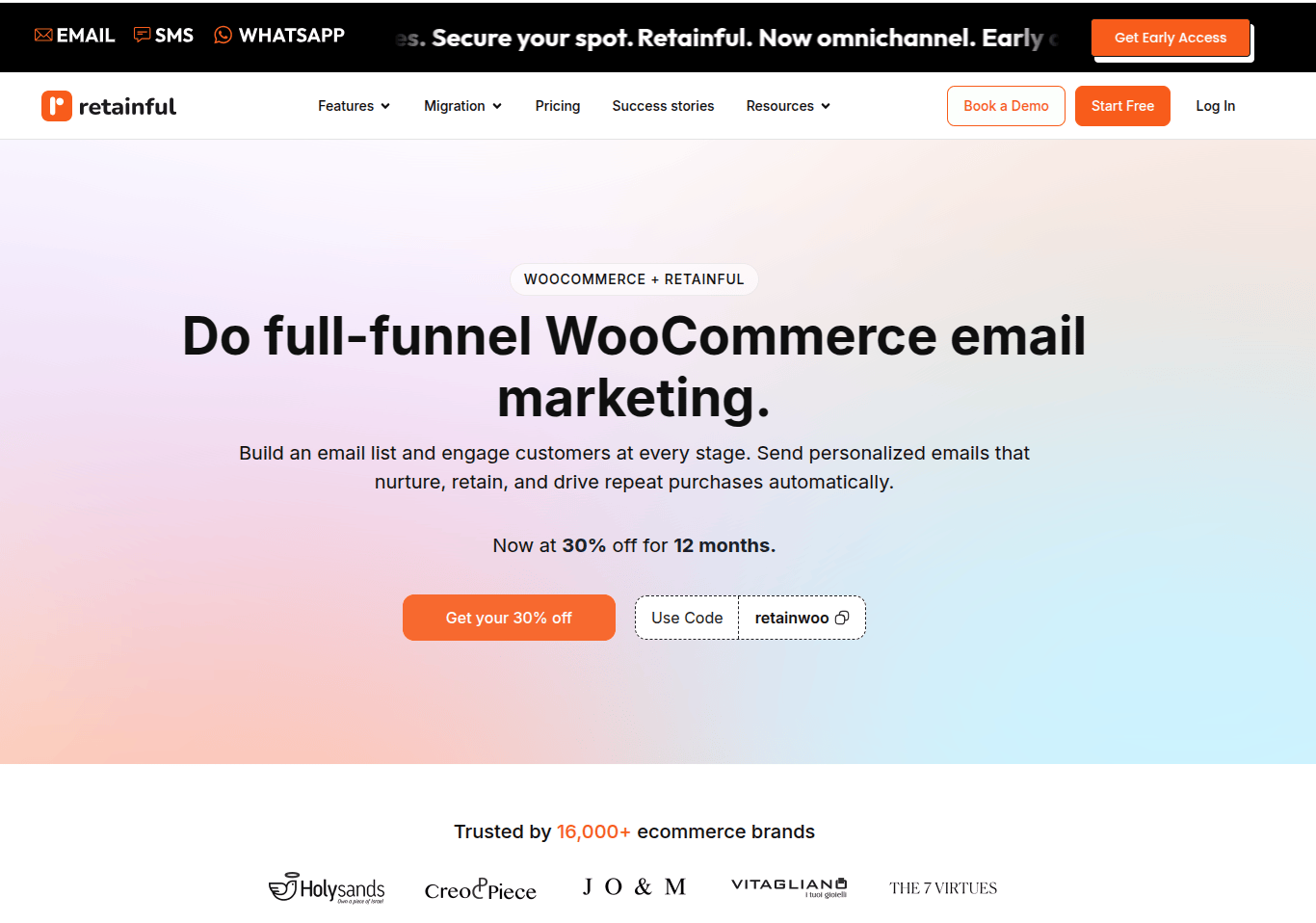
When it comes to mastering WooCommerce email marketing in 2025, Retainful stands out as a must-have tool. Trusted by over 16,000+ eCommerce stores, Retainful is an all-in-one solution for recovering abandoned carts, automating emails, and boosting customer engagement – all without the complexity or high costs.
Here’s what makes Retainful a game-changer:
- Recover up to 30% of abandoned carts with automated, well-timed recovery emails featuring dynamic one-click cart links.
- Grow your email list effortlessly using customizable signup forms and exit-intent popups.
- Automate key WooCommerce workflows like order follow-ups, win-back campaigns, and welcome emails with pre-built templates.
- Send personalized newsletters and campaigns using an intuitive drag-and-drop email editor – no coding required.
- High email deliverability with domain authentication to meet updated Google and Yahoo sender policies.
Retainful’s platform, fully compliant with GDPR, guarantees that your marketing efforts remain both reliable and secure. Plus, its smart sending feature ensures customers aren’t bombarded, improving open and click-through rates.
If you’re serious about scaling your WooCommerce store in 2025, a powerful WooCommerce abandoned cart recovery tool like Retainful is essential. It’s affordable, easy to set up, and built to turn lost sales into loyal customers.
2. Yay Mail
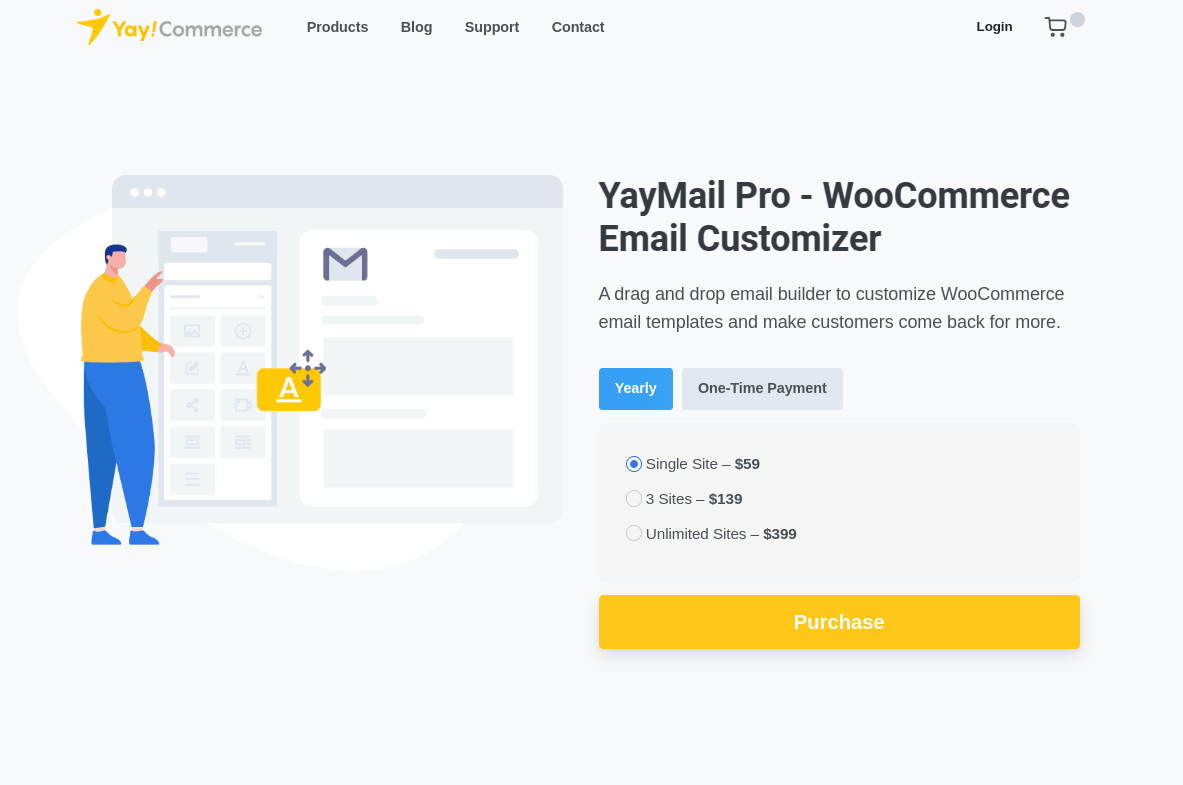
If you’re looking for a flexible, feature-rich WooCommerce email customizer, YayMail is a top contender in 2025. With its intuitive drag-and-drop email builder, YayMail makes it easy to design beautiful, branded transactional emails without writing a single line of code.
Whether you’re sending a new order confirmation or a password reset, YayMail gives you full control over:
- Fonts, colors, spacing, backgrounds, and images
- Previews on desktop and mobile devices
- Real-time testing before going live
Key Features That Set YayMail Apart:
- Customize all 11 default WooCommerce transactional emails
- 80+ third-party plugin integrations (e.g., WooPayments, Shipment Tracking)
- Smart variables and shortcodes for dynamic data (order, customer, payment info)
- Clone and copy templates across multiple emails
- Seamless compatibility with multilingual and custom status plugins
YayMail, with over 1 million downloads and 50,000+ active stores, is a trusted email customizer plugin. Plus, it offers a 30-day money-back guarantee, making it a risk-free investment.
3. Themehigh
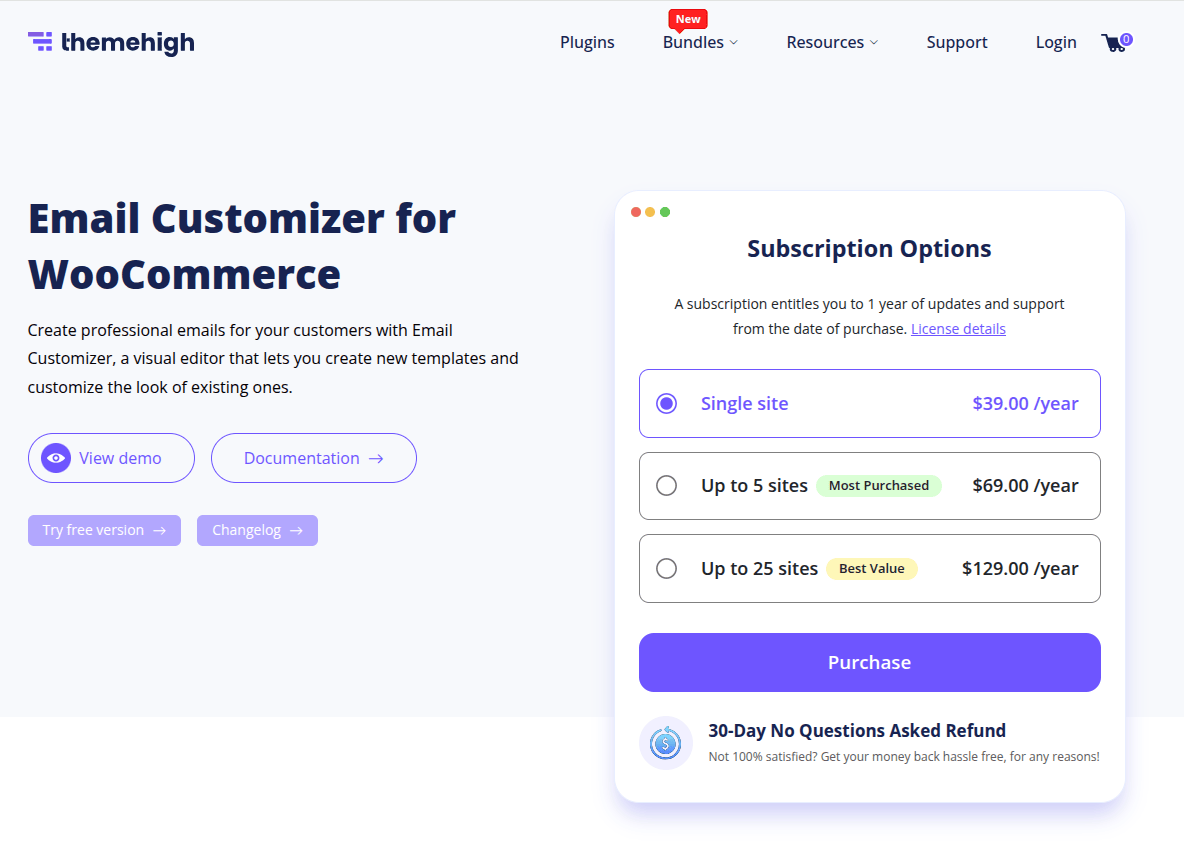
Themehigh’s Email Customizer for WooCommerce stands out as a powerful and affordable tool to craft visually appealing, professional email templates tailored to your brand identity. With over 195,000 downloads and 10,000+ active installations, it’s a trusted choice for WooCommerce store owners in 2025.
Key Highlights of Themehigh:
- Drag-and-Drop Editor: Customize layouts easily without writing a single line of code.
- Live Preview: Instantly see changes in real time for efficient editing.
- 11 Pre-Designed Templates: Ready-to-use templates for various transaction stages.
- 20+ Customizable Elements: Add text, images, GIFs, social icons, and WooCommerce-specific data fields.
- Hooks & Email Mapping: Integrate WooCommerce or custom hooks and replace default emails with personalized templates.
- Test Emails: Preview your design in a real inbox setting for complete assurance.
Themehigh is compatible with WPML, enabling multi-language email support — a crucial feature for global stores. Pricing plans start at $39/year and come with a 30-day money-back guarantee, suitable for single stores or up to 25 sites.
If you’re seeking a reliable WooCommerce email builder plugin that balances simplicity and advanced control, Themehigh delivers exactly that.
4. Spark Email Editor
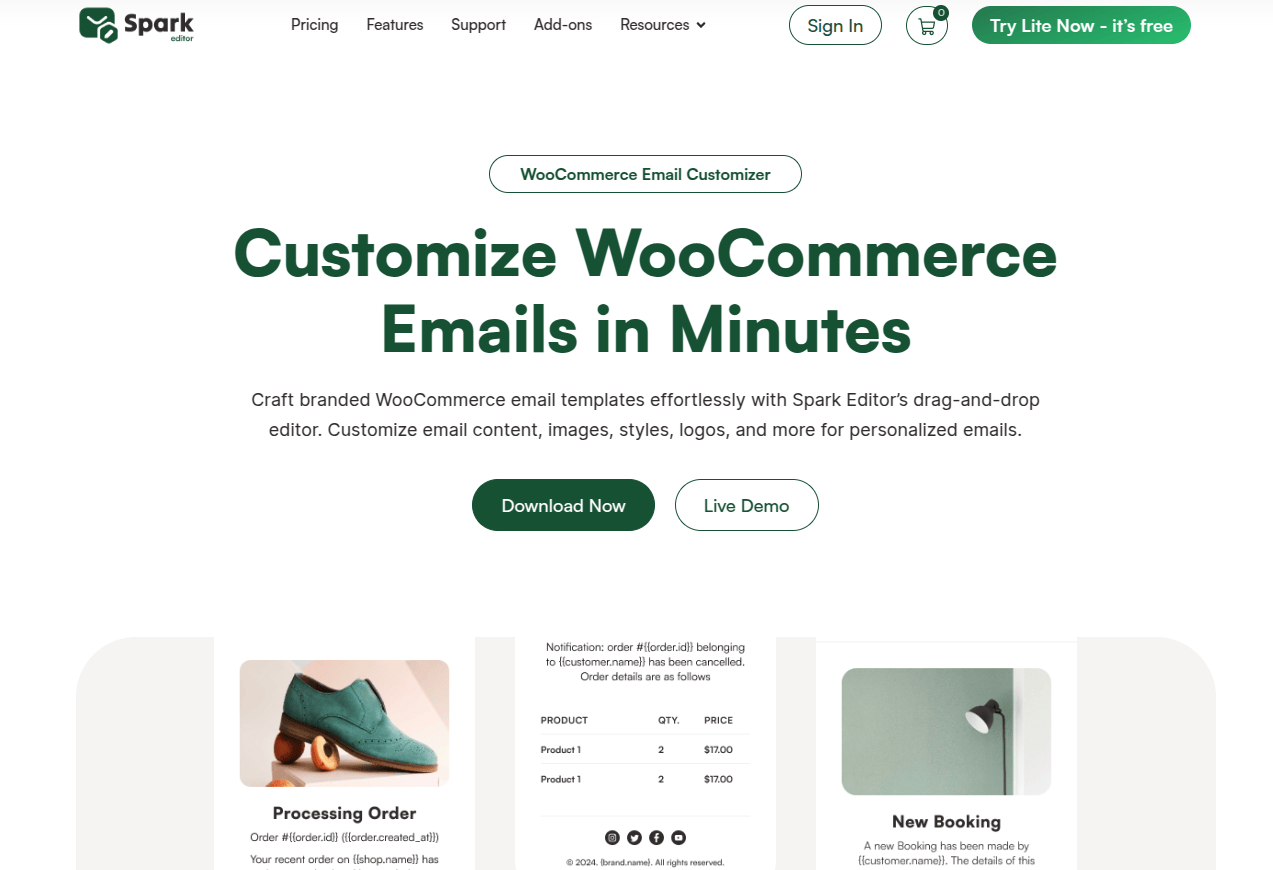
If you’re searching for a powerful yet simple WooCommerce email customizer, look no further than Spark Email Editor. Designed specifically for WooCommerce store owners, this tool offers everything you need to create branded, engaging, and professional email templates – all without writing a single line of code.
What Makes Spark Email Editor Stand Out?
- Drag-and-Drop Simplicity
No coding? No problem. Spark’s intuitive drag-and-drop builder makes it effortless to design transactional emails like new orders, cancellations, or refunds. - Real-Time Previews & Testing
Get instant previews of your emails and send test messages to ensure your templates look great on all devices. - Deep WooCommerce Integration
Supports 60+ third-party WooCommerce plugins and works seamlessly with subscription, booking, and loyalty email workflows. - Dynamic Branding Tools
Customize logos, fonts, and colors to align every email with your store’s identity. - Multilingual Support
Design templates in multiple languages to reach and retain a global audience. - 14-Day Money-Back Guarantee
Not satisfied? Try Spark risk-free with a full refund policy for 14 days – no questions asked.
In 2025, customer experience is crucial, and Spark Email Editor helps you transform simple WooCommerce emails into effective communications that drive conversions.
5. Kadence
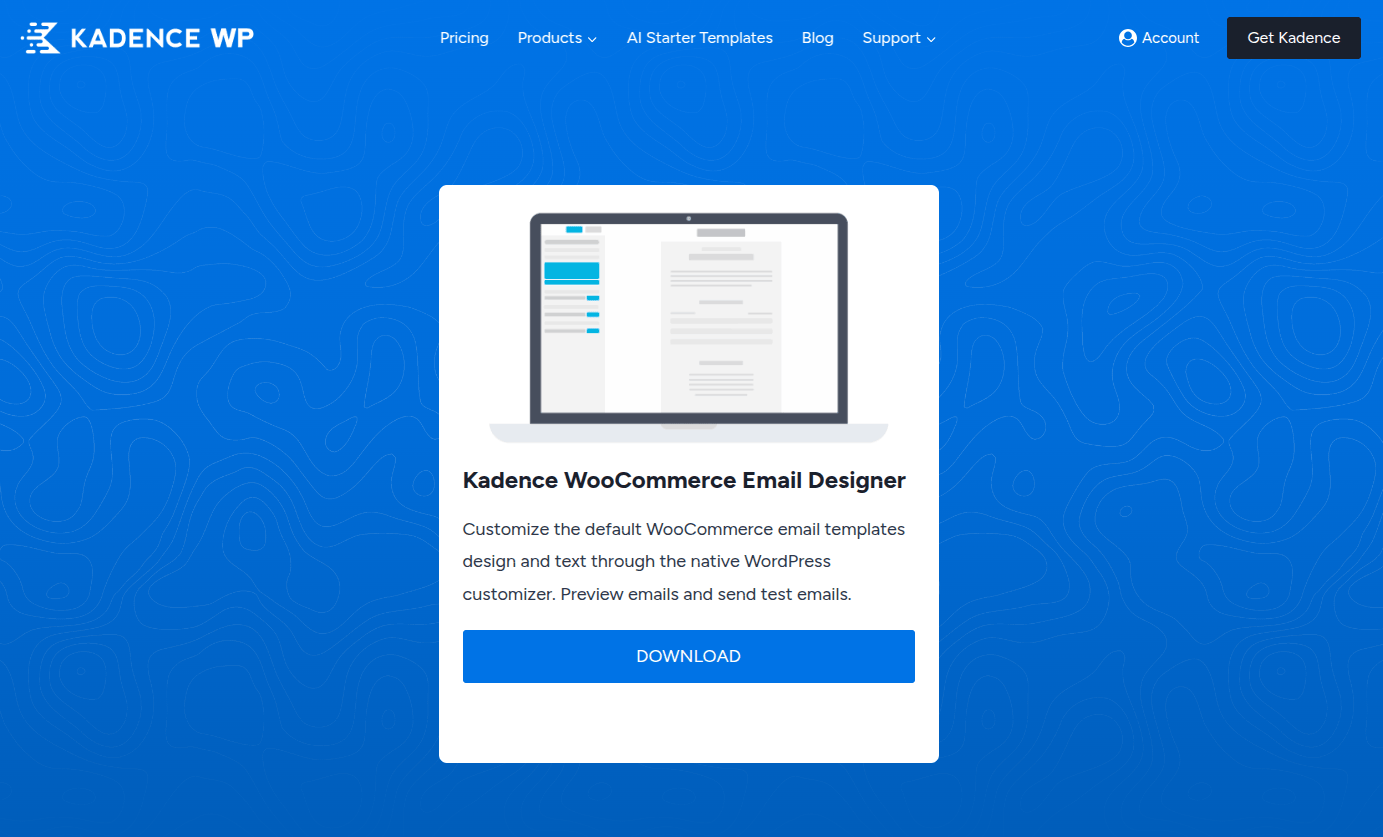
Kadence WooCommerce Email Designer is the perfect choice for store owners who want to create professional, on-brand email templates – all without touching a single line of code. It uses the native WordPress customizer to give you live, visual control over your WooCommerce email design.
Why Choose Kadence?
- Live Preview & Test Sends: Instantly preview and test how your transactional emails appear in real inboxes.
- No Coding Needed: Customize layout, fonts, colors, borders, and backgrounds with ease.
- Brand-Consistent Copy: Tailor subject lines, headings, and body text to reflect your store’s personality.
Whether you’re sending order confirmations or shipping updates, Kadence ensures your WooCommerce emails leave a lasting impression. Its intuitive interface is ideal for beginners, yet flexible enough for growing brands.
If you’re looking for a WooCommerce email customizer plugin that’s lightweight, fast, and user-friendly, Kadence delivers – beautifully.
How to Choose the Right WooCommerce Email Customizer
Choosing the right WooCommerce email customizer in 2025 can significantly impact your store’s communication and customer retention. With more competition and higher customer expectations, generic transactional emails just don’t cut it anymore.
Here’s what to look for when selecting the best tool:
- User-Friendly Interface
Pick a WooCommerce email editor that offers a drag-and-drop builder or integrates with the native WordPress customizer. You shouldn’t need coding skills to design beautiful emails. - Real-Time Preview & Testing
A good email customizer lets you preview templates and send test emails. This helps you see how designs appear across devices before sending them to real customers. - Deep Customization Options
From fonts and colors to layout and messaging, your WooCommerce email design plugin should let you fine-tune every visual detail. Look for support for custom headings, body text, and CTAs. - Plugin Compatibility
Make sure your email customizer functions properly with your WooCommerce setup, especially with subscription tools, discount engines, and affiliate programs. - Lightweight & Reliable
The plugin should load fast and function without conflicts. Heavy or poorly coded tools can hurt site performance.
The right tool helps you create personalized, on-brand, and high-converting emails that drive loyalty and sales.
Final Thoughts
Choosing the right WooCommerce email customizer can be the difference between a forgettable email and one that converts. In 2025, your customers expect more than basic, plain-text messages – they want engaging, personalized communication that reflects your brand.
Each of the tools discussed above brings something unique to the table, whether it’s deep customization, native WordPress integration, or advanced design flexibility. For store owners who prioritize ease of use, live previews, and modern design capabilities, there are options that truly stand out in terms of both performance and reliability.
Whether you’re just launching your store or scaling an established business, investing in the right email customizer for WooCommerce ensures that your brand voice stays strong in every inbox. Some tools offer more than just design – they help build customer relationships, automate follow-ups, and boost repeat purchases effortlessly.
Don’t settle for default templates. Give your customers a branded, memorable experience – because every email is an opportunity to leave a lasting impression.




Great roundup of WooCommerce email customizers! For businesses aiming to enhance their digital marketing efforts, collaborating with a seasoned digital marketing specialist in Qatar can provide invaluable insights and strategies. They can help tailor your email campaigns to resonate with your target audience, ensuring higher engagement and conversion rates.