
Are you searching for the top free WooCommerce themes for running your online store? While there are various WordPress themes available, only a few provide the best functionality for creating a perfect eCommerce website using WooCommerce.
WooCommerce is the most popular platform built on the WordPress CMS that allows you to start your own small business online. It offers dynamic features that allow you to make changes to your website easily with just a few clicks.
In this guide, I will provide you with a list of the top 13 best free WooCommerce themes to help you create the perfect eCommerce website and start your business online in just a few minutes.
13 Top Free WooCommerce Themes
Here are the top 13 themes for your WooCommerce plugin to create a beautiful eCommerce website.
| THEME | Total Installations | Average Theme Rating |
| Astra | 700,000+ | 5 |
| GeneratePress | 200,000+ | 5 |
| OceanWP | 500,000+ | 4.9 |
| Neve Shop | 100,000+ | 4.8 |
| Hestia | 100,000+ | 4.7 |
| Storefront | 200,000+ | 4.5 |
| Zakra | 40,000+ | 4,7 |
| EightStore Lite | 1,000+ | 4.3 |
| StoreVilla | 4,000+ | 4.4 |
| eStore | 10,000+ | 4.5 |
| Virtue | 50,000+ | 4.6 |
| eCommerce Gem | 5,000+ | 4.0 |
| Allegiant | 8,000+ | 4.0 |
1. Astra

When it comes to the best WooCommerce theme, Astra is one of the top choices for creating a simple and clean eCommerce store. Astra offers full support for WooCommerce and includes various drag-and-drop components that allow you to easily build your store homepage according to your needs.
The Astra theme also integrates with popular page builder tools such as Elementor and Beaver Builder, allowing you to create visually appealing pages that can lead to higher conversion rates.
Astra is known for its user-friendly setup process and provides a range of pre-built templates from which to choose. Additionally, it offers customization options, allowing you to create a unique design for your store.
One of the key advantages of Astra is its small file size of only 50KB. Unlike many other themes, Astra does not rely on jQuery and is built using vanilla JS, eliminating any render-blocking issues.
- Get the best 1 to 1 support for any help.
- Unlock a variety of prebuilt designed templates.
- Add-ons for Elementor/Beaver Builder.
- Various Pro plugins will help you with your store.
2. GeneratePress
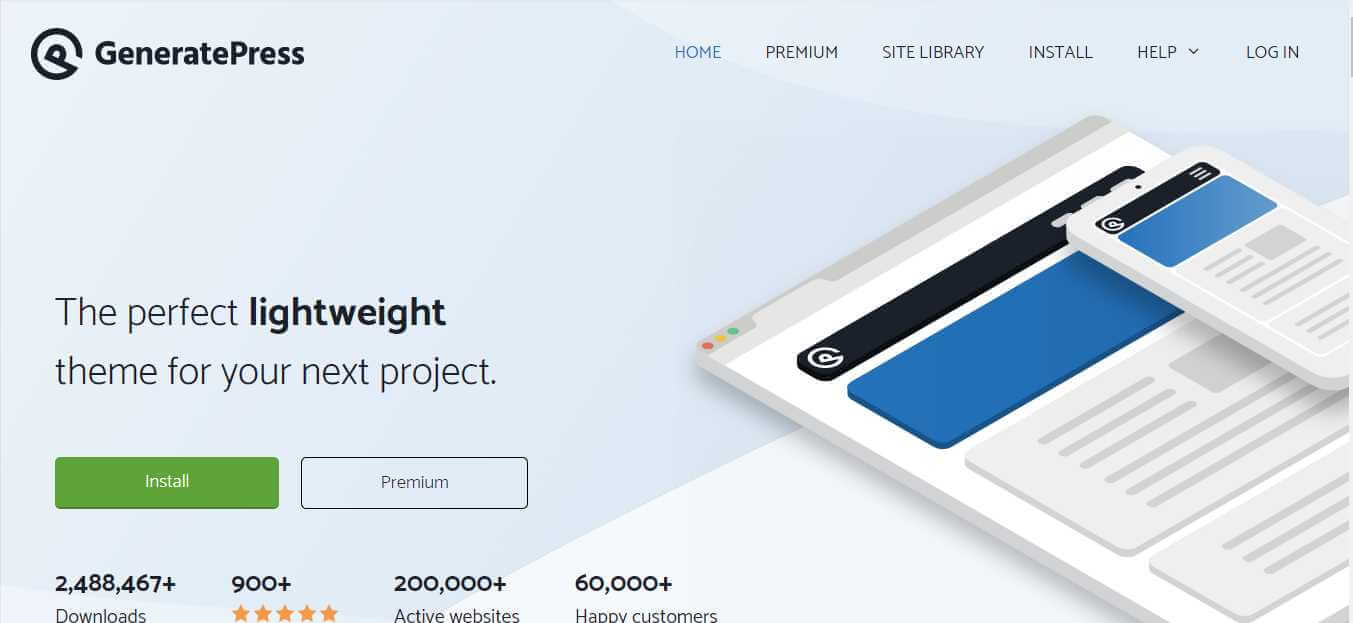
GeneratePress is another WordPress themes used to create various affiliate and blogging websites. GeneratePress is one of the most lightweight themes available in WordPress, with a size of only 30KB, making it fully optimized.
GeneratePress also offers full functionality for WooCommerce with its GP Premium plugin. The GP Premium plugin enables the use of GeneratePress themes for WooCommerce and offers various other features to make website customization easier.
When it comes to choosing a lightweight theme, GeneratePress is unbeatable. The theme is fully optimized according to Google PageSpeed and is built with the best SEO practices in mind.
- All premium modules
- Full access to the Site Library
- Unlimited websites
- 1 year of updates and support
3. OceanWP
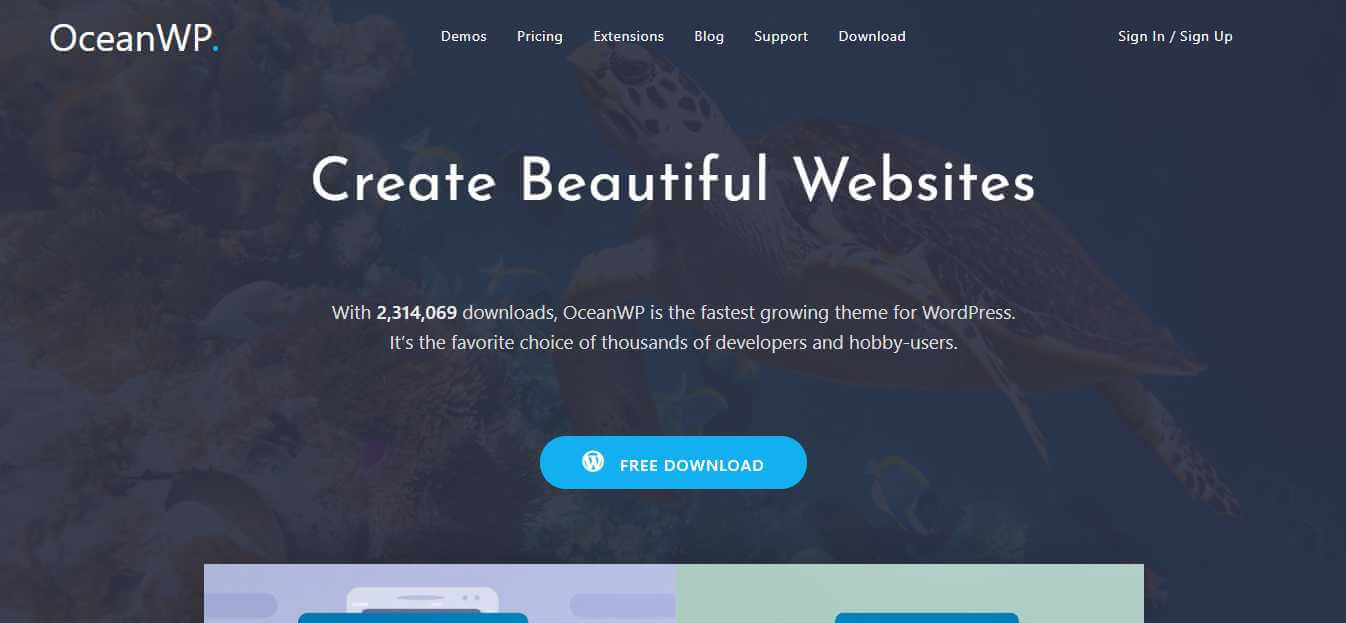
OceanWP is one of the fastest-growing themes for WordPress, with over 500K+ downloads. It offers a wide range of free and paid theme designs to choose from. Additionally, it provides full WooCommerce integration and is fully customizable with any page builder.
Furthermore, it supports several features that can help increase conversions on your website. These features include Native Cart Popup, Floating Add To Cart Bar, and Off-Canvas Filter.
The OceanWP theme is highly recommended for WooCommerce and has gained popularity among thousands of users worldwide. It is fully optimized according to Google PageSpeed and built with the best SEO practices in mind. Moreover, the theme is RTL ready and can be easily translated into any language.
4. Neve Shop
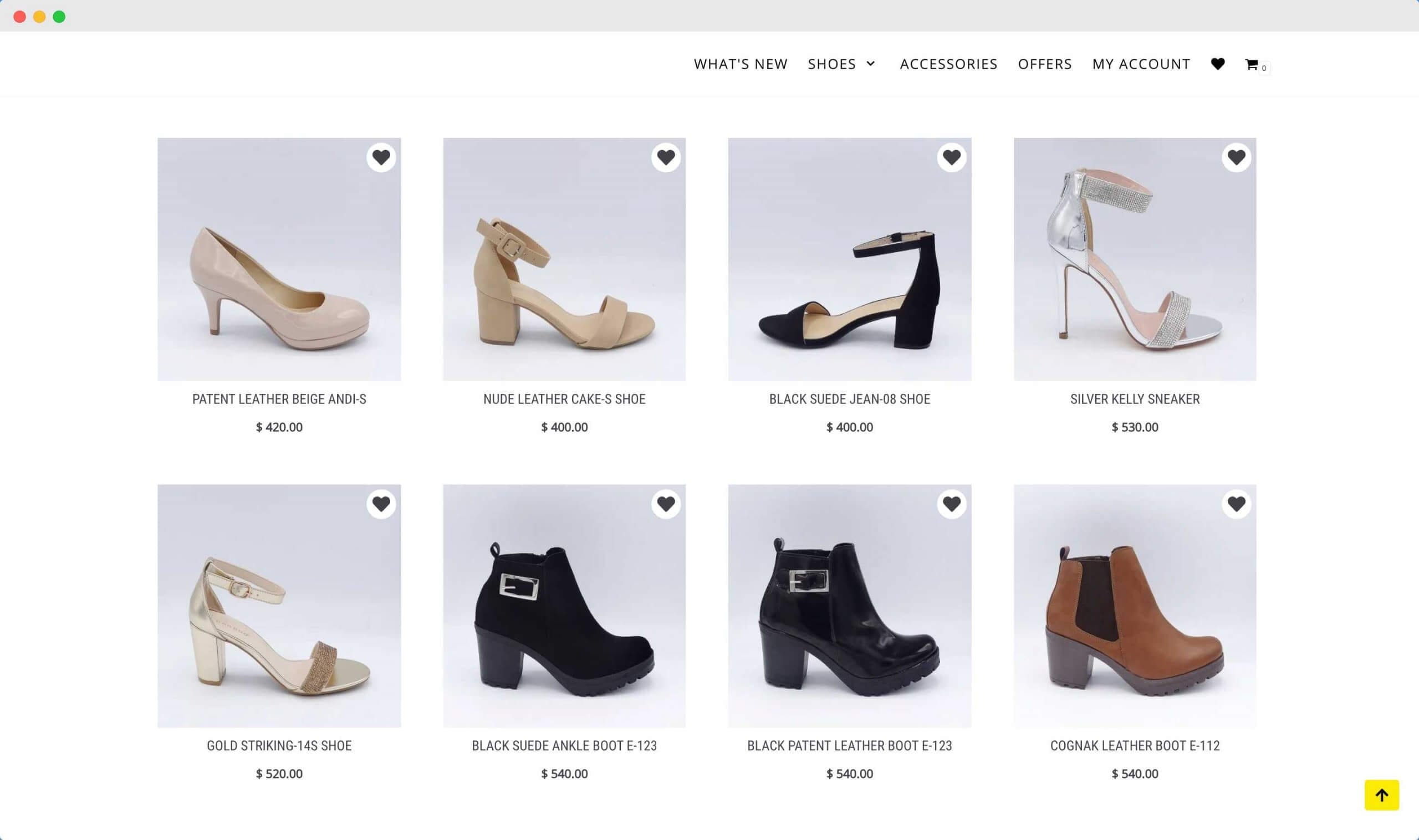
Neve Shop is another free WordPress multipurpose theme that comes with WooCommerce functionality, making it the best choice for a beginner’s eCommerce website.
The theme is fully optimized and offers great customization flexibility. You can easily customize the theme according to your needs, and its fast loading speed makes it perfect for increasing conversions on your website.
It can be easily customized using the drag-and-drop features provided by various page builders. Neve is also well-optimized for use with AMP. The theme is lightweight with a minimalist design, which makes it ideal for your WooCommerce store. Additionally, the theme is highly SEO-optimized.
5. Hestia
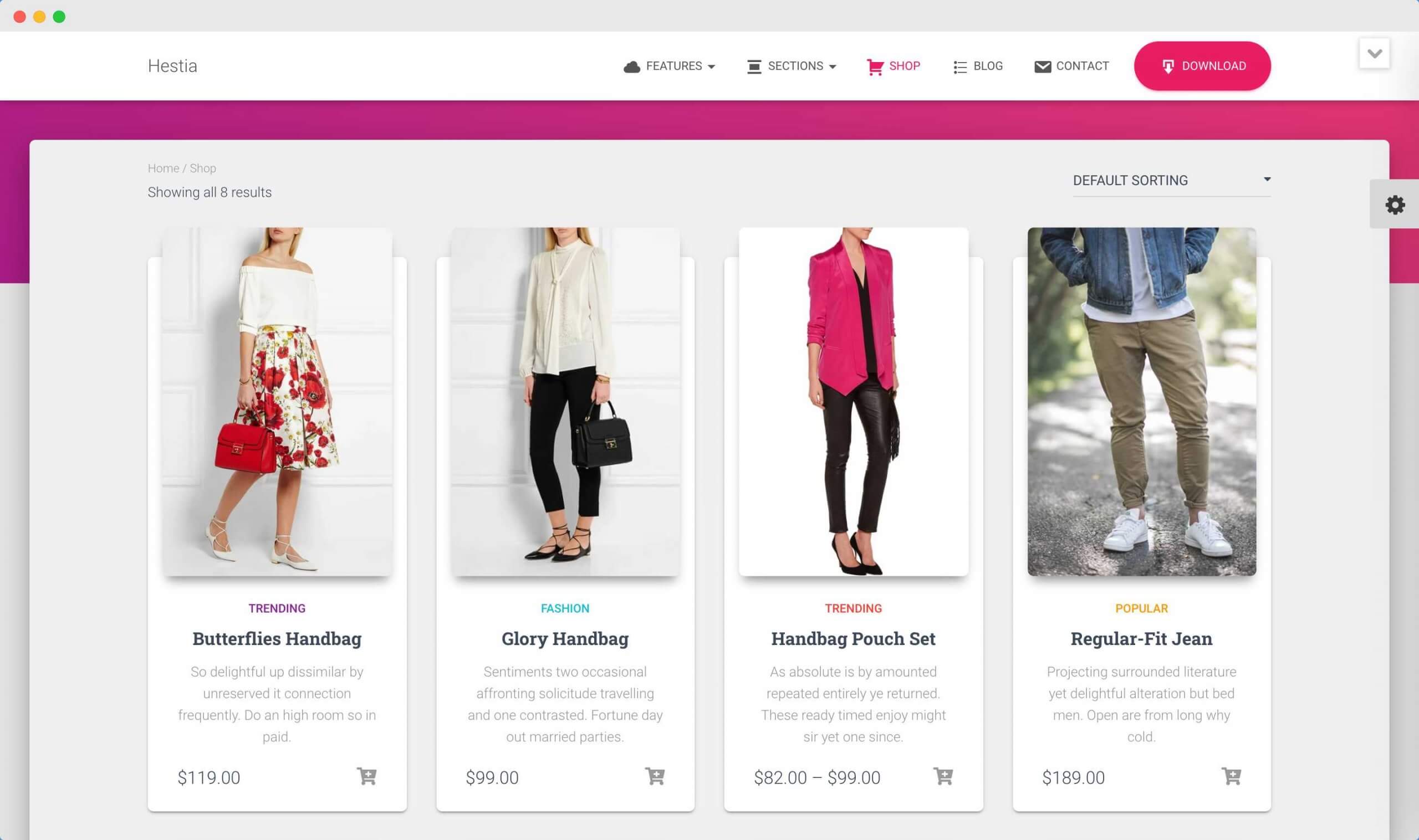
Hestia is a WooCommerce theme designed for creating professional eCommerce websites. It is ideal for small creative businesses, startups, and firms.
It is a versatile theme that can be customized to suit any type of website design. This theme is compatible with various builders and tools that make the design process easier, including Flat Parallax Slider, Photo Gallery, Travel Map, and Elementor Page Builder. It also uses Material Kit for its design.
6. Storefront
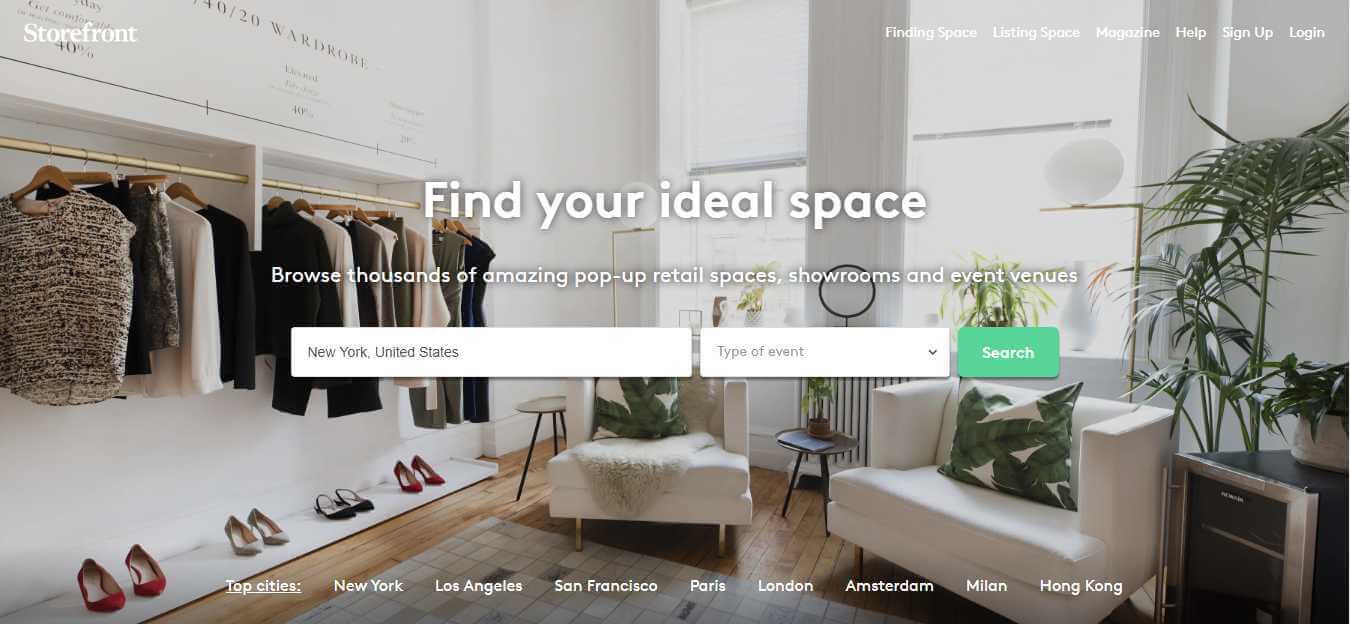
A full-screen, wide WooCommerce theme recommended and developed by WooCommerce itself, making it fully compatible with WooCommerce. Storefront is a clean and responsive theme with a simple design.
It features a full-width header and a categories option for a wide menu. It also allows for the creation of special categories for top-rated, on-sale, featured, or recent products.
The Storefront theme is fully responsive on all devices and has a homepage design focused on eCommerce to increase conversions. You can also find various Storefront-compatible extensions from WooCommerce to enhance flexibility and add more customization options to your theme.
7. Zakra
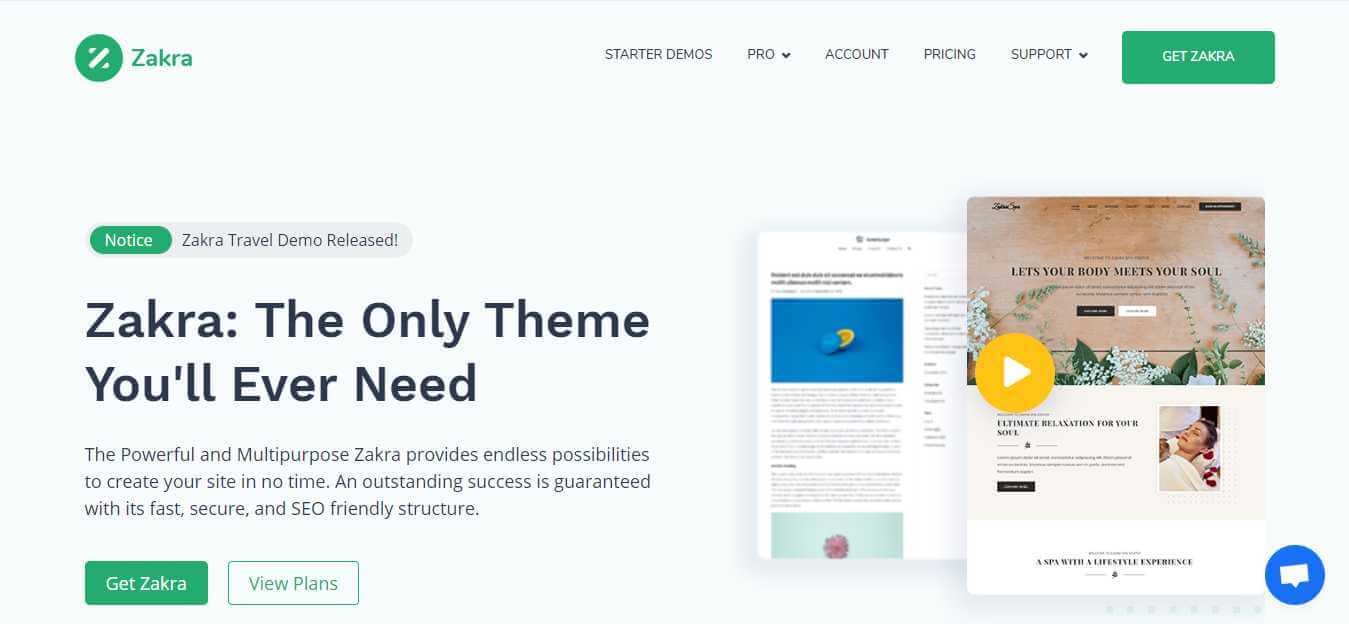
Zakra is the most powerful and multipurpose theme that provides endless possibilities for creating your eCommerce website design quickly. Zakra offers outstanding speed and an SEO-friendly website structure.
Zakra comes with over 30 pre-built demos to choose from. Each demo is created for a different website purpose, so you can choose the best match for your requirements and further customize it using the page builder, Elementor.
Moreover, the theme adheres to the best Google PageSpeed practices and is a lightweight theme specifically built for speed and optimized for performance.
8. EightStore Lite
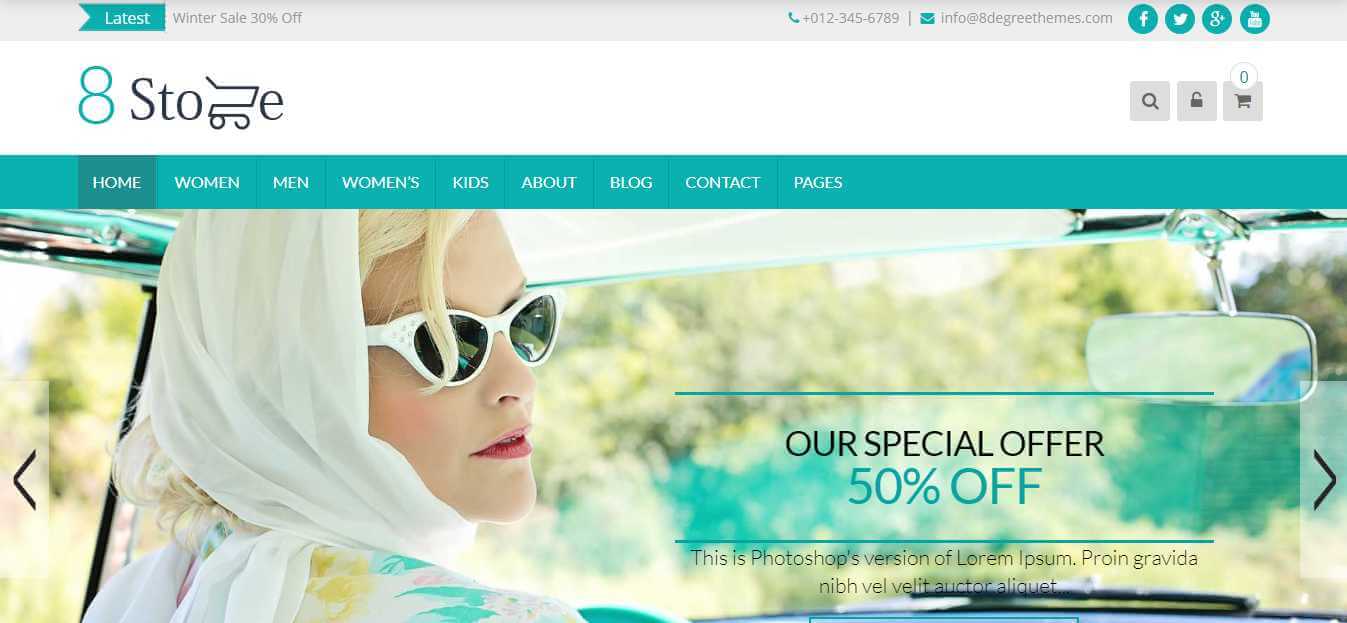
EightStore Lite is a free WooCommerce theme that allows you to easily build an online eCommerce store. It is a feature-rich theme that not only enables you to create an eCommerce store, but also provides various major integrations.
Some of the key features of EightStore include a boxed/full-width layout, highly customizable home page, product slider, advanced wishlist, multiple category display layouts, product and post search, promo ticker, payment/partners logo showcases, call to action, YouTube video integration on popup banners, full responsiveness, testimonials, 4 sidebar options, browser compatibility, featured product show list, bbPress compatibility, CSS3 Animation, and fast loading.
In addition to these features, the theme is fully SEO-compatible and translation-ready, allowing you to translate it into your preferred language. It also supports typography options, allowing you to easily change the website font as needed. With its RTL support, this theme is perfect for your store.
9. StoreVilla
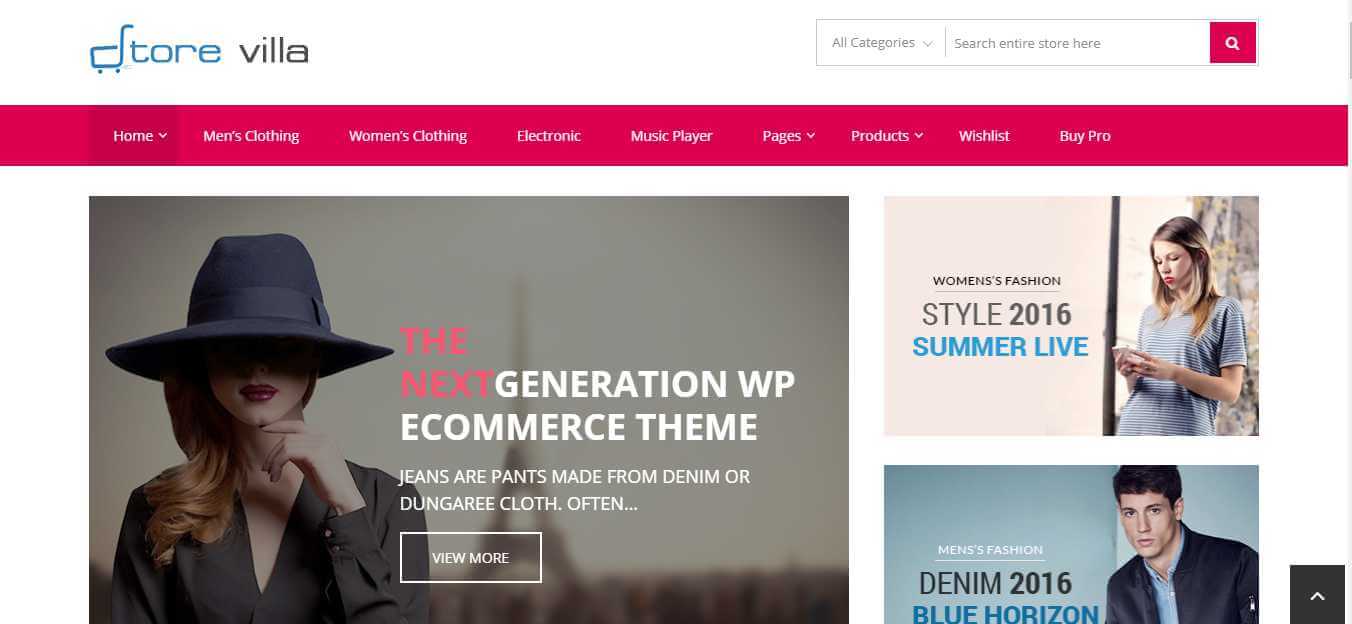
StoreVilla is another WooCommerce theme that is available for free. You can use this theme to easily build a successful online eCommerce store. With this theme, you can create any type of WooCommerce store, including fashion, jewelry, cosmetics, and more.
Using the built-in customizer tool, you can easily manage the theme options and element settings according to your preferences. The theme also supports advanced search filters, allowing users to easily search for products in any category.
Additionally, the theme is fully SEO-compatible and lightweight, making it perfect for WooCommerce. It also provides you with the option to translate your theme into any language of your choice.
10. eStore
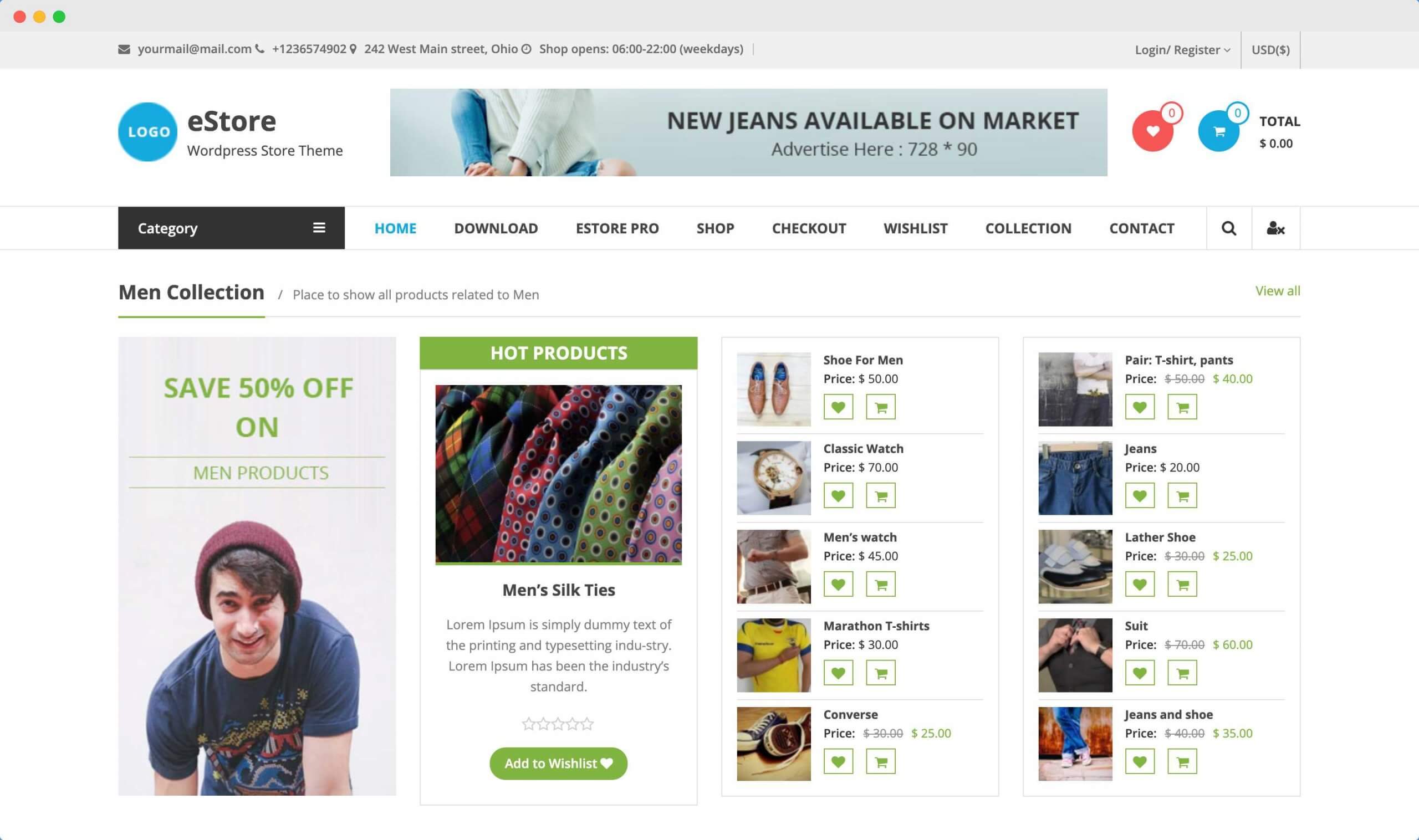
eStore, as the name implies, is another excellent WooCommerce theme offered by ThemeGrill that you can obtain for free. This theme is fully compatible with WooCommerce and YITH, and it boasts a clean and attractive design.
The theme provides support for various features and customization options, including primary color selection, RTL support, translation readiness, and compatibility with WPML.
While the theme includes all the essential functionalities, if you desire additional features such as Google Fonts, header design options, and other element designs, you will need to purchase the Pro version of the eStore theme from ThemeGrill.
11. Virtue
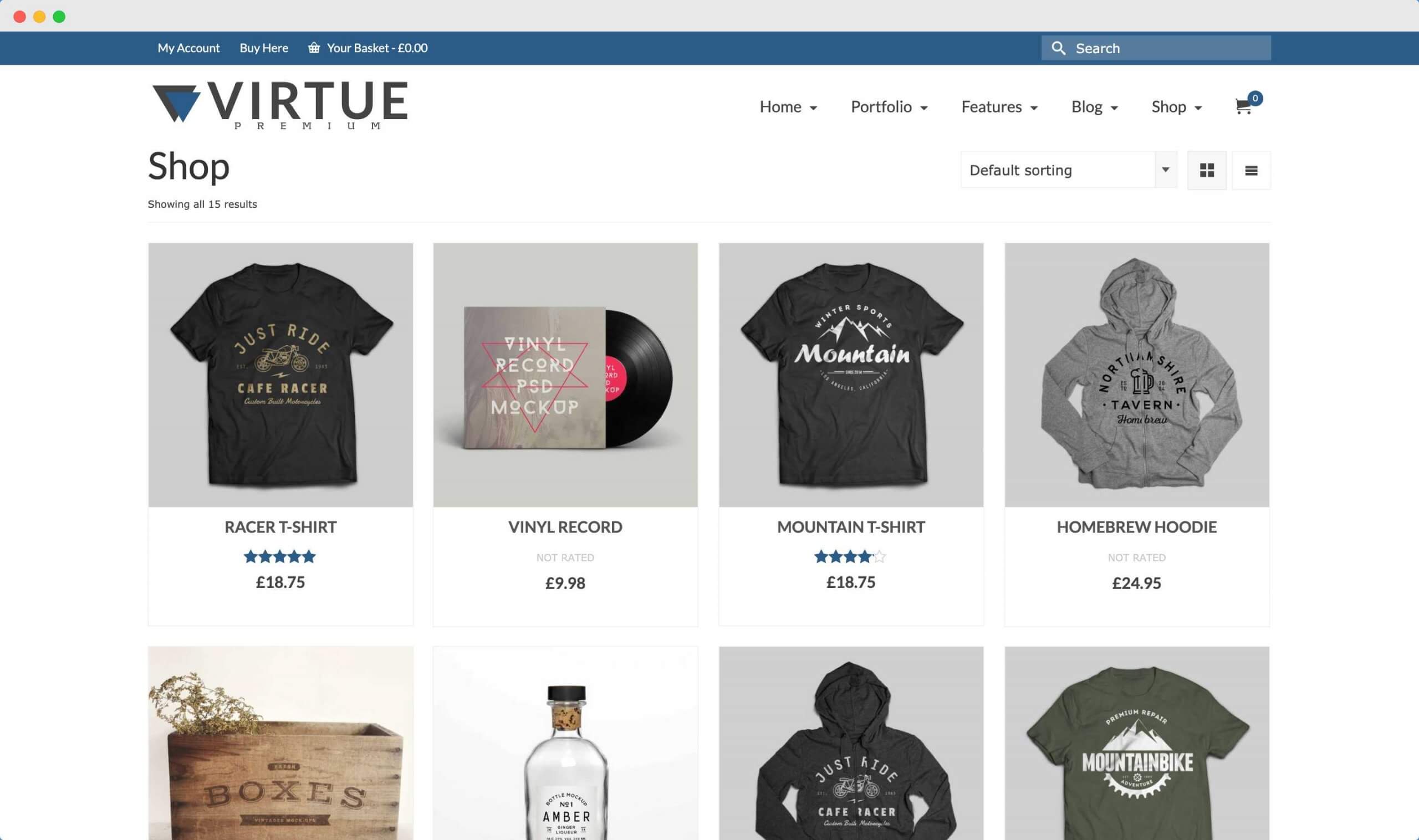
Virtue is one of the best themes available for WooCommerce. It is user-friendly and offers a wide range of customization options, along with great features.
This theme has a clean and modern design, developed using HTML5 and CSS3. It also utilizes Bootstrap’s responsive framework, making it fully responsive and mobile-friendly.
Additionally, Virtue supports the new Gutenberg editor and is fully compatible with WooCommerce. It provides a powerful options panel, allowing you to easily configure your home layout, sliders, custom fonts, and completely customize your appearance without the need to write any CSS.
12. eCommerce Gem
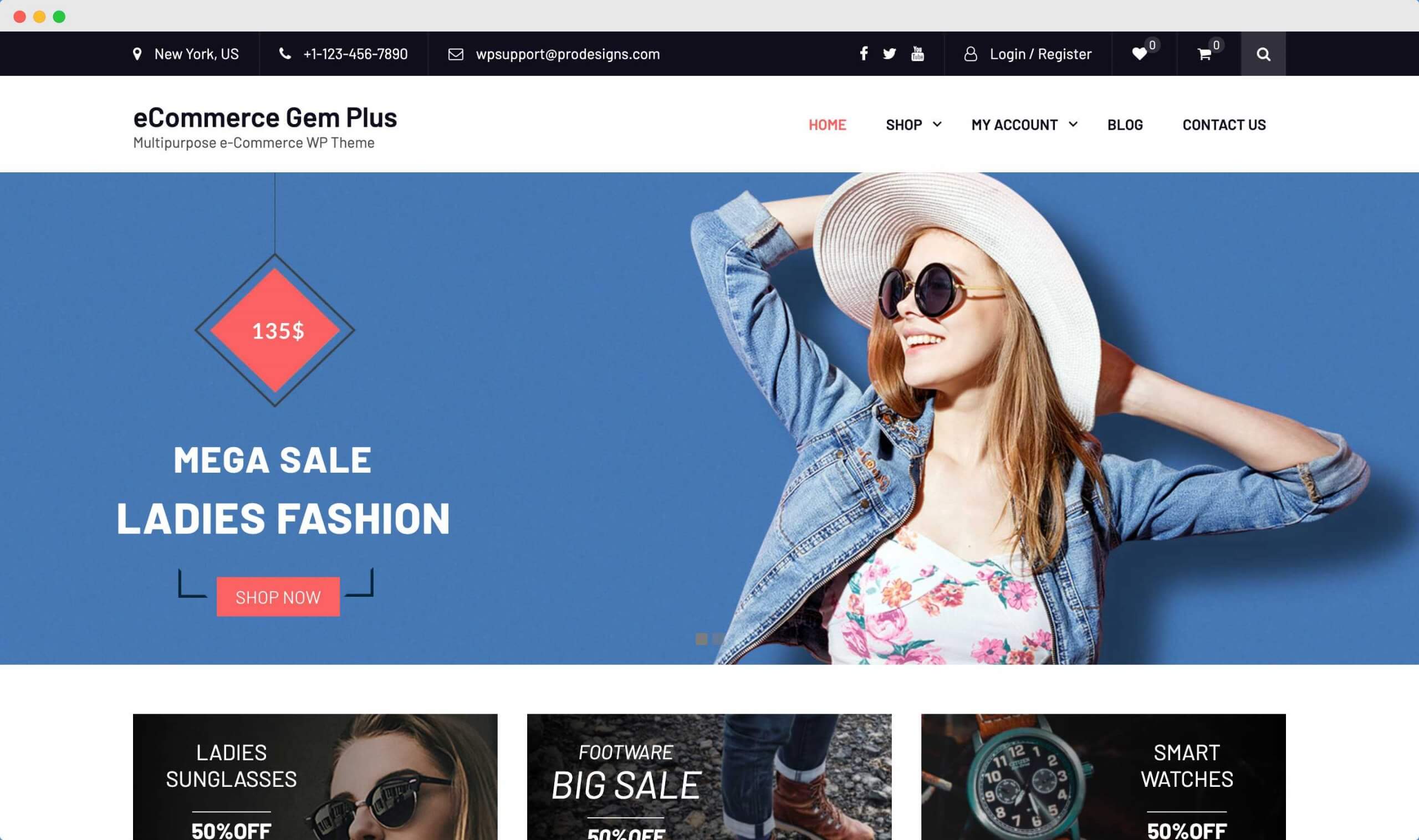
eCommerce Gem is another popular WordPress theme that is fully compatible with WooCommerce. The theme is currently active on over 5,000 websites and is known for being highly responsive and fast-loading.
One of the main features of the eCommerce Gem theme is its product search with category filters. It also includes a full-width, easy-to-use slider, a carousel for displaying the latest and featured products, call-to-action elements, an advertisement section, banners, and more.
The theme is particularly well-suited for fashion, jewelry, and book stores due to its versatile layout.
13. Allegiant

Allegiant is another top-notch multi-purpose WordPress theme with over 8,000+ active installations. It is fully compatible with WooCommerce and can seamlessly integrate with popular plugins like Yoast SEO and WPML.
This theme offers a full homepage slider, feature blocks, portfolios, services, team members, and even testimonials pages – all the essential features you would expect from a basic WooCommerce theme.
If you are in search of a flawless and sleek WooCommerce theme, I highly recommend giving this theme a try.
Bonus Themes for WooCoomerce
1. Gutenix
Introducing Gutenix – the ultimate minimalistic WordPress theme for any purpose. Packed with a wide range of features, Gutenix is constantly updated to ensure optimal performance. It is compatible with popular page builders such as Gutenberg, Elementor, and Brizy, giving you the flexibility to create stunning websites. Additionally, Gutenix allows you to install various add-ons, including Contact Form 7.
With Gutenix’s real-time preview customizer, you can instantly see the changes you make. Setting up an online store is a breeze with the seamless integration of the official WooCommerce plugin.
The theme offers six captivating blog layouts: standard post, video post, gallery post, quote post, link post, and audio post. You have the option to add a left or right sidebar or go for a full-width page. Furthermore, Gutenix boasts an impressive loading time of 0.9s according to GTMetrix. It has also received a remarkable 96% score on Google Speed Insights for loading speed on desktop devices and 95% for mobile devices.
Conclusion
In this guide, we have shared a few WooCommerce themes that are available for free and rated by thousands of experts. As you may already know, WooCommerce is one of the most popular platforms for creating online eCommerce stores. It is used by the top 30% of eCommerce websites worldwide to create highly flexible and dynamic online stores.
While WooCommerce provides the functionality to run an eCommerce store, the appearance of the store is determined by the themes used. Therefore, it is important to choose a theme that suits your needs in order to create a perfect eCommerce store.
There are numerous themes available in the market for WooCommerce. We have reviewed each of these themes and compiled a list of the top 13 themes that are widely used and loved by thousands of users worldwide.
Please let us know which theme works best for you. If you are using any other themes on your WooCommerce store, please share your review with us and we will include your choice as well.




Hey, that’s an amazing piece of information every web developer and digital marketer must know about. Thanks for sharing this informative post.
Woocommerce is the best for shop websites.
So thanks brother!
Incredibly useful guide! The list of WooCommerce themes is comprehensive which helps in making a solid decision. Your explanation about building a WooCommerce website is very clear and helpful. Thanks for sharing.
This guide provides thorough insights into the best WooCommerce themes for e-commerce websites. It’s a must-read for those seeking a perfect theme for their online store. The integration of advanced features and user-friendly setup makes these themes highly commendable.
Great article! You have provided a comprehensive list of WooCommerce themes which are really helpful for anyone planning to start an online store. Your in-depth analysis on each theme’s features and capabilities is highly appreciated.
Thanks a lot for this insightful post! It greatly helped me in understanding the best WooCommerce themes for my online store. I found the list of top 13 themes very useful in deciding the right theme for my eCommerce store.