10 Best AI Video Generators in 2026: Costs and Limits
Compare the best AI video generators for bloggers, small businesses, and marketers: real pricing, honest limits, and which tool fits your workflow.

Stop buying the tool with the most impressive demo. Ranking the best AI video generators by which clip looks most cinematic is how small teams end up paying for software they never ship with. A 10-second hero shot won't turn a blog post into a publishable Short, train new staff, or put accurate on-screen text in a product explainer.
Sort by job first. A blogger turning articles into clips, a marketer producing a presenter explainer, and a creator generating individual cinematic shots need three different products, three pricing models, and three editing workflows. A tool priced per finished minute behaves nothing like one that burns credits on every regeneration, and commercial-use terms decide whether the output can run in paid ads at all. Realism rankings skip all of that, plus how many attempts a usable clip takes.
The pressure to pick correctly is growing. Stanford University's 2025 AI Index found the share of surveyed organizations using generative AI in at least one business function rose from 33% in 2023 to 71% in 2024. This guide ranks the leading options by the job each one does well, what it costs in practice, and where it will slow you down. Skip any tool that doesn't match your recurring output, even if its demo is better.
1. revid.ai
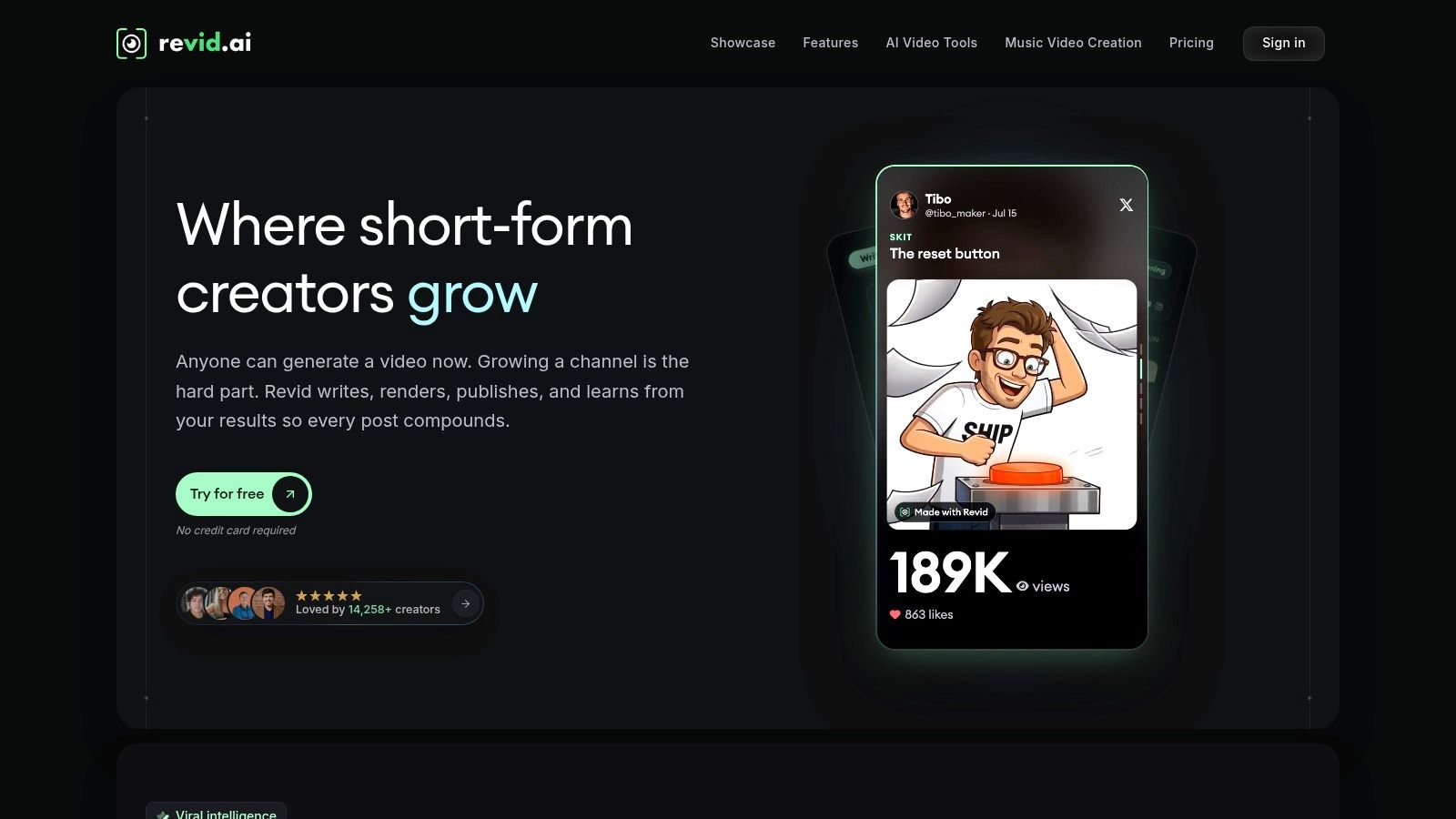
If your job is publishing short-form video consistently, not crafting one perfect scene, start here. Revid.ai turns an idea or existing content link into vertical-ready videos for TikTok, Instagram, and YouTube, and it builds the workflow around speed. You don't begin with a blank timeline, and you don't need prior editing skill to get a structured draft.
The practical advantage is how many starting points it accepts. You can automate creation from blogs, subreddits, and social media accounts, generate a script in seconds, then customize the result in its editor before publishing. That fits bloggers and small businesses who already have written content sitting unused, but don't have hours to reformat it manually for each platform.
Where Revid.ai earns its place
- Trend research built in: Advanced search helps you identify trending content and hooks, so you're not guessing what format to copy.
- Script to edit in one flow: Generate the script, assemble the video, and refine captions, pacing, and visuals without switching tools.
- Viral-first templates: The output is shaped for scroll-stopping short clips first, which suits faceless channels and regular social posting.
Practical rule: Choose a repurposing tool like this when your bottleneck is volume and consistency, not shot-by-shot cinematic control.
I recommend Revid.ai for creators who need several publishable clips a week from ideas they already have. It's less suited to corporate training libraries or filmmakers who need precise camera direction across scenes. For social growth work, that trade-off is the right one. You're buying throughput, reusable formats, and a shorter path from link to posted video, and that's the problem most small teams need solved.
2. Runway
Runway is built for individual shots rather than finished videos. Its Gen-4.5 model handles text-to-video and image-to-video inside a browser workspace, with controls for composition, motion, and camera direction. Detailed prompts can steer timing and camera moves in ways article-to-video tools don't attempt, so it rewards anyone willing to think like a director.
Every output is a short take. That suits B-roll, a product hero moment, or a visual concept you'll cut into a longer edit, and it means anything substantial gets assembled by you. Plan to finish the job in one of the video editing tools that handle generated footage well, and budget real time for the assembly, not just the generation.
Costs and limits to test first
- Credits burn on retries: Each generation spends credits, and complex motion rarely lands on the first take. Learn your prompt style on the free tier before paying for volume.
- Short output by design: Longer edits mean generating, selecting, and stitching many shots yourself, so the cost per finished minute climbs fast.
- Free tier for learning: A free option lets you test the interface and prompt behavior before committing, which matters given the learning curve.
Pick Runway if you care about directing a shot. Skip it if you want a blog post turned into a narrated video automatically. It won't write your structure, choose your scenes, or spare you post-production, and credit-based pricing turns careless retries into the fastest way to drain a budget. Before client work, check what your plan tier permits commercially, since usage rights are the detail most roundups skip.
3. Google Flow with Veo
Google Flow is a filmmaking workspace built around Veo, not just a prompt box. You create clips, join them into scenes, and organize prompts and assets as a sequence. That structure helps when you're testing visual continuity across shots, which is where single-clip tools usually break down.
Veo's momentum is real, since industry reporting on AI video generation statistics notes Veo 3 launched on May 20, 2025 with native dialogue, sound effects, and music, and Alphabet CEO Sundar Pichai later said it had generated more than 70 million videos since launch. Native audio is the key benefit. You don't have to build sound separately for every short scene.
Access is the friction. Flow is available in the U.S. through eligible Google AI subscriptions, credit costs vary by model, and Google recommends desktop use with a Chromium-based browser. Veo is also available through a developer API with usage-based pricing that depends on model and settings, which suits metered production but requires separate setup.
Choose Flow for story-driven, cinematic sequences and prompt adherence across scenes. Don't choose it for cheap volume. Metered and credit-based costs reward planned shots, and they'll punish random experimenting. Budget for a small test batch before you commit a client project to it.
4. Adobe Firefly
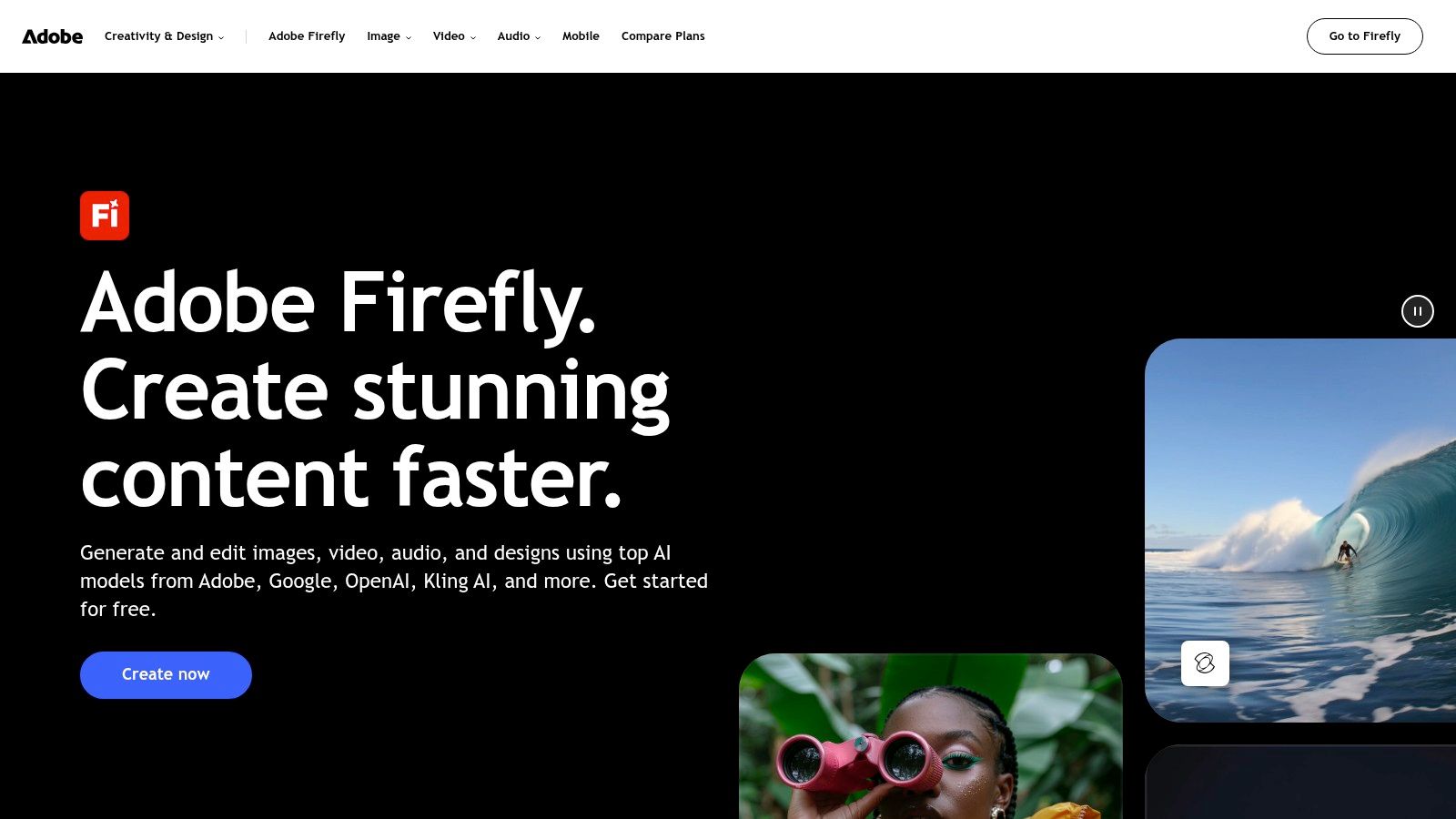
Already editing in Premiere or Photoshop? Adobe Firefly is the least disruptive way to add generated video. It offers text-to-video and other generative tools using monthly credits, sits alongside image and audio features, and connects with Creative Cloud apps so you can generate material and keep editing in familiar software.
Commercial terms are its strongest selling point. Adobe says outputs from its own Firefly models are designed for commercial use, although terms can differ for partner models available in Firefly plans. Read that distinction carefully before client work. If you also generate stills, compare workflows against the best AI image generators for commercial projects to keep assets consistent.
What you'll pay and what limits you
U.S. plans start at a listed $9.99 per month, but video uses premium credits and the number of generations depends on your plan. Subscriptions also bundle other creative benefits that video-only buyers may never use. That bundle is good value for existing Adobe users and a poor reason to switch ecosystems.
I recommend Firefly for teams that value workflow fit and clearer commercial positioning over maximum generation volume. Skip it if you want the cheapest cost per clip or you don't use Adobe tools at all.
5. Kling AI
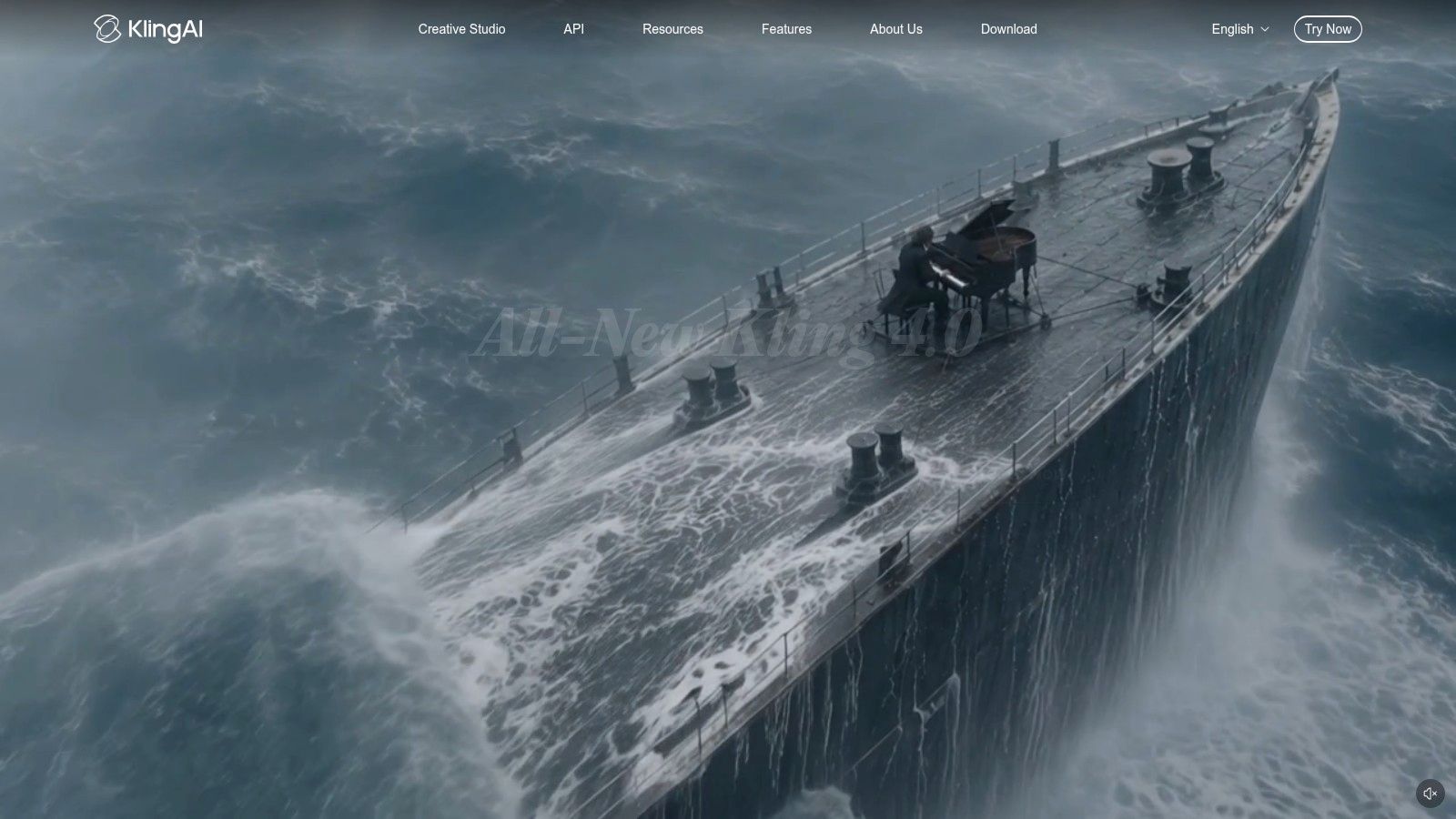
Kling AI puts video and image generation in one creative workspace, with tools such as motion control for experimenting with movement-driven output. Paid subscriptions are advertised from $6.99, which makes it approachable to test. HD video generation is available on plans, with features varying by subscription.
That low starting price is also the trap. Credit allowances and generation costs make output volume hard to estimate until you generate at your chosen quality, duration, and resolution. A test that looks cheap at default settings can become expensive when you raise quality or regenerate failed motion several times.
- Best use: Exploring several generation and editing options in one service without a high entry price.
- Main risk: Advanced quality or resolution may require a paid tier, and credits can disappear during iteration.
- Check before publishing: Confirm output limits and commercial-use terms for your exact plan, not the homepage summary.
Run ten real prompts at your final settings and count the credits. That number, not the starting price, tells you what Kling will cost you each month.
Kling suits curious creators who will actively manage settings and retries. Small teams that need predictable monthly output should only buy after that credit test, because unpredictability is the whole cost problem here.
6. Pika
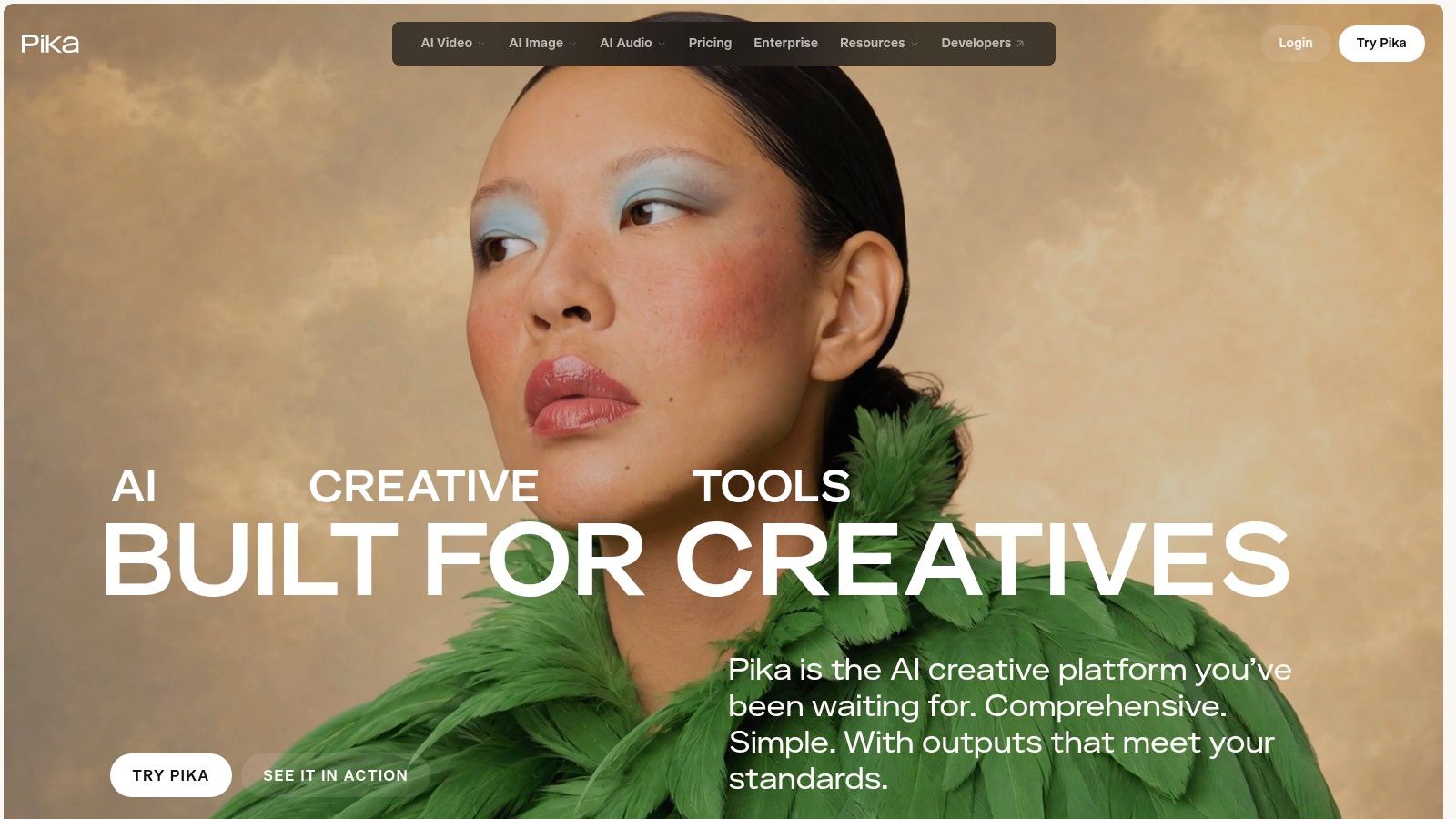
Pika is built for playful, short-form experiments across video, images, and sound. Multiple models and creative effects, depending on your plan, give you different looks without a steep learning curve. It's a sensible sandbox for social posts and visual ideas you want to test before investing in a heavier production tool.
Its pricing structure gives you an alternative to subscriptions. Credit packs are available without a subscription, which works for occasional use, while paid plans change generation allowances, commercial-use rights, and queue priority. Paid tiers can also remove watermarks.
The limits are clearly stated if you look. The listed Free plan has no monthly credit allowance, and commercial use isn't included in the listed Free or Starter plans. Output volume also depends on the model and generation settings you select, so a headline credit number doesn't equal a fixed number of finished clips.
That makes Pika easy to place. Use it to learn, prototype effects, and make occasional social visuals. Don't build a client workflow on a tier without commercial rights, and don't assume one-time credits beat a subscription until you've calculated your monthly retry rate. For steady business publishing, rights and repeatability matter more than novelty effects.
7. HeyGen
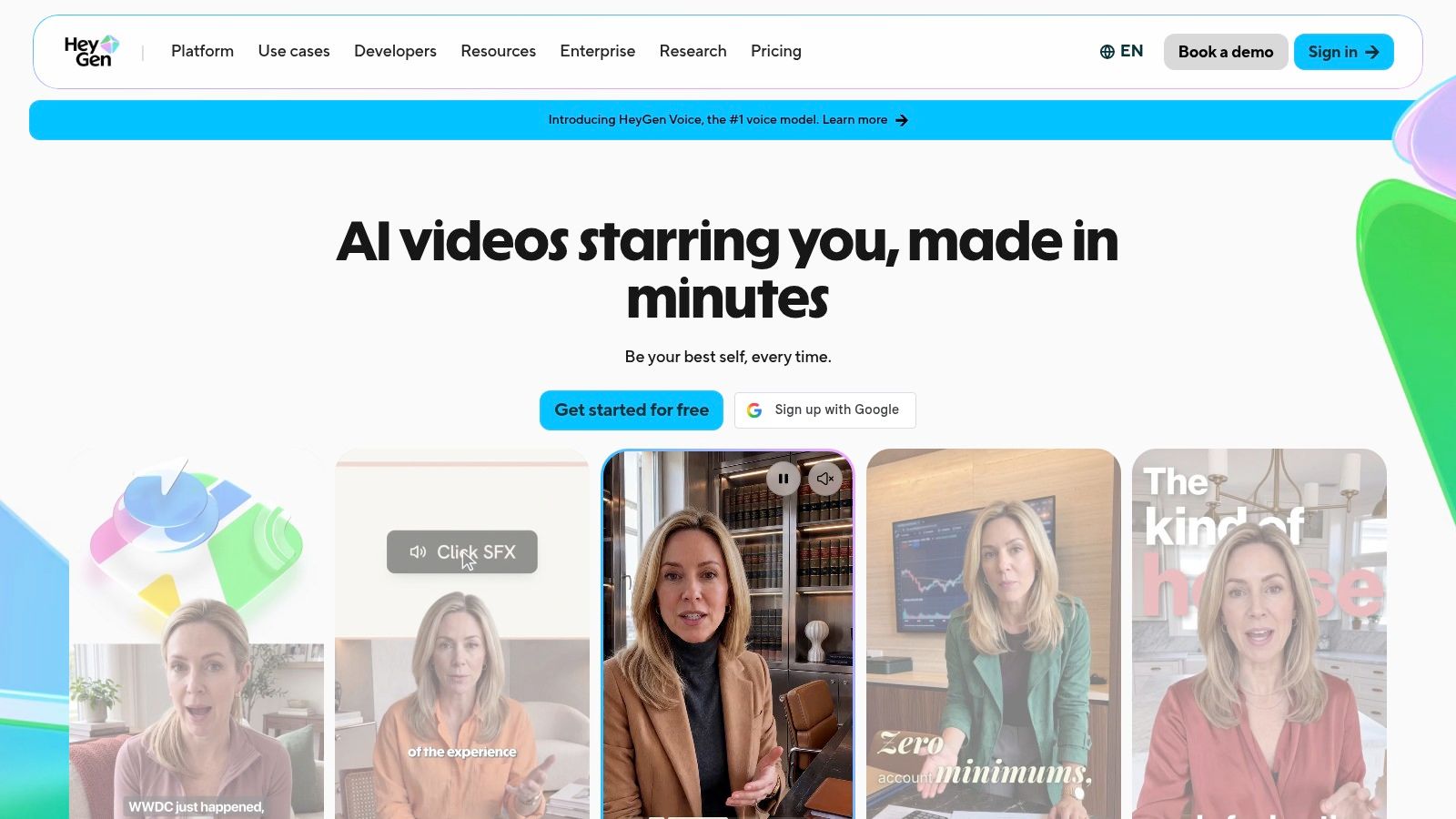
You don't need a camera crew to make a presenter explainer, and HeyGen is built around that job. Ready-made and custom avatars, AI voices, script-to-video tools, templates, and a video editor turn written copy into talking-head content. Translation across many languages and dialects makes it especially useful for localizing marketing, training, and tutorials.
Set expectations clearly. Avatar delivery can feel less natural than filming a real presenter, particularly on trust-sensitive sales pages or founder-led content. That caution matches academic research on generative AI in university communications, where generated video received a mean satisfaction score of 2.4, with only 11% of respondents giving positive ratings. Test full scripts, not 15-second samples.
Plan limits that affect daily use
A free plan lets you try a few short videos, but they're limited in number and duration and they're watermarked. Paid plans offer higher resolution, longer durations, and expanded credits, while credits are shared across features and usage varies by model and content.
I recommend HeyGen for repeatable explainers and multilingual versions where consistency beats charisma. Film a real person when credibility is the product. Avatars save production time, they don't automatically earn audience trust.
8. Synthesia
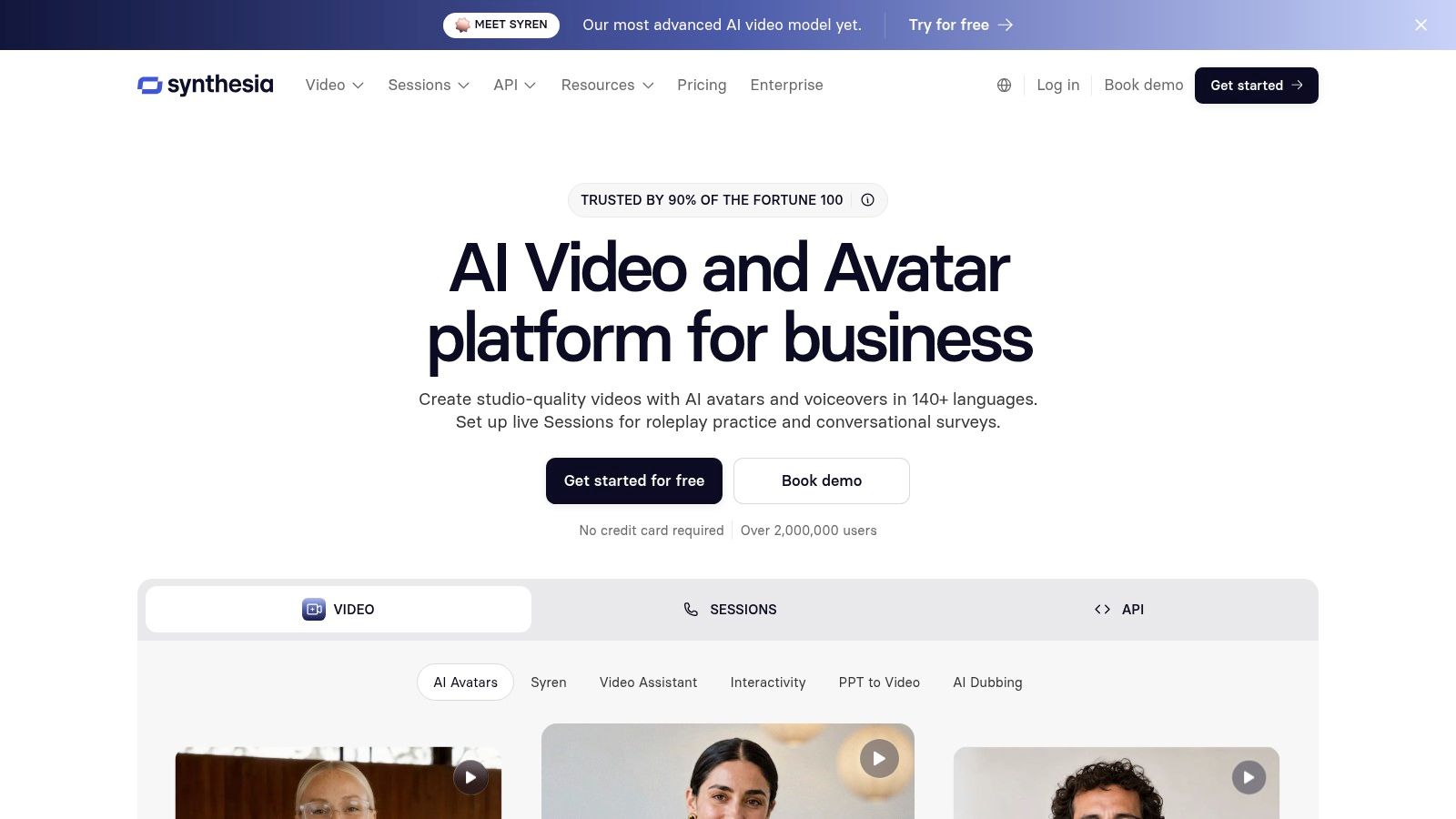
Synthesia does one job deliberately well. It creates scripted, presenter-led videos for training, onboarding, and instructional content, using AI presenters and voices in a script-first editor. You aren't directing cinematic scenes here, you're producing repeatable, branded explanations that can be updated when a process changes.
That narrow focus is a strength for internal teams. Templates support consistent output, and enterprise options add shared workspaces, brand kits, and administrative controls. If your source material starts as slides, it pairs naturally with the best AI presentation generators for training decks before you turn approved content into video.
- Free entry point: The free Basic plan lets you explore the editor, avatars, and voices before paying.
- Allowance model: Plans include video-minute and credit allowances, and names and allowances have changed, so verify current details.
- Wrong job warning: Presenter-led output won't suit cinematic storytelling or dynamic social ads.
Choose Synthesia when the same message must be delivered cleanly many times, in the same brand format. Skip it for entertainment, product films, or any video where movement and scene variety carry the message. More advanced business features require paid plans, so confirm that workspace and brand controls are included in the tier you're buying.
9. Pictory
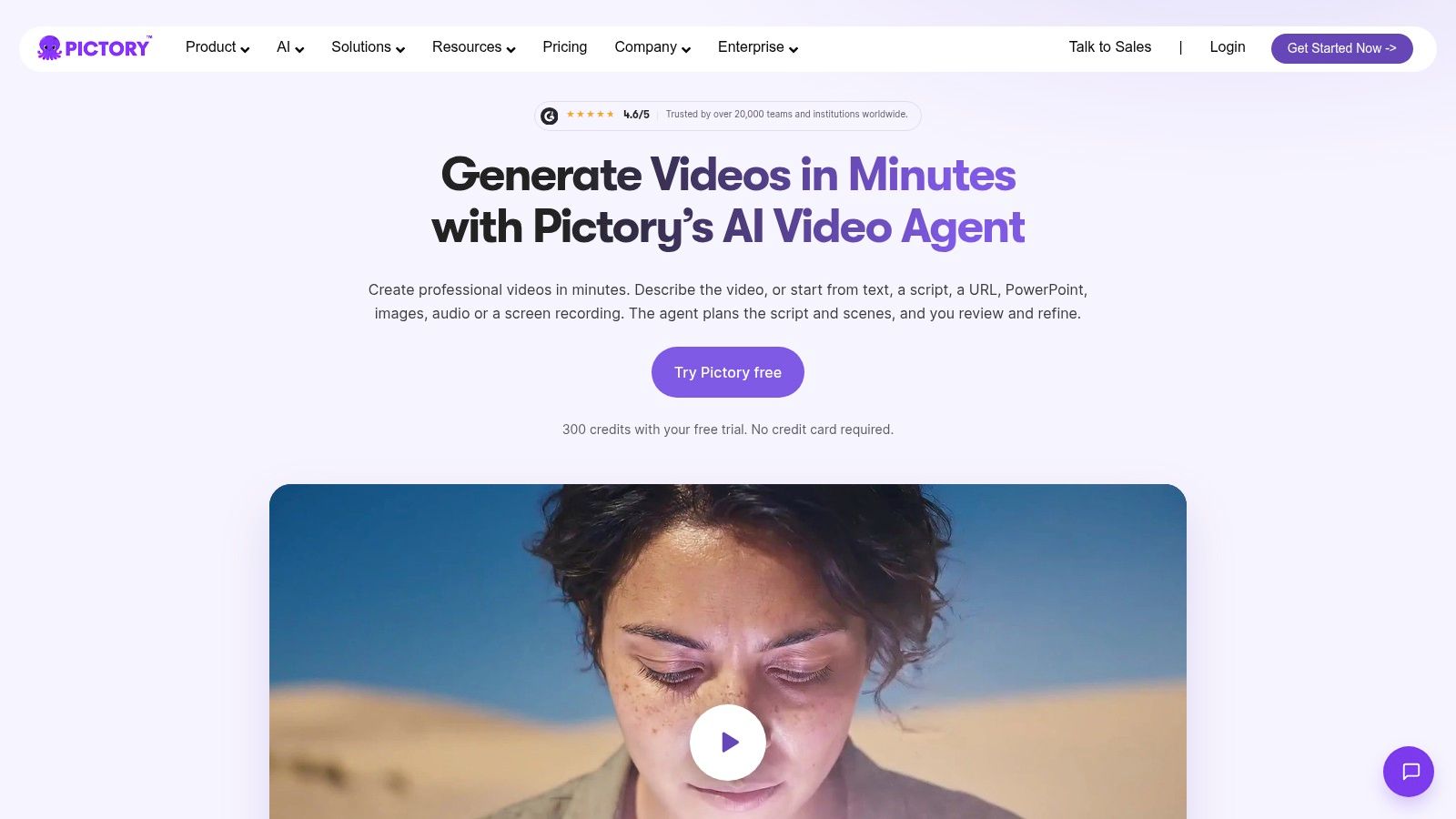
Start with what you already published. Pictory turns a script, article, URL, PowerPoint, images, or audio into assembled scenes with captions, AI voices, avatars, and brand elements. It supports horizontal, vertical, and square formats, and you can review and refine the script and scenes before finalizing.
For bloggers, that's the right starting point, especially if you're also testing story formats from the best AI story generator tools for content ideas. But don't budget as if the first draft is publishable. Adobe research on small business AI use involving 850 U.S. small-business owners and solopreneurs found 48% heavily edited their most recent AI-assisted content and only 6% published it as-is.
Pictory's automated visuals make that editing concrete. Stock scenes may need manual replacement to match an article closely, captions need checking, and voices need a listen for emphasis and pronunciation. Trial users may also be unable to download videos without a paid subscription, so verify export rules before building a batch.
I recommend Pictory for blog-to-video and script-to-video drafts at volume. Measure success by cost per publishable minute, including your correction time, not by how fast the first render appears.
10. Canva
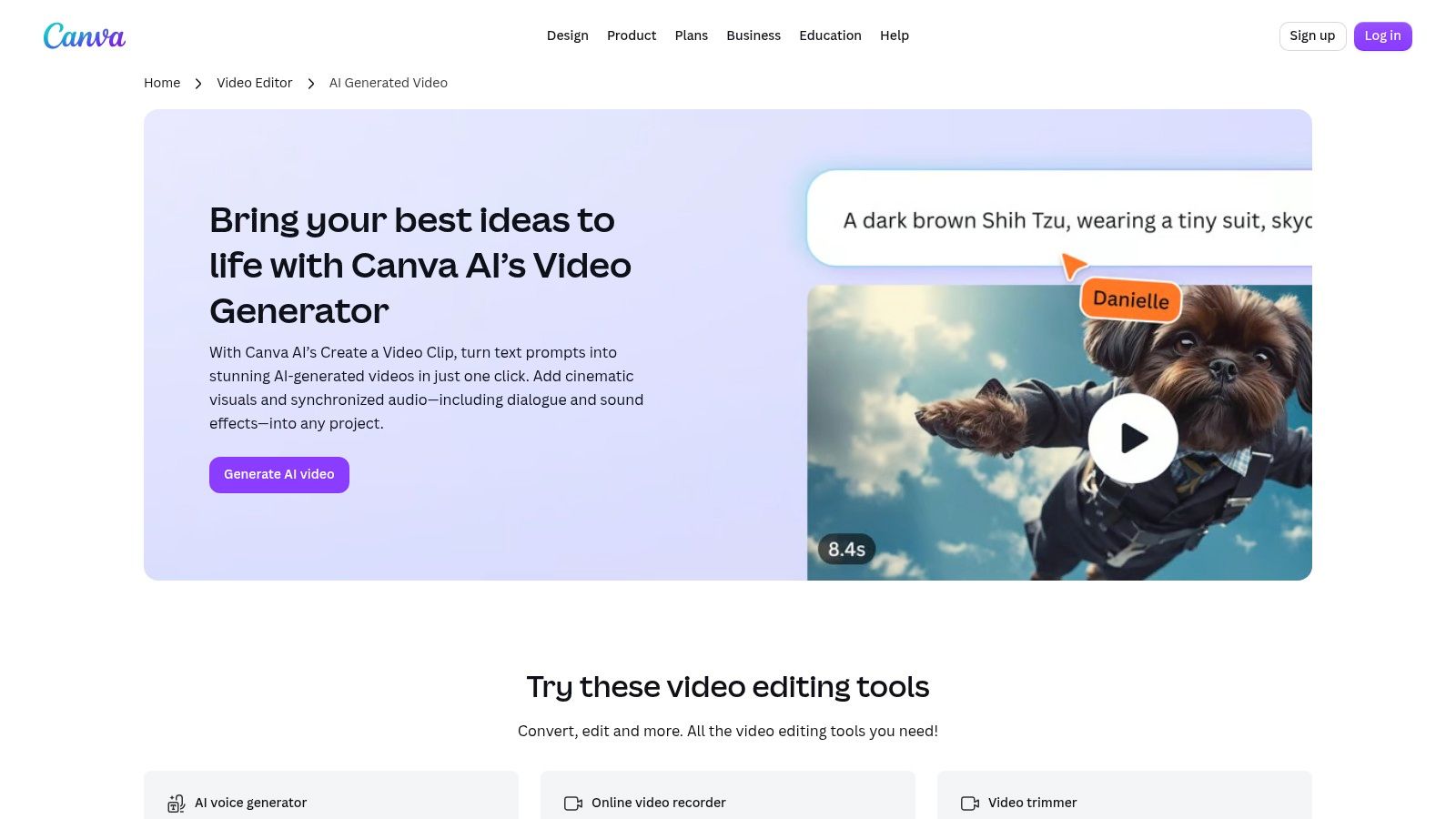
Canva wins on completion, not generation power. Prompt-based clips with synchronized audio can be dropped into a larger design, then finished with templates, text, brand elements, and editing tools you likely already know. Magic Video can also arrange supplied photos and clips into a short social video.
That makes Canva practical for beginners who need a social post, presentation, or promotion finished today. It pairs well with static formats too, such as the best Instagram carousel generators for matching social campaigns, so one campaign can share the same branding. Canva says AI-generated designs may be used commercially, subject to its terms, which you should still read for your use case.
Know the ceiling before you buy for video alone. The described Veo-powered feature creates clips up to eight seconds, access and usage limits differ by feature and plan, and you get less shot-by-shot cinematic control than a dedicated generation workspace.
Buyer shortcut: If you need a finished branded asset and weak generation control is acceptable, Canva is enough. If the generated shot is the asset, buy a dedicated generator.
For small teams already paying for Canva, test this first. You may not need another subscription at all.
11. Luma AI
Luma AI is a flexible creative platform for people who want options. It offers image and video generation with access to 7+ AI engines, plus lip sync, video extension, and enhancement tools. Visual workflows and project and asset management help you keep experiments organized across models instead of scattering files across services.
That breadth comes with credit complexity. Credit use varies by model, duration, and settings, and the listed monthly subscription price is relatively high for regular use. One-time credit packs provide an alternative to subscriptions for occasional projects, and listed plans include watermark-free exports, which removes one common free-tier problem.
Who should and shouldn't buy it
- Good fit: Creators who want to compare engines, extend clips, and enhance output inside one workspace.
- Poor fit: Bloggers who want an article automatically turned into a narrated, captioned video.
- Budget test: Price the same scene across two or three engines before subscribing, because the cheapest engine may not be the one you keep using.
I recommend Luma for visual experimentation and shot development, not automated publishing. You'll get creative range, but you'll also own assembly, captions, voice decisions, and final editing. If that sounds like extra work rather than creative control, choose Pictory, Canva, or Revid.ai instead.
How the leading AI video generators compare on best use, free access, entry price, and main limit
The right comparison starts with the job each tool handles, then checks what you can make before paying. Free access and entry prices are included where the section provides them; a blank price would be less useful than a clear limit.
| Item | Best For | Free Option | Listed Entry Price | Main Limit |
|---|---|---|---|---|
| revid.ai | Turning ideas and existing content into social videos | Not stated | Not stated | Built for turning source material into social videos, rather than generating cinematic shots |
| Runway | Generating and refining individual video shots | Free tier available | Not stated | Short clips; repeated generations use credits |
| Google Flow with Veo | Creating cinematic, story-driven sequences | Requires an eligible Google AI subscription | Not stated | Access depends on subscription; credits vary by model |
| Adobe Firefly | Generating video within Adobe creative workflows | Not stated | $9.99/month | Video generation uses plan-dependent premium credits |
| Kling AI | Exploring video, image, and motion-focused tools | Not stated | From $6.99 | Credit costs make output volume hard to estimate |
| Pika | Creating short-form videos and visual experiments | Free plan, with no monthly credit allowance | Not stated | Output volume depends on model and settings |
| HeyGen | Making presenter-led videos and localized explainers | Free plan for a few short videos | Not stated | Free videos are limited and watermarked |
| Synthesia | Producing scripted training and instructional videos | Free Basic plan | Not stated | Presenter-led format may not suit cinematic content |
| Pictory | Repurposing articles, scripts, and other content into video | Trial available | Not stated | Trial users may not be able to download videos |
| Canva | Creating branded social videos and design assets | Not stated | Not stated | Limited cinematic control and short generated clips |
| Luma AI | Exploring multiple video models and creative tools | Not stated | Not stated | Credit use varies by model, duration, and settings |
Matching Your Budget to the Video Job You Actually Have
Name the recurring output before you compare prices. Article-based clips point to Pictory, Revid.ai, or Canva, presenter explainers point to HeyGen or Synthesia, and single cinematic shots point to Runway, Google Flow, or Luma AI. Adobe Firefly makes sense mainly inside an Adobe workflow, while Kling AI and Pika suit lower-cost experimentation if you watch credits and rights closely.
That job-first test isn't guesswork. A 2025 H1 Artificial Analysis survey of more than 1,000 AI users found video-generation adoption concentrated around documentary and entertainment production, marketing and social-media assets, and prototyping or proof-of-concept videos, with prompt adherence and visual realism ranking as the most important selection criteria among 161 respondents using video-generation models. Build your trial around those criteria and your real content.
Run the same test in every tool you're serious about. Use identical prompts, required brand elements, a defined aspect ratio, and exact on-screen text if your work needs it. Generate several outputs per prompt, then record prompt adherence, temporal consistency, editing time, regeneration frequency, and the percentage of clips you can publish. One impressive sample tells you almost nothing about weekly production.
Then calculate effective cost, not subscription cost. Add credits burned on retries, stock or voice cleanup, captions, editing, and human review to get your cost per publishable minute. Check commercial-use terms, watermark rules, resolution, and credit sharing for your exact plan, because those details change by tier and by partner model. Skip any tool that won't let you test export quality before payment if downloads are central to your workflow.
Don't ignore trust while chasing realism. Recent Adobe research across more than 16,000 creators in eight countries found 85% said audience expectations around AI disclosure were increasing or staying steady, while only 43% reported that they always or often disclose AI use. Add a simple disclosure line where platform rules or client expectations require it, and don't use synthetic presenters to imply a real person said something they didn't.
Market growth won't make this choice for you. Credence Research valued the global AI video generator market at USD 638.43 million in 2024 and projects it to reach USD 2,655 million by 2032, according to the Credence Research AI video generator market report. More tools will keep launching, which makes a repeatable testing method more valuable than chasing each release. Your workflow, failure rate, and rights needs should outlast any model announcement.
Most small teams get the best return from one tool for one recurring job. Start with the cheapest plan that includes the commercial rights and export quality you need, publish a small batch, and measure time to publish for two weeks. Add a second generator only when the first has a proven gap, such as needing cinematic B-roll for videos you're already assembling successfully.
Pick one job you repeat every week, run that same test batch in two tools from this list today, and subscribe only to the one that produces the most publishable minutes for your budget. Then check TheGuideX for the next tool comparison before you add a second subscription.
SEO Specialist and product builder with 10+ years in search. The notes come from the work, not the theory.