11 Best MxToolbox Alternatives in 2026
The best MxToolbox alternatives compared: DMARC reporting, DNS monitoring, blacklist lookups and inbox placement tests, with honest limits and pick guidance.

The most repeated advice about MxToolbox alternatives is that you should find one tool that does everything MxToolbox does, only better. That advice fails in practice. People switch, pay for a subscription, and keep the old MxToolbox tab open anyway, because the thing they replaced wasn't a product. It was a bundle of unrelated jobs.
Look at what MxToolbox does. DNS lookups, blacklist sweeps, SMTP diagnostics, email header analysis, SPF, DKIM and DMARC checks, DMARC reporting, and paid inbox placement tests. Those are seven different problems that happen to share a search box. No alternative covers all seven well, and the ones marketed as suites usually do two of them properly and the rest as thin add-ons.
Start with the job, not the brand. If your records look fine but mail still lands in spam, you need a message test, not a DNS lookup. If you're sitting on DMARC reports you never read, you need a reporting service. If a receiving server told you your IP is on Spamhaus, you need Spamhaus, not a comparison list.
The tools below are split by the work they do. Most readers will end up using two or three narrow ones, and that's the correct outcome. One tool that answers your actual question beats a bundle where you can't tell which module produced the red X.
1. MailGenius
A clean SPF, DKIM, and DMARC check does not guarantee inbox placement. MailGenius tests the message itself: send an email to the address shown on screen, and it assesses how Gmail, Outlook, and Yahoo may treat it. The report gives a score and orders suggested fixes by impact. Use it when authentication records look correct but a campaign still has deliverability problems.
What the spam test actually checks
The free test reviews more than authentication. It checks BIMI, trigger words, email quality, domain reputation, and real-time blacklists for your domain, sending IP, and message links. The report also covers reverse DNS, domain age, subject-line formatting, broken or shortened links, and HTML practices that may trigger filters.
Google's February 2024 sender requirements show why authentication alone is not enough. Bulk senders delivering more than 5,000 messages a day to Gmail must authenticate with SPF, DKIM, and DMARC, keep user-reported spam below 0.10%, and avoid reaching 0.30% or higher. Google says that at that level, inbox placement suffers and access to mitigation support can be lost.
Where it fits in your stack
MailGenius needs no DNS change or plugin. It works with any ESP or CRM because you send a real message through your usual sending path. Advanced plans add monitoring, alerts, and reputation tracking.
Practical rule: test a real campaign send, not a plain-text note. Filters assess the message you actually send, including its links and images.
MailGenius is a focused deliverability test, not a replacement for DNS lookups, DMARC reporting, or ongoing DNS monitoring. If you're comparing MxToolbox alternatives because inbox placement is the problem, start here.
2. PowerDMARC
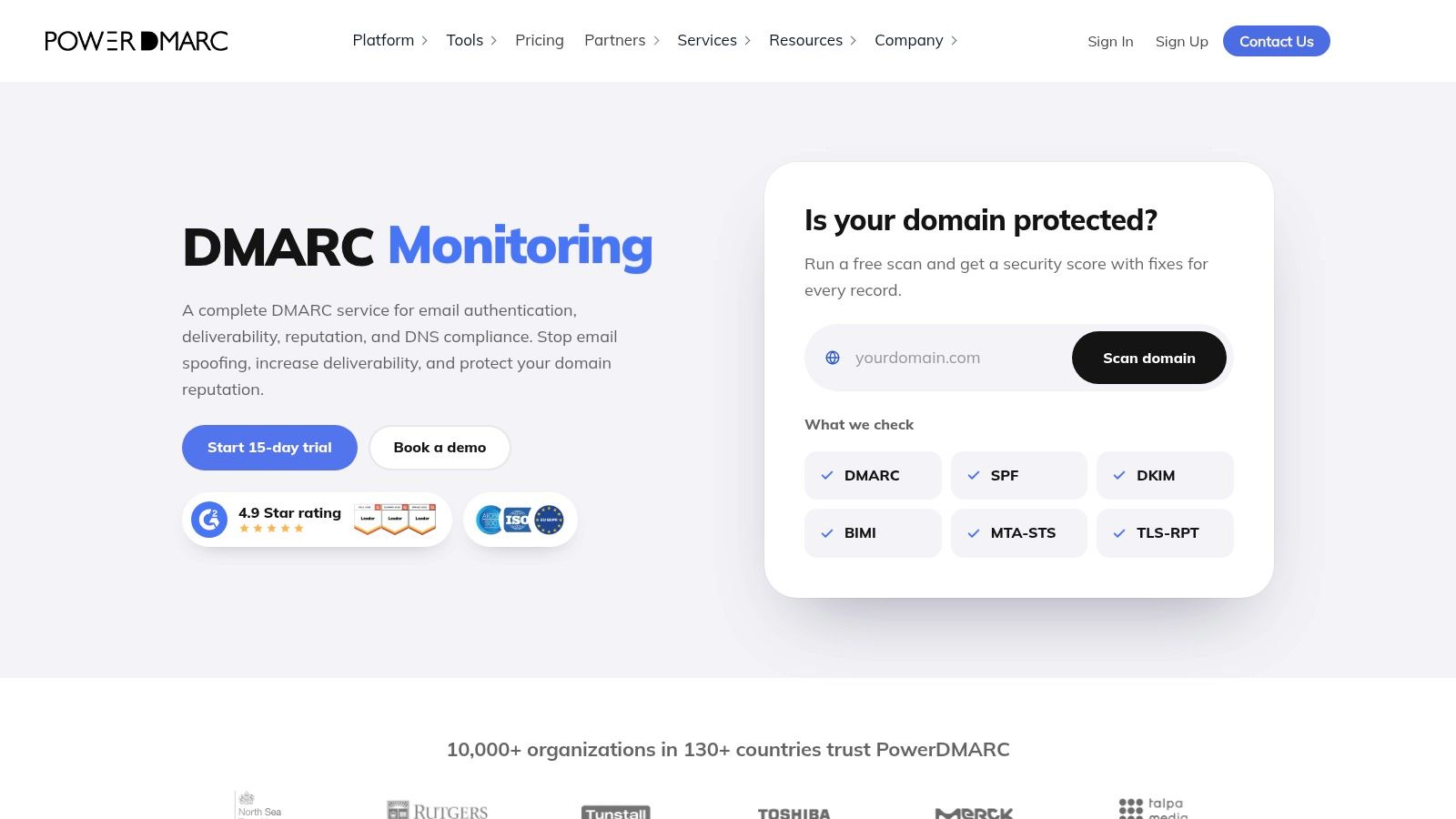
PowerDMARC comes in two halves that suit different budgets. The free public tools check and generate SPF, DKIM, and DMARC records without a signup, which covers the quick lookup many users open MxToolbox for. The paid platform is the full product: aggregate report processing, sending-source visibility, hosted records, policy management, and multi-tenant white-label options for managed service providers.
That reporting layer exists because most domains still have nothing protecting them. In a 2025 dataset of 10 million domains, Fortra's DMARC adoption analysis found 81.6% had no valid DMARC record, 10.6% published monitoring-only p=none, and only 7.6% enforced quarantine or reject, with 3.9% at p=reject once subdomains were counted.
What to expect when you sign up
- Record generation is the easy part. Publishing a policy takes minutes. Deciding which senders belong in it takes longer.
- Enforcement needs evidence. Before you move from p=none to quarantine, you need every IP and service sending as your domain, including the CRM your sales team forgot to mention.
- Pricing scales with volume and tier. A single-domain blog and a ten-domain agency aren't buying the same product.
It won't replace SMTP diagnostics or header analysis, and the paid platform is more machinery than occasional lookups need. Get it from PowerDMARC when you're driving a domain toward enforcement and want reports and hosted records in one place.
3. EasyDMARC
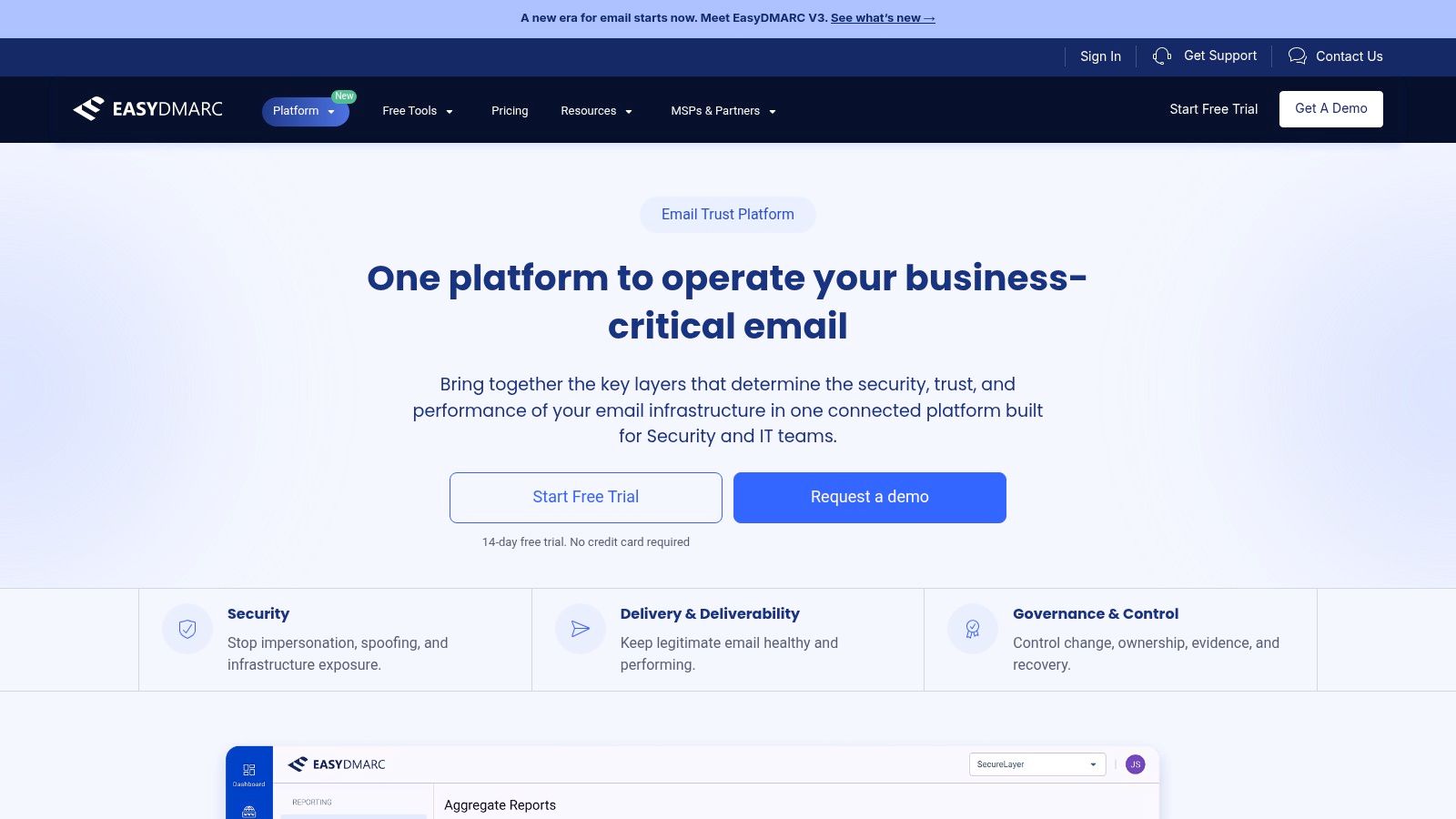
Most DMARC tools assume you already know what an aggregate report is. EasyDMARC doesn't. The free checkers and generators cover SPF, DKIM, DMARC, BIMI, MTA-STS, and TLS-RPT, and paid tiers turn those one-off checks into reporting with alerts, longer retention, integrations, and support.
That protocol spread matters more than it looks. The European Commission's Joint Research Centre reported high Q3 2025 EU adoption for StartTLS, SPF, DKIM, and DMARC, roughly 87% to 98% across its measured results, while DANE and DNSSEC stayed near 3% and 5% respectively. Basic authentication is close to the baseline. Transport security and DNSSEC are where domains stay weak, and a tool that checks MTA-STS and TLS-RPT surfaces more of that than a record lookup does.
Its weaker spot is breadth. There's no SMTP conversation, no header hop analysis, and no general network diagnostics. Paid plans also cap domains and email volume, so a reseller with forty client domains should check the tier before committing.
EasyDMARC suits the small business or solo marketer who wants guided DMARC work rather than a raw XML attachment every morning.
4. dmarcian
dmarcian behaves like a specialist, because that's what it is. The free SPF, DKIM, and DMARC tools work without registration, and the XML-to-readable report converter is the fastest way to read a raw aggregate report by hand. Subscriptions add the part that matters at scale: dashboards that identify legitimate sending sources and flag authentication failures across many domains.
Worth knowing: you can use the free converter on a report from any provider, including one you've collected yourself. It's the quickest way to find an unfamiliar IP before you decide whether to block it.
The trade-offs are honest ones. Business monitoring is paid, the free tier is intended for non-business use, and cost rises between entry and higher tiers as history and domain capacity grow. It also doesn't replace general DNS, SMTP, or network testing, so it won't be your only bookmark.
Head to dmarcian if your domain has a long sending history, multiple legitimate senders, and a policy change you can't afford to get wrong.
5. URIports
URIports is built for the person watching several domains at once. DMARC reporting sits beside DNS, certificate, CSP, and TLS-RPT monitoring, with domain grouping, filtering, and JSON or CSV exports for anyone who reports upward. Free SPF, DKIM, DMARC, and MTA-STS tools round it out.
That combination solves a real gap. A certificate that expires without warning and a DMARC policy that never reaches enforcement are both availability problems, and most tools only watch one of them.
- Use it when: you manage a handful of client domains and want one alerting surface for DNS, certificates, and authentication.
- Skip it when: your only question is what a record resolves to right now.
- Watch the plan limits: data retention, domain counts, and hosted MTA-STS availability vary by tier.
It won't replace SMTP diagnostics or every MxToolbox lookup. URIports earns its place in an agency stack, less so on a single blog.
6. Cloudflare DMARC Management
Cloudflare DMARC Management suits domains already using Cloudflare DNS. It is available to Cloudflare DNS customers on all plans, shows sending sources with IP-level detail, and reports whether each source passes SPF, DKIM, and DMARC. Its record analysis helps you move toward enforcement without parsing XML reports manually.
Cloudflare also runs 1.1.1.1, a privacy- and performance-focused alternative to traditional recursive DNS services. Keeping DMARC reporting beside the DNS settings you already manage can simplify routine checks, though it does not replace a dedicated testing or monitoring tool.
There are clear limits: your domain must use Cloudflare DNS, and the service does not run SMTP tests or blocklist checks. It also reports only on providers that send DMARC data. If a nameserver move is part of your setup, this guide to domain registrars explains what changes at the registrar and what does not.
7. DNSChecker
DNSChecker is the tool you open in a hurry. It runs a global propagation check across a geographically distributed resolver list, plus MX, SPF, DMARC, and general DNS lookups, email-header analysis, SMTP testing, and blacklist checks, all in the browser with no account.
A propagation check is a snapshot across a resolver list. It never proves every resolver has refreshed, only that these ones have.
That distinction matters when you've just changed an MX record and half your mail is bouncing. A comparison at srvscripts draws the same line between problem types, noting that DNSChecker suits propagation checks, Google Admin Toolbox suits Workspace diagnostics, and message-testing tools cover the case where records are correct but mail still reaches spam.
It isn't a monitoring platform. There are no alerts, no history, and no DMARC report workflow. If you're switching forwarding providers at the same time, this guide to email forwarding services explains which records have to move with it.
8. DNS Check
DNS Check does the thing a lookup can't: it remembers. Checks run every five minutes by default across 14 DNS record types, including MX, SPF, and TXT, and you get an email or chat alert when a record stops matching the value you expect.
That's the failure mode nobody plans for. A plugin update, a host migration, or a colleague in the DNS console rewrites a TXT record on a Tuesday and nobody notices until a campaign tanks three weeks later. A monitor catches the change while it's still one line to fix.
- Free tier: ten records and seven days of history, which is enough to watch a domain's critical records.
- Paid tiers: custom nameservers, longer history, and team features for agencies.
- Integrations: incident tooling and API access on applicable plans.
It won't tell you where your mail lands or what your DMARC reports say. DNS Check is the smoke alarm, not the fire brigade. Pair it with something that answers "why", like this walkthrough on what to check when a website isn't loading.
9. Mail-Tester
Mail-Tester works on one message at a time, and that's the point. You send to a temporary address, and the report covers authentication results, blocklist signals, content, links, images, and spam-filter scoring, with explanations that usually name the misconfiguration rather than just flagging it.
The free allowance is three tests per 24 hours, which is plenty for a weekly newsletter and useless for a high-volume sender testing twenty variants. Paid manager features add an API, integrations, and white-label reporting for agencies sending on behalf of clients.
What it can't do is follow you over time. A score is a snapshot of one message on one day, and it says nothing about whether your DMARC policy is drifting or a sending source appeared last week.
Use it before every significant send. Mail-Tester is the last check before you hit send, and it pairs naturally with the guide on how to create an email newsletter that people open.
10. GlockApps
GlockApps answers a question no DNS tool can: where does this message land? Seed-list tests send your campaign across mailbox providers and report inbox, spam, or missing for each, which is the closest thing to a preview of real placement.
What placement tests can't see: every seed account has no history with you. A recipient who has opened your last twenty emails is filtered differently, so treat the result as a signal, not a prophecy.
Paid plans bundle spam-test credits and automated testing, some include DMARC analytics, and one-off credit packs exist for occasional use. That flexibility helps, because a small site rarely needs a permanent subscription.
The free tier and credit packs make it easy to test before a launch. Buying credits beats buying a plan when you send four campaigns a year, and the reverse is true for a weekly newsletter. GlockApps earns a spot beside your sending platform, and this roundup of the best email marketing tools for small business covers the sending side.
11. Spamhaus Reputation Checker
When a bounce message names Spamhaus, skip the aggregators and go to the source. The first-party checker looks up IPs, domains, and ASNs against Spamhaus blocklists, tells you which list you're on, and links the removal process. It's free and needs no subscription.
Aggregated blacklist checks have their place, but they can't tell you why a major provider rejected you. The listing operator can. In practice, a rejection citing a specific blocklist is a five-minute investigation if you start at the operator's own lookup and a day of guessing if you don't.
A clean Spamhaus result means one blocklist doesn't have you listed. It says nothing about the other signals a mailbox provider weighs.
Its scope is deliberately narrow. There's no SPF or DMARC validation, no DNS monitoring, no inbox placement test, and no coverage of other blocklists. Use the Spamhaus reputation checker to confirm or clear a specific listing, then go back to the tool that addresses the underlying cause.
MxToolbox alternatives at a glance
No single tool here replaces every MxToolbox function. Choose by the job: DNS lookups, DMARC reporting, record monitoring, deliverability testing, or blacklist checks. A focused setup usually needs two or three tools, not one suite.
| Tool and best fit | Free access | Monitoring | Stands out for |
|---|---|---|---|
| MailGenius: testing email deliverability and finding inbox-placement issues | Free spam test | Advanced plans add monitoring, alerts, and reputation tracking | Tests authentication, content, reputation, and blacklist signals |
| PowerDMARC: organizations managing DMARC across domains | Free authentication tools | Paid DMARC reporting and hosted record features | Broad email-security toolkit with multi-tenant options |
| EasyDMARC: small businesses improving email authentication | Free checkers and generators | Paid reporting, alerts, and longer data retention | Guided DMARC reporting and reputation tools |
| dmarcian: teams adopting and monitoring DMARC | Free SPF, DKIM, and DMARC tools | Paid report processing and dashboards | DMARC specialization, record wizards, and deployment support |
| URIports: teams monitoring several domains and protocols | Free SPF, DKIM, DMARC, and MTA-STS tools | DMARC, DNS, certificate, CSP, and TLS monitoring | Broad protocol coverage with team and export features |
| Cloudflare DMARC Management: domains using Cloudflare DNS | Included for Cloudflare DNS customers | DMARC reports show sending sources and authentication results | DMARC visibility alongside DNS management |
| DNSChecker: quick manual DNS and network troubleshooting | Free browser-based tools | Manual checks; no continuous monitoring | Global DNS propagation checks and a broad tool collection |
| DNS Check: tracking important DNS record changes | Free plan for a small record set | Automatic checks and change alerts | Monitors expected DNS values over time |
| Mail-Tester: checking a real message before sending | Free, limited to three tests per 24 hours | No continuous monitoring | Simple test-email workflow with content and authentication analysis |
| GlockApps: testing campaign inbox placement | Free tier and one-off test credits | Automated testing on paid plans | Seed-list placement tests across mailbox providers |
| Spamhaus Reputation Checker: investigating suspected Spamhaus listings | Free lookup and guidance | No general monitoring subscription | First-party checks of Spamhaus IP and domain listings |
Use the table to narrow the field, then match the tool to the failure you need to diagnose. DNSChecker handles a quick lookup or propagation check, while DNS Check watches records for changes. For DMARC, compare reporting and policy workflows rather than treating a DNS lookup as an enforcement tool. Mail-Tester and GlockApps address different deliverability questions: a message-level check versus inbox placement across providers. MailGenius adds authentication, content, reputation, and blacklist signals to its spam test.
Treat free access and monitoring as separate decisions. A free checker can confirm a record at a point in time, but it will not alert you when that record changes. Paid reporting or monitoring may be more useful when you need ongoing visibility across domains or sending sources. URIports' free protocol tools cover SPF, DKIM, DMARC, and MTA-STS; its monitoring also extends to DNS, certificates, CSP, and TLS. Choose breadth only when you need it.
How to choose by job, not by feature list
Choose tools by the failure you need to find. DNS lookups, DMARC reporting, change alerts, deliverability tests, and blacklist checks are separate jobs. Most domains need two or three focused tools, not one suite.
For occasional DNS lookups and propagation checks, use DNSChecker in a browser. For DMARC enforcement, choose EasyDMARC for guided onboarding, dmarcian for longer sending histories, PowerDMARC for multi-domain or MSP work, or Cloudflare DMARC Management if your DNS is already there. These platforms help with DMARC, but they do not replace general DNS troubleshooting.
For pre-send testing, Mail-Tester gives a quick technical read, GlockApps checks placement across providers, and MailGenius explains potential fixes. DNS Check is for watching MX, SPF, and TXT records for unexpected changes. If you suspect a Spamhaus listing, check Spamhaus directly.
A rollout order that works
Start with DMARC at p=none and a reporting address someone monitors. Let reports accumulate across a full billing cycle, since monthly senders may not appear in reports for weeks. Identify legitimate sources, including CRMs, helpdesks, and your site's form plugin. Then move to quarantine, check for false positives, and set reject only after those sources authenticate correctly.
Keep a DNS monitor running during the rollout. DMARC policy errors and DNS record changes are different failure modes, so each needs its own check.
No tool here replaces every MxToolbox function. SMTP conversations, header analysis, and broad blocklist checks are common gaps when switching to focused tools, and a DMARC platform does not cover them. Keep free lookups you use regularly, and pay for a tool only when its specific job justifies the cost.
If records pass but mail still lands in spam, run a MailGenius test on your next real campaign and address its top findings before changing DNS. Stop paying for tools that answer questions you never asked.
SEO Specialist and product builder with 10+ years in search. The notes come from the work, not the theory.