Best YouTube Tag Generator Tools in 2026
The best YouTube tag generator tools compared: free options, keyword research picks, real limitations, and which tool fits your channel's workflow.

On this page
- 1. HypedX
- 2. vidIQ
- 3. TubeBuddy
- 4. Rapidtags
- 5. Keyword Tool (KeywordTool.io)
- 6. Keywords Everywhere YouTube Tag Generator
- 7. TunePocket YouTube Tags Generator
- 8. BeyondComments YouTube Tag Generator
- 9. YtTag
- 10. Meadow YouTube Tag Generator
- 11. SoMePoster YouTube Tag Generator
- YouTube tag generator tools at a glance
- How to pick one and what to do after you generate tags
Start here: a tag generator is a draft, not a strategy. The popular advice to copy a competitor's tags, fill every available character, and expect more views gives this field more credit than it deserves. YouTube's tags guidance says tags play a minimal discovery role, are mainly useful for common misspellings, and matter less than titles, thumbnails, and descriptions.
That doesn't make tag generators useless. It changes what you should demand from them: accurate suggestions, easy editing, and less repetitive work. A generator that produces a short, relevant list is more useful than one that fills the screen with loosely related phrases.
The best YouTube tag generator tools fall into different jobs. Rapidtags, YtTag, TunePocket, BeyondComments, Meadow, SoMePoster, and Keywords Everywhere handle quick drafts or cleanup. vidIQ, TubeBuddy, and Keyword Tool make more sense when you need keyword research alongside suggestions. HypedX adds tag generation to a broader collection of creator utilities.
The useful comparison: Does it need an account? Does it provide keyword data or just suggested text? How much cleanup will you need before pasting?
Those questions matter more than an impressive-looking optimisation score. Every suggestion still needs a human relevance check, and none of these tools can fix a weak title, confusing thumbnail, or video that doesn't deliver its promise.
1. HypedX
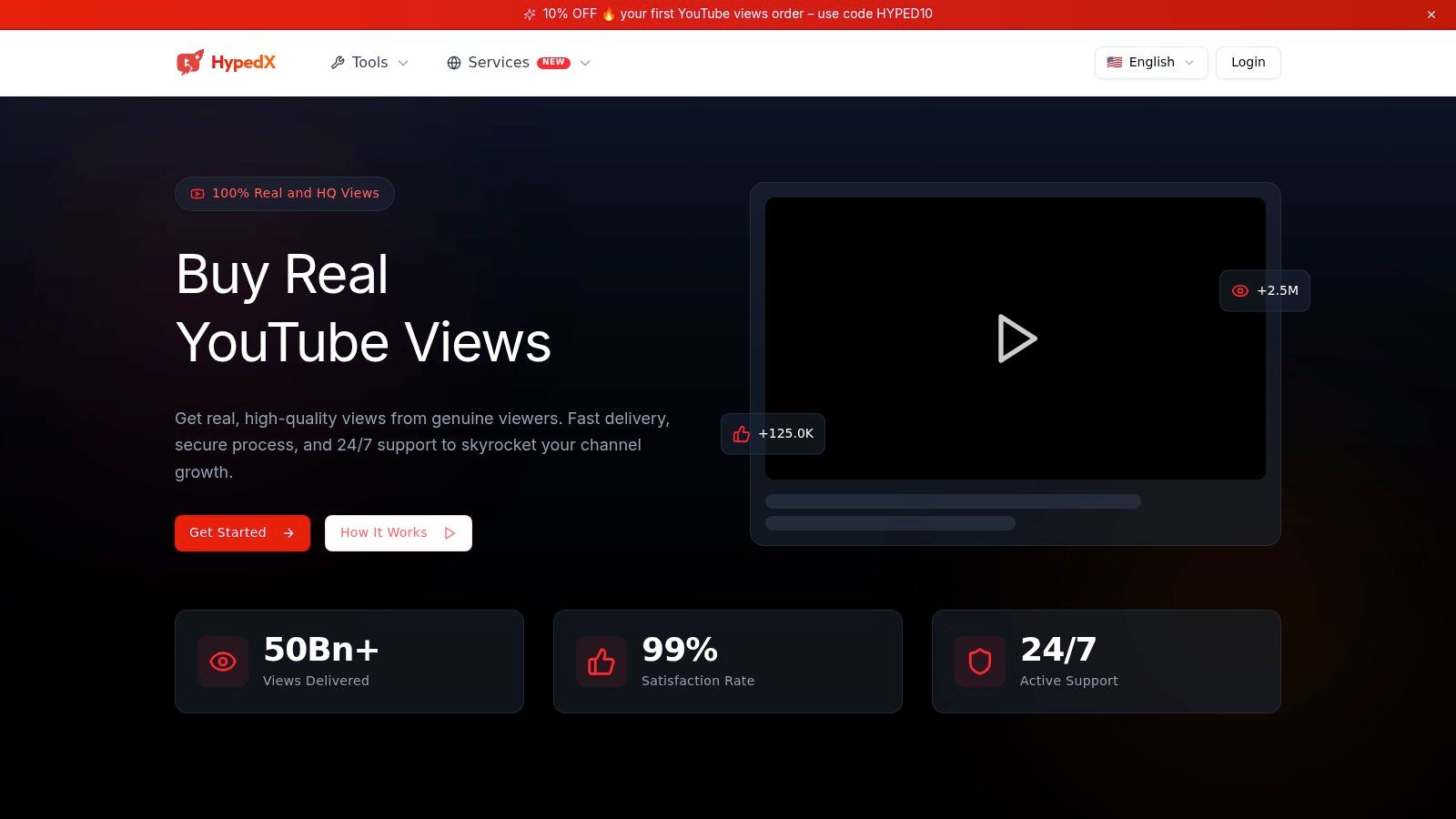
Best for creators who want tag drafting alongside other video utilities. The HypedX YouTube tags generator sits within a website offering keyword research, video analysis, rank tracking, channel monitoring, and content-preparation tools.
That makes it worth considering if your publishing work involves more than filling the tags field. A small business preparing a product tutorial might also need title ideas, captions, or a way to inspect video metadata. Having related utilities available together can reduce the need to jump between unrelated websites.
Keep the utility separate from the engagement offering
HypedX is also an independent advertiser selling paid YouTube views and engagement services. It states that it isn't affiliated with YouTube or the other social platforms referenced on its website. Its tag generator and its paid engagement packages should be evaluated separately.
Claims about genuine viewers, delivery, or platform-policy compliance aren't independently verified in the available information. They shouldn't influence your assessment of whether its tag suggestions accurately describe your video.
- Useful fit: You want a browser-based starting point and access to related content-preparation tools.
- Important limitation: The available product information doesn't establish independently validated search-volume accuracy or ranking improvements.
- Access consideration: Don't assume the generator and the site's other services share the same account requirements.
I'd shortlist HypedX for utility breadth, not as a shortcut to discoverability. Give it a specific topic, inspect the output for unrelated phrases, and compare the cleanup required against a simpler generator. If you only need a tag draft, the surrounding services may be unnecessary.
2. vidIQ
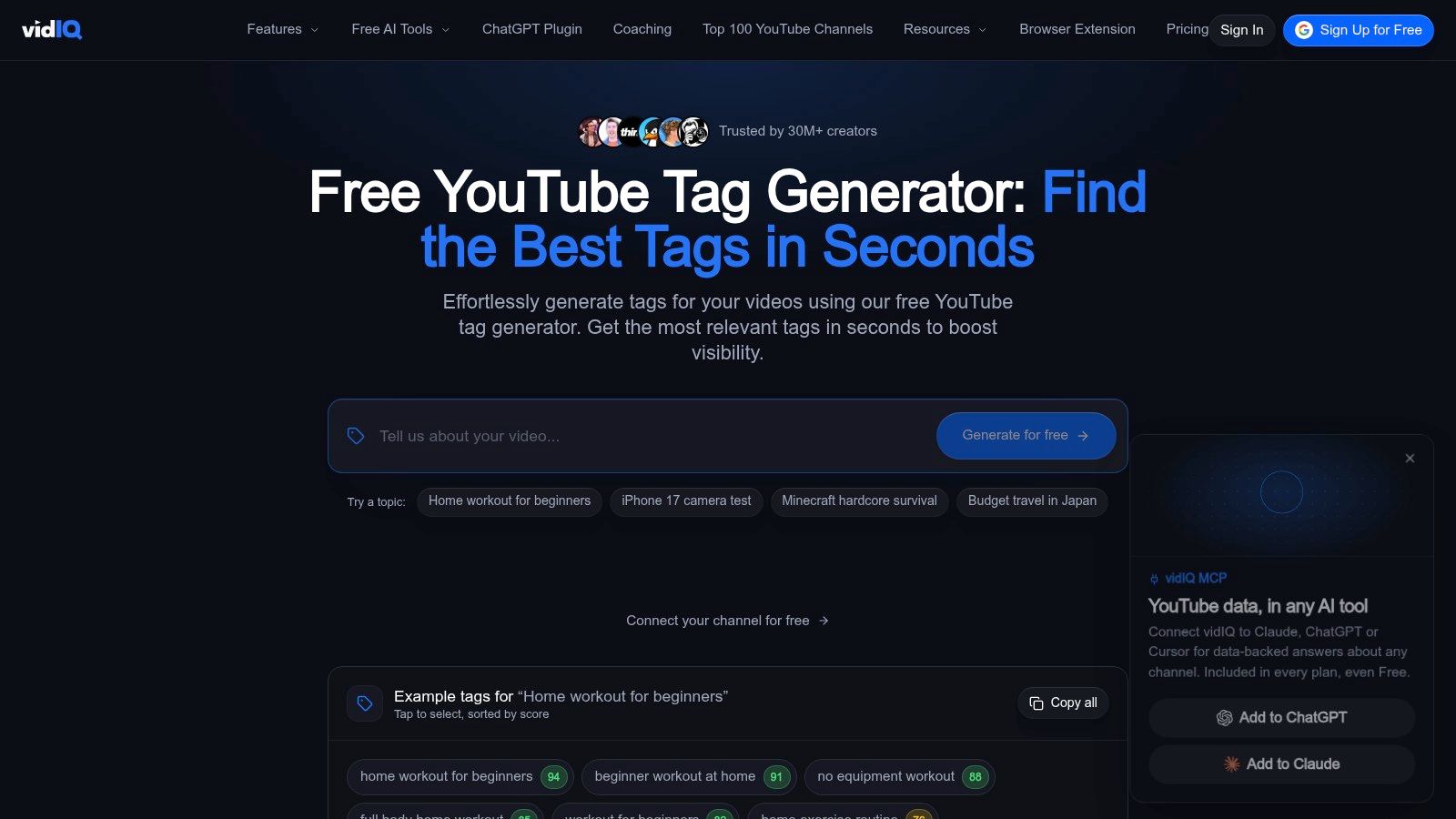
vidIQ makes sense when tags are part of a larger research job. Its free video tags generator suggests terms from a topic or title, while the wider toolkit includes keyword research, tag extraction, optimisation checks, and a browser extension.
For a tutorial channel, that broader context is more useful than another copy button. You can explore how people phrase a problem, then carry appropriate wording into your title, description, and tags without treating each field as an isolated task.
Choose it for the surrounding workflow
The browser extension can surface recommendations within the YouTube workflow, including YouTube Studio. That's convenient if switching between research tabs interrupts your upload routine.
- Account trade-off: Some suggestions and companion features may require an account or paid plan.
- Research advantage: You can investigate keywords rather than relying entirely on generated text.
- Cleanup requirement: Suggested terms still need checking against what the video covers.
Don't subscribe merely to produce a longer tag list. The stronger reason is that you'll use the research and optimisation features repeatedly.
For bloggers and small businesses, vidIQ belongs in the same purchasing discussion as other digital marketing tools: pay for a recurring task it improves, not for features you'll rarely open.
3. TubeBuddy
Say you're publishing a tutorial about fixing a WordPress redirect loop. You need to distinguish searches about login redirects from searches about HTTPS configuration, not collect every phrase containing WordPress. That's a keyword-exploration task rather than a tag-formatting task.
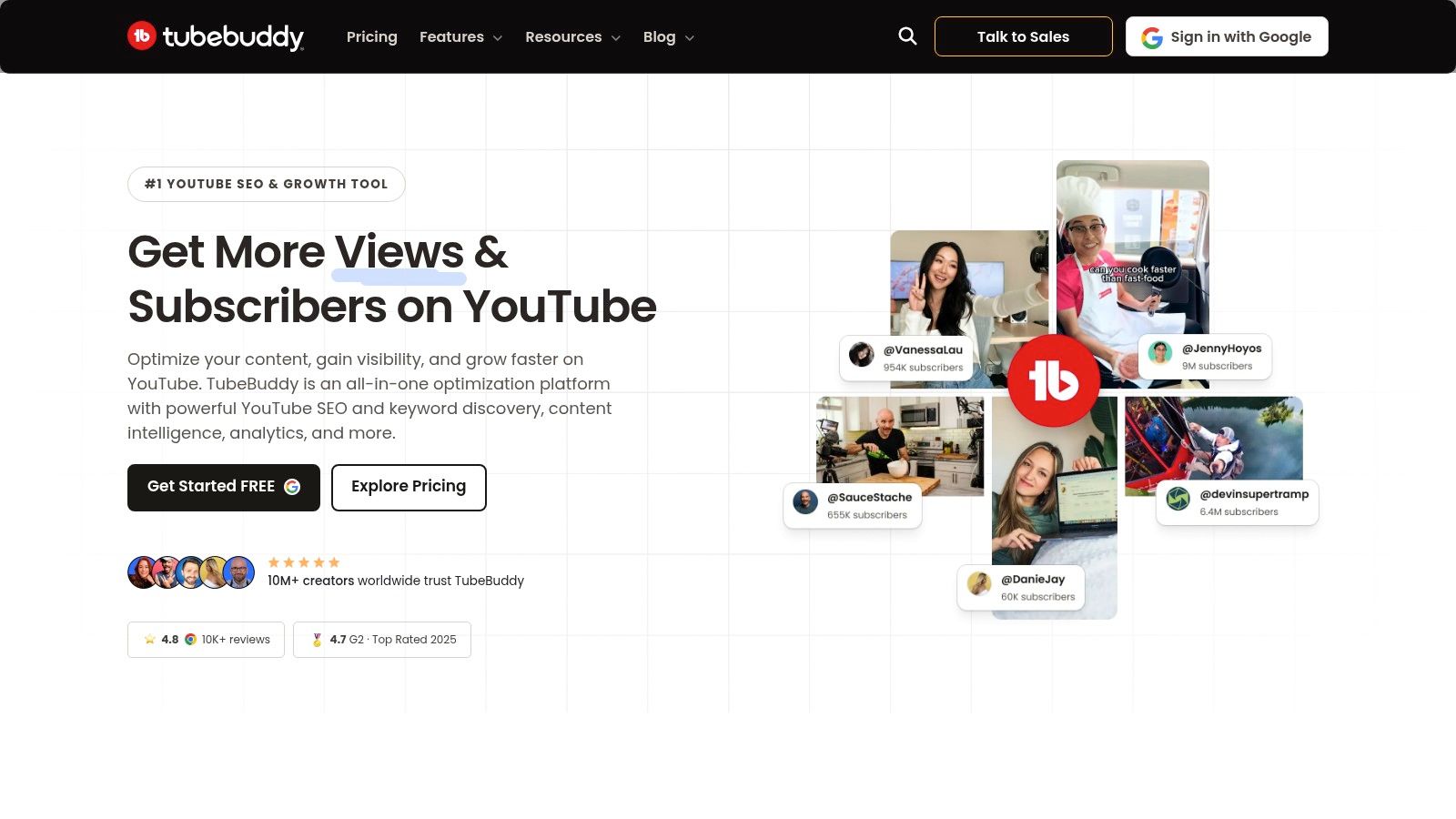
TubeBuddy combines Keyword Explorer, related terms, tag ideas, and competition-related insights with browser-based optimisation tools. It also supports viewing and copying tags on public videos, which can help you identify terminology to investigate.
Use competitor tags as questions, not instructions
A competitor's tag list doesn't explain why their video performed well. Borrowing the entire list also imports terms that may describe their content but not yours.
TubeBuddy's useful role is helping you explore alternatives while browsing or uploading. Its scores can organise your research, but they aren't a promise that your channel can rank for a phrase.
- Best fit: Creators who want research and application in the same browser workflow.
- Access trade-off: There's a free entry point, but some exploration and advanced features require paid access.
- Editing burden: You still need to remove irrelevant competitor terms and overly broad suggestions.
Use distribution resources such as our video submission sites guide separately. Researching keywords and deciding where to share a video solve different problems.
4. Rapidtags
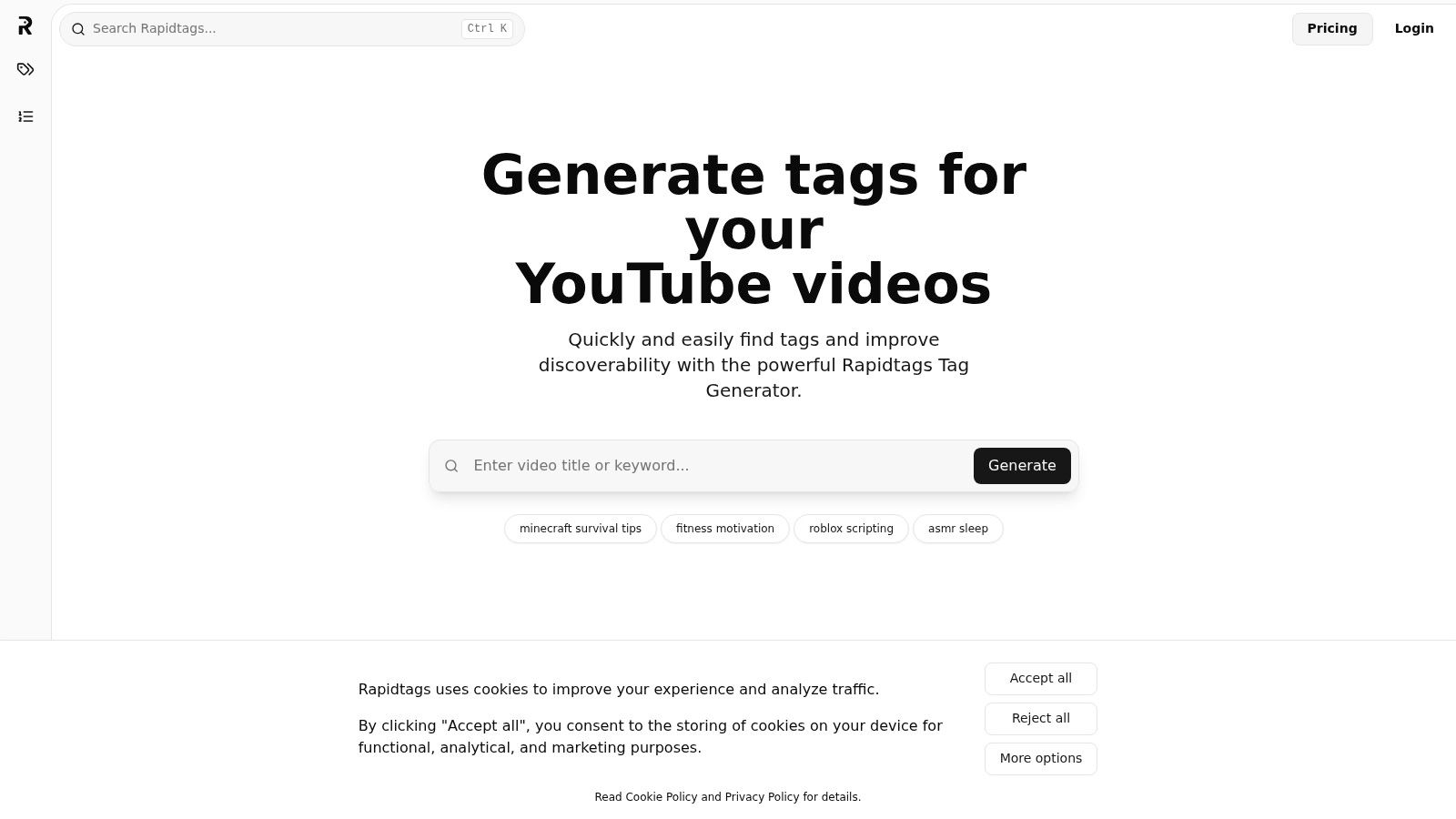
The topic is settled and YouTube Studio is waiting on tags. Rapidtags is the quick-draft tool for that moment: paste a title or keyword into the Rapidtags generator, keep the phrases that match the video, and copy them into the upload.
Setup stays small on purpose. Rapidtags describes its suggestions as powered by YouTube API data. That only explains where the wording came from. It does not show that each phrase has real demand, and a tidy tag list will not outrun a weak title or a thumbnail people skip. I would treat the output as a draft to edit, not as a growth plan.
A fast generator earns its place when it shortens the cleanup before you publish.
For a video about repotting an indoor monstera, the useful tags stay on that plant, the repotting task, and the words a viewer would type. Suggestions about other houseplants or broad garden landscaping describe a different upload. They add editing work and blur the metadata.
- Good use: You already know the topic and need a short, copy-ready draft.
- Poor use: You are still testing whether anyone wants the video.
- Main trade-off: Free access and a simple screen, without search-volume or trend depth from a research platform.
If the same topic also supports a blog post, use a separate keyword research workflow. A generated YouTube tag list should not become the site's keyword plan.
5. Keyword Tool (KeywordTool.io)
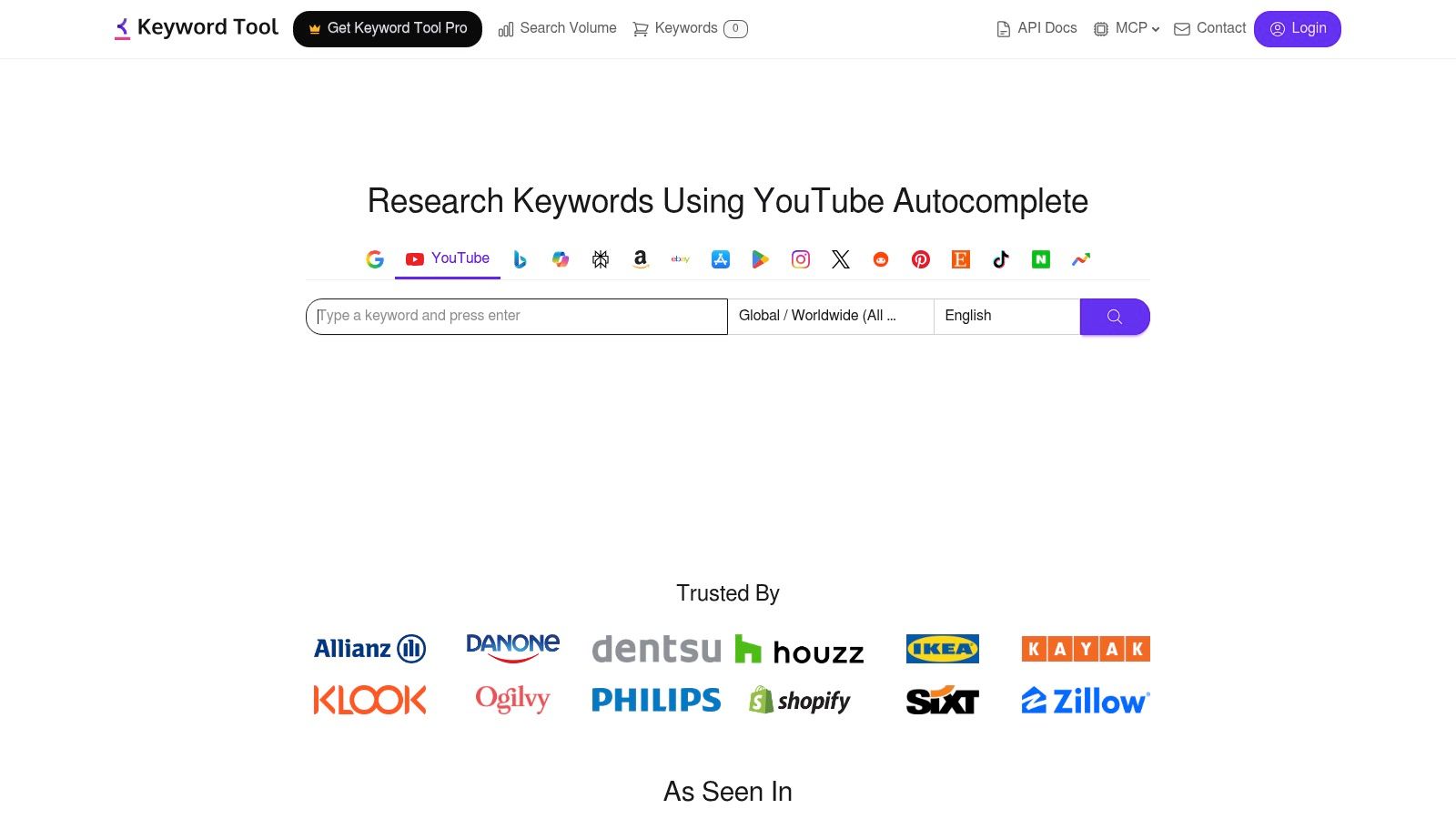
The phrase you use internally isn't always the phrase viewers type. A business might call its video a customer onboarding walkthrough, while its audience looks for how to set up the product. Keyword Tool is useful before you finalise the metadata.
Keyword Tool's YouTube research tool generates ideas from YouTube autocomplete. Its free version supports brainstorming, while Pro access adds estimated search-volume and historical trend data, bulk checks, exports, and other research features.
Research the phrase before formatting the tags
Autocomplete-style wording helps you discover questions and modifiers that a title-only generator might miss. Location targeting is also useful when terminology differs between your audience and the market you usually research.
The limitation is important: YouTube search-volume figures are estimates, not counts published by YouTube. Treat them as directional inputs rather than precise audience forecasts.
- Choose it when: You need to explore search intent before selecting tags.
- Expect extra setup when: You want paid research data, bulk processing, or exports.
- Skip it when: Your topic is settled and all you need is a tidy, copy-ready list.
Our guide to related-keyword research tools covers the broader brainstorming job. Here, keep the final selection tied to the video, not every phrase the research process uncovers.
6. Keywords Everywhere YouTube Tag Generator
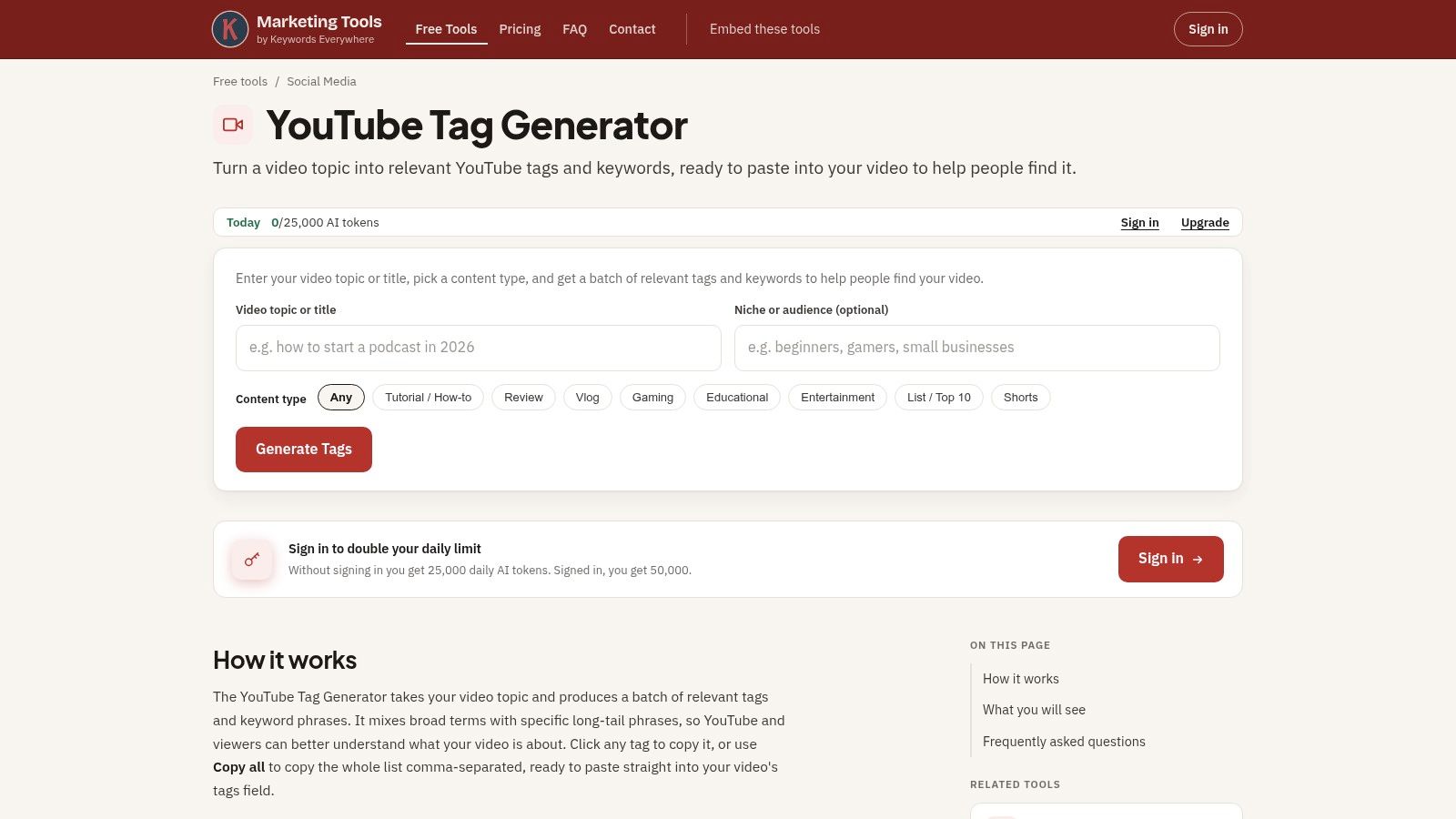
Choose Keywords Everywhere when selecting and copying tags is your main frustration. Its YouTube tag generator accepts a topic and optional content type, with options such as tutorials, reviews, vlogs, and gaming.
That content-type prompt is practical. A camera review and a camera setup tutorial may concern the same product, but viewers arrive with different expectations. Giving the generator that context can help you request a more suitable draft.
Convenient controls, not verified demand
You can copy individual tags or the full list, request more ideas, and revisit recent generations stored locally in your browser. Basic use doesn't require signup, although free usage has a shared daily allowance.
- Standout benefit: Individual copying makes it easier to select useful phrases instead of exporting everything.
- Useful context: Content-type prompts can distinguish a review from a tutorial on the same subject.
- Quiet limitation: AI-generated suggestions aren't verified search-volume results.
Use the generate-more option only when the first output misses a relevant angle. Repeatedly requesting alternatives can turn a quick metadata task into an unnecessary sorting exercise.
I'd choose this over a bare output box when selective copying matters. I wouldn't choose it instead of a research platform if the unanswered question is whether viewers search for those phrases.
7. TunePocket YouTube Tags Generator
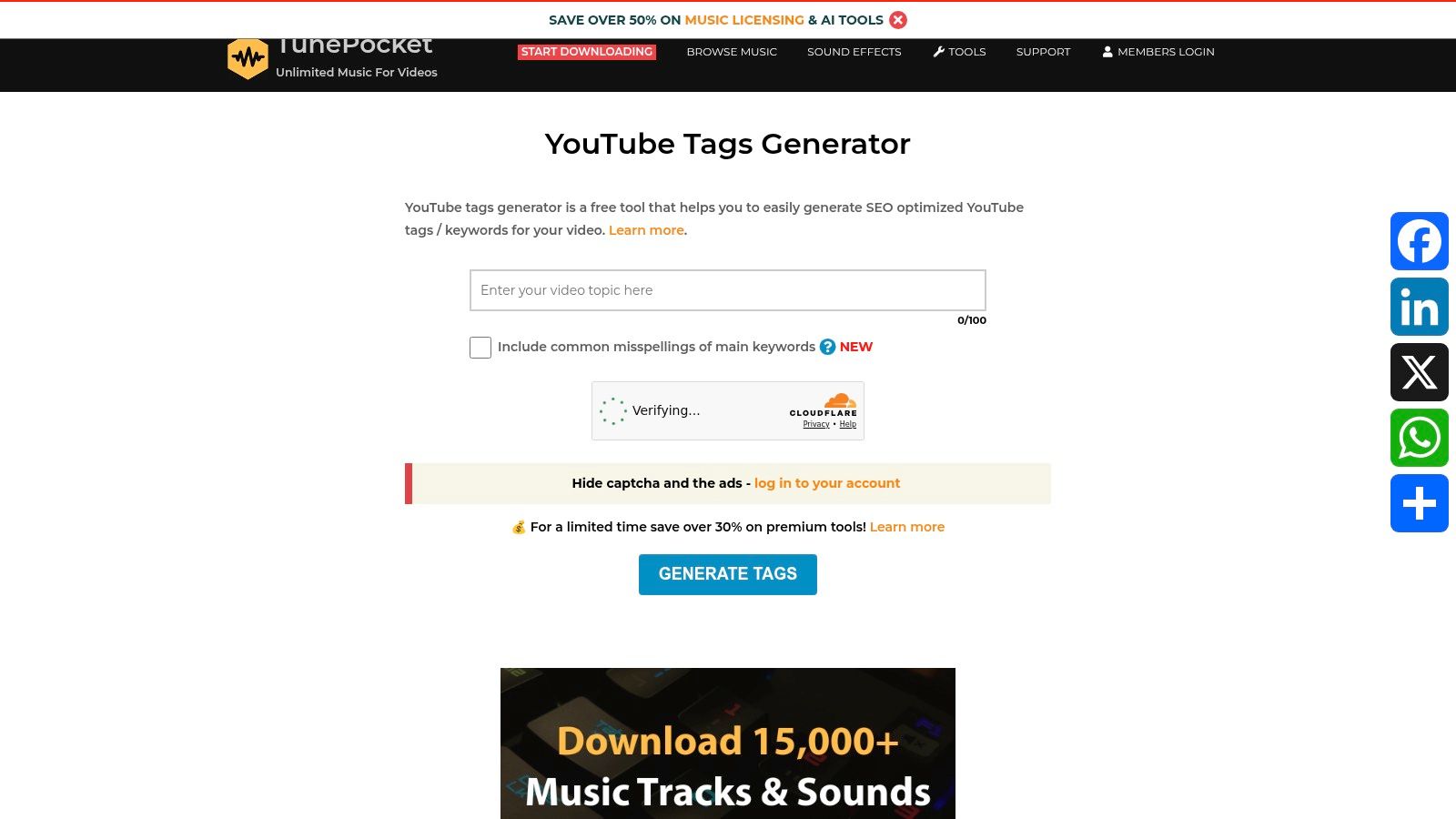
An editable output is more useful than a long output. TunePocket's YouTube tags generator provides lightweight brainstorming, lets you remove unwanted suggestions, and includes a character counter before copying.
Its strongest job is preparing a manageable final list. If you already understand your topic and audience, those editing controls may be more valuable than another dashboard of optimisation metrics.
Treat the counter as a boundary
A character counter helps you avoid an overlong list. It isn't an instruction to fill the remaining space, and leaving room doesn't mean you've missed an optimisation opportunity.
TunePocket offers the tool free and as-is, without guarantees about results. It doesn't replace keyword research or your channel's performance data.
- Good fit: Occasional uploads where a no-cost draft and manual cleanup are enough.
- Useful feature: Removing suggestions before copying reduces the chance of pasting irrelevant tags.
- Missing layer: It won't establish which suggested phrases bring qualified viewers to your channel.
For a local bakery's sourdough-shaping video, keep terms that match the demonstrated technique. Delete suggestions about starters, gluten-free recipes, or commercial baking equipment unless the video covers them.
The test is whether a viewer searching that phrase would find the promised information. A list can fit perfectly and still describe the wrong video.
8. BeyondComments YouTube Tag Generator
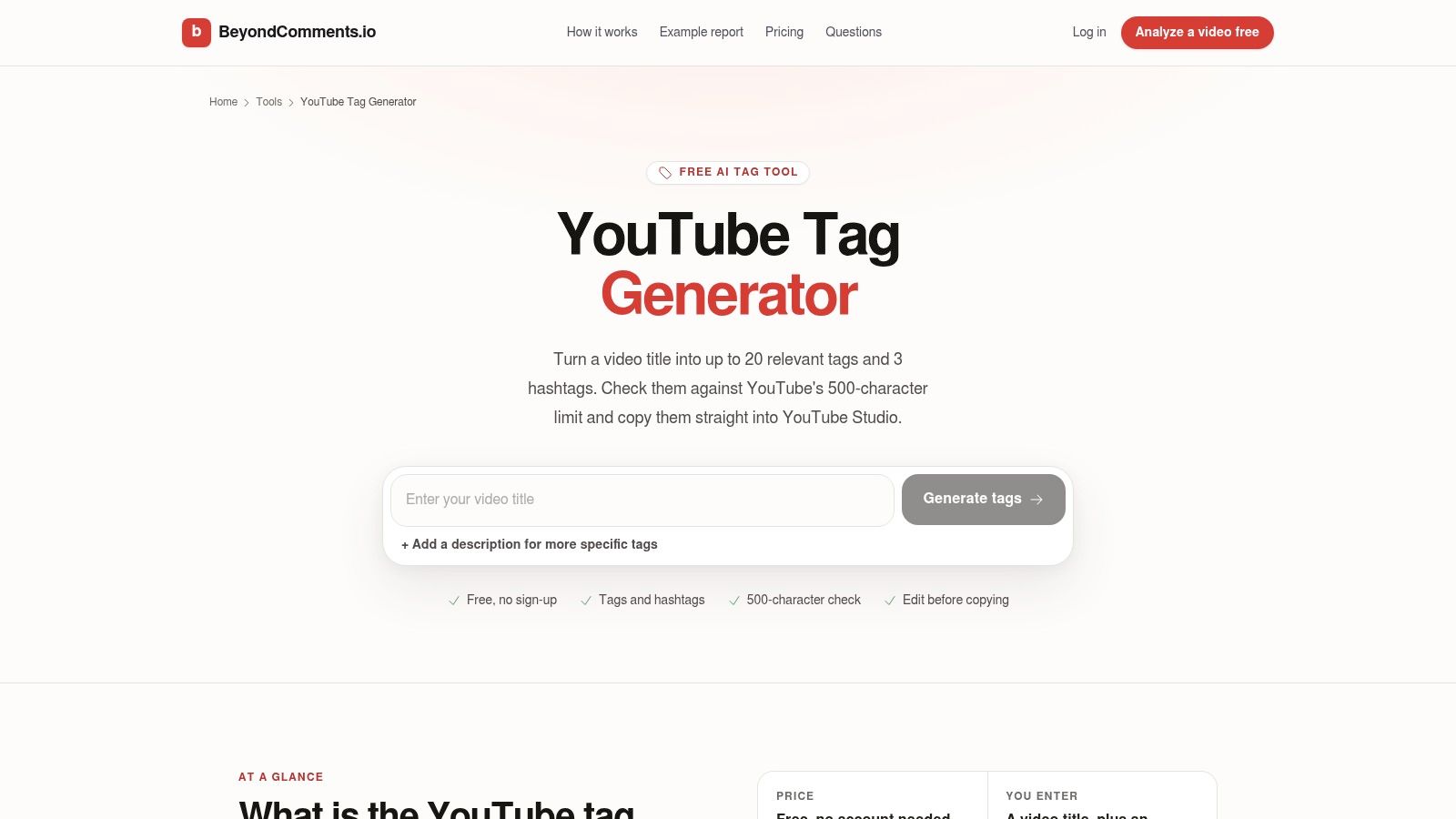
BeyondComments suits a quick publishing pass with context beyond the title. Its YouTube tag generator accepts a title and optional description, provides editable suggestions, checks the tags field's character budget, and doesn't require an account.
The description input is particularly useful when your title is written for curiosity rather than literal explanation. A title about a desk makeover might omit the cable-management system or monitor arm that the video demonstrates.
Keep tags and hashtags separate
BeyondComments also suggests hashtags. That's convenient, but the outputs serve different purposes: tags go in the dedicated YouTube Studio field, while hashtags are visible text you can place in the description.
Publishing safeguard: Copy the tag list into Tags. Review hashtag suggestions separately before adding them to the description.
Its main advantage is combining contextual input with copy-ready output and basic formatting help. Its limitation is the same as other AI drafting tools: plausible wording can still be inaccurate.
Check especially for invented product names, features, or tutorial steps. If your video demonstrates arranging cables without drilling, a suggestion about installing a drilled cable tray doesn't belong just because the broader topic matches.
I'd pick BeyondComments when a title alone leaves too much unsaid and you want to finish the task without creating another account.
9. YtTag
YtTag is an approachable starting point for a first upload. The YtTag generator takes a video title, produces suggestions using search-suggestion data and keyword combinations, and offers a copy-and-paste workflow without requiring an account.
There's little process to learn: enter the title, inspect the output, remove irrelevant terms, and copy the remainder. That simplicity is useful when you're still getting comfortable with YouTube Studio and don't need an extension or subscription.
A clear input makes review easier
A vague title gives you less context for judging the results. If your public title is curiosity-led, use a more descriptive topic phrase for drafting, then compare every suggestion against the actual upload.
- Best use: Free, no-signup brainstorming for a clearly defined video.
- Main compromise: Less in-depth keyword analysis than research-focused platforms.
- Required cleanup: Remove combinations that sound possible but describe a different task.
For example, a tutorial on exporting transparent graphics shouldn't inherit tags about removing backgrounds unless that process is also demonstrated.
Don't confuse a clean interface with independent validation of the output. YtTag helps you assemble candidate terms; it doesn't tell you whether those terms will bring suitable viewers.
I'd use it when convenience is the priority and the topic is already settled. If you're still choosing between video ideas, research those ideas before generating tags.
10. Meadow YouTube Tag Generator
Meadow is a useful option when you already know the phrases you want to preserve. Its YouTube tag generator accepts a topic or description plus optional key phrases, then produces editable suggestions.
That extra input makes it suitable for precise subjects. A software tutorial might need an exact feature name, while a craft video might depend on the correct material or technique. Supplying those phrases gives the draft a clearer starting point than an ambiguous title.
Expand deliberately, then deduplicate
Meadow includes deduplication and a cleanup option for the tag-character budget. It's free without signup, but it doesn't provide search-volume data or promise ranking results.
- Choose it for: Expanding known terminology and tidying the resulting list.
- Don't expect: Evidence that a suggested phrase has meaningful search demand.
- Review carefully: Near-duplicate phrases that survive cleanup but add little useful context.
Exact duplicates and semantic repetition aren't the same problem. Removing a repeated phrase is straightforward; deciding whether several close variations are worth retaining still requires editorial judgment.
For an Affinity Photo tutorial, keep the application and task clear rather than accepting terms for another editor because the feature names overlap.
Meadow is strongest late in the workflow, after you understand the video's subject. It can organise your vocabulary, but it can't determine whether your audience prefers that vocabulary without additional research.
11. SoMePoster YouTube Tag Generator
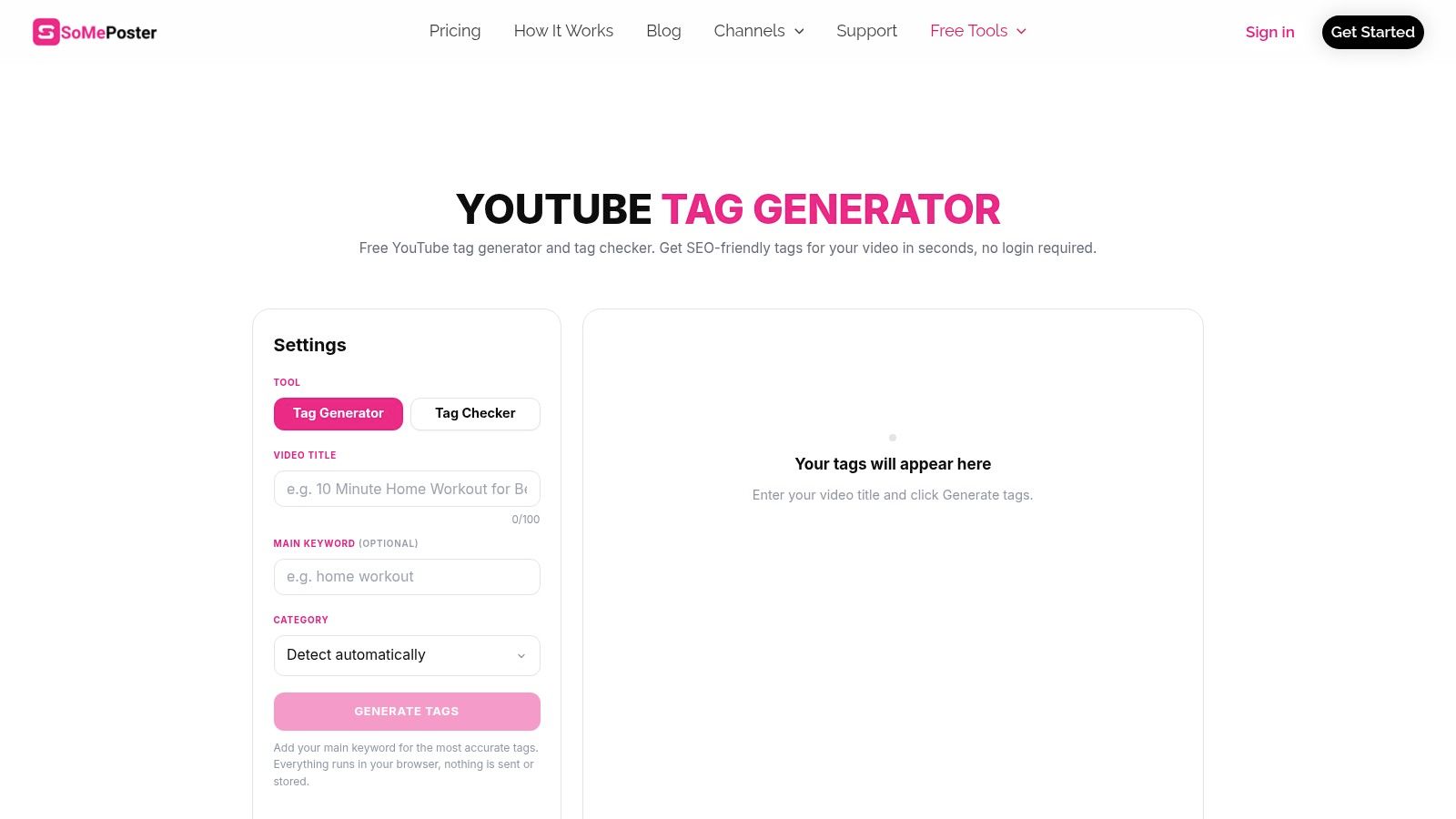
A category input can clarify a title that means different things in different niches. SoMePoster's YouTube tag generator combines the video title, main keyword, and category with a tag checker and character counter.
It's a formatting-and-context option, not a substitute for keyword research. The generator is free without signup, and the surrounding platform also offers scheduling and publishing services. Those broader services are separate from the tag-generation task.
Use the checker for hygiene
A checker can flag issues with the list you've assembled. It can't establish that viewers want the topic or that your video delivers the title's promise, so don't treat its score as a forecast.
The category input is useful for ambiguous terms such as rendering, which could concern graphics software or building work. Explicit context makes it easier to evaluate whether the resulting suggestions stay on subject.
- Strong fit: Creators who want category-aware drafting and a final formatting check.
- Workflow caveat: Access to a generator doesn't automatically mean scheduling is included.
- Performance limitation: Neither the checker nor the suggestions guarantee search visibility.
If you use tools from our AI video generators guide, review metadata for factual accuracy too. YouTube's altered-content guidance distinguishes realistic, meaningfully altered or synthetic content from productivity assistance such as ideas or scripts. A tag generator can't make that disclosure decision for you.
YouTube tag generator tools at a glance
Sort these by the job, not by how many near-identical generators a roundup can list. A quick draft, autocomplete research, character-limit formatting, and an in-YouTube workflow are different tasks. Tags stay a minor signal next to the title and the thumbnail.
| Tool | Free to use | Signup required | Best for | Extra features |
|---|---|---|---|---|
| HypedX | Free tools available; paid engagement packages | Account may be needed for some features | YouTube tag generation and channel research | Video analysis, keyword research, content utilities, and paid engagement services |
| vidIQ | Free generator; paid plans available | May be required for some features | Tag ideas within a broader YouTube SEO workflow | Keyword tools, tag extraction, and browser extension |
| TubeBuddy | Free entry point; advanced tools may be paid | Account may be needed for some features | Keyword research and optimisation in YouTube | Keyword scoring, tag viewing, and copying |
| Rapidtags | Free access available | Account may be needed for some features | Quickly generating tags from a title or keyword | Generate-and-copy workflow |
| Keyword Tool (KeywordTool.io) | Free brainstorming; Pro is paid | Account may be needed for some features | Finding YouTube autocomplete keyword ideas | Search-volume estimates, trend data, bulk checks, and exports |
| Keywords Everywhere YouTube Tag Generator | Free with a shared daily allowance | No signup for basic use | Editable tag suggestions with simple copy controls | Content-type prompts, more ideas, and locally stored recent generations |
| TunePocket YouTube Tags Generator | Free | Account may be needed for some features | Quick tag brainstorming and formatting | Editable suggestions, character counter, and creator guidance |
| BeyondComments YouTube Tag Generator | Free | No | Generating tags and hashtags with a character-limit check | Up to 20 tags and 3 hashtags; optional description input |
| YtTag | Free | No | Simple tag generation for first-time creators | Search-suggestion data and copy-and-paste workflow |
| Meadow YouTube Tag Generator | Free | No | Expanding and tidying tags using key phrases | Editable, deduplicated suggestions and character-limit cleanup |
| SoMePoster YouTube Tag Generator | Free | No | Category-aware tag suggestions and publishing workflows | Tag checker, character counter, scheduling, and publishing |
Rows marked "No" run the basic generator without an account. Where a paid plan or extra feature sits beside the free tool, an account may be required before that part opens. The generator still does not decide whether the phrase matches the video.
How to pick one and what to do after you generate tags
Pick the smallest tool that solves your actual problem. If you upload occasionally, start with Rapidtags for a quick draft or BeyondComments for a no-account workflow with optional description context. Once you've produced an accurate list, move on rather than comparing endless variations.
If you publish weekly and want research behind your wording, vidIQ, TubeBuddy, or Keyword Tool can justify the extra setup. Choose vidIQ for companion optimisation tools, TubeBuddy for keyword exploration within the YouTube workflow, or Keyword Tool for autocomplete-led research before you finalise the topic and metadata.
Make the final edit in YouTube Studio
Open the video's details in YouTube Studio, expand the additional settings, and find Tags. Paste the generated list, then delete every phrase that doesn't accurately describe the upload.
- Check meaning: Would someone searching this phrase find the answer or demonstration they expect?
- Check terminology: Keep relevant product names, spelling variants, and alternate wording. Remove unrelated brands and trending subjects.
- Check length: Stay within the 500-character limit, which the BeyondComments generator's character check is designed to help manage.
- Check placement: Put hashtags in the description rather than mixing them into the tags field.
Leave unused space if you've already covered the subject accurately. Filling the field isn't a goal, and title and thumbnail work deserve more of your optimisation time.
Measure discovery without crediting tags for everything
YouTube's creator resources describe discovery signals that include viewing behaviour, watch time, audience feedback, and satisfaction. Use YouTube Analytics to review impressions, click-through rate, average view duration, traffic sources, and the search terms associated with your videos.
Compare similarly formatted uploads, but be cautious about causation. If you change the topic, title, thumbnail, and tags together, you can't reasonably assign the outcome to the tags.
The best YouTube tag generator tools save preparation time while keeping metadata accurate. They don't replace a useful video or compelling packaging.
Choose a generator, draft tags for your next upload, and remove anything you couldn't confidently explain to a viewer. Then spend the saved time improving the title and thumbnail, and browse TheGuideX for more free tool guides, creator resources, and practical SEO tutorials.
SEO Specialist and product builder with 10+ years in search. The notes come from the work, not the theory.