Automatic SEO Plugin: What It Does and How to Use One
Learn what an automatic SEO plugin does, how it handles sitemaps, schema, and metadata, and the limits beginners often miss before installing one.

On this page
- Why Installing an SEO Plugin Will Not Save Your Rankings
- How An Automatic SEO Plugin Works
- Which Tasks Real Plugins Automate Today
- Setting Up Your First Plugin The Right Way
- How The SEO Agent Can Help
- What An Automatic SEO Plugin Cannot Promise You
- When More Automation Hurts Your Site
- Security and Maintenance Realities Nobody Mentions
- A Practical Operating Checklist for Beginners
Installing an automatic SEO plugin is one of the most overrated moves in WordPress if you expect it to fix rankings by itself. It won't. What it can do, reliably, is remove friction from the technical work that search engines expect every site to get right, which is a very different job.
That distinction matters because the WordPress plugin ecosystem is huge, with more than 60,000 free plugins in the official repository and more than 2.6 billion cumulative downloads across the public repository, while Yoast SEO alone has been reported at more than 460 million downloads in historical counts WordPress repository statistics. Those numbers don't prove rankings. They prove that publishers have been using plugins to standardize technical hygiene at scale.
Why Installing an SEO Plugin Will Not Save Your Rankings
The quickest way to misread an automatic SEO plugin is to treat it like a ranking switch. It behaves more like spell-check than an editor, catching mechanical issues while leaving weak, thin, or mismatched content unchanged.
That is why these tools are so common in WordPress. They package recurring technical tasks like XML sitemaps, metadata management, canonical URLs, schema markup, and robots directives into a dashboard that non-specialists can handle. That appeal is easy to understand for small businesses, publishers, and ecommerce teams that have no technical SEO person on staff.
The value is operational consistency. A site that reliably emits the right title tags, structured data, and crawl signals is easier for search engines to interpret, but the plugin still cannot rescue weak content, poor internal linking, slow performance, or bad site architecture. I would never sell one as a replacement for the rest of SEO.
Practical rule: if a plugin makes technical setup repeatable, it is doing its job. If it promises rankings, it is overselling.
Many site owners face disappointment right away. They install a plugin, see a green light or a filled-in field, and assume the work is done. The plugin only standardizes the baseline, and the rest still depends on how the site is built and maintained.
If you already know the basics and want a straightforward refresher on site-level optimization, TheGuideX's SEO best practices guide fits that mindset.
How An Automatic SEO Plugin Works
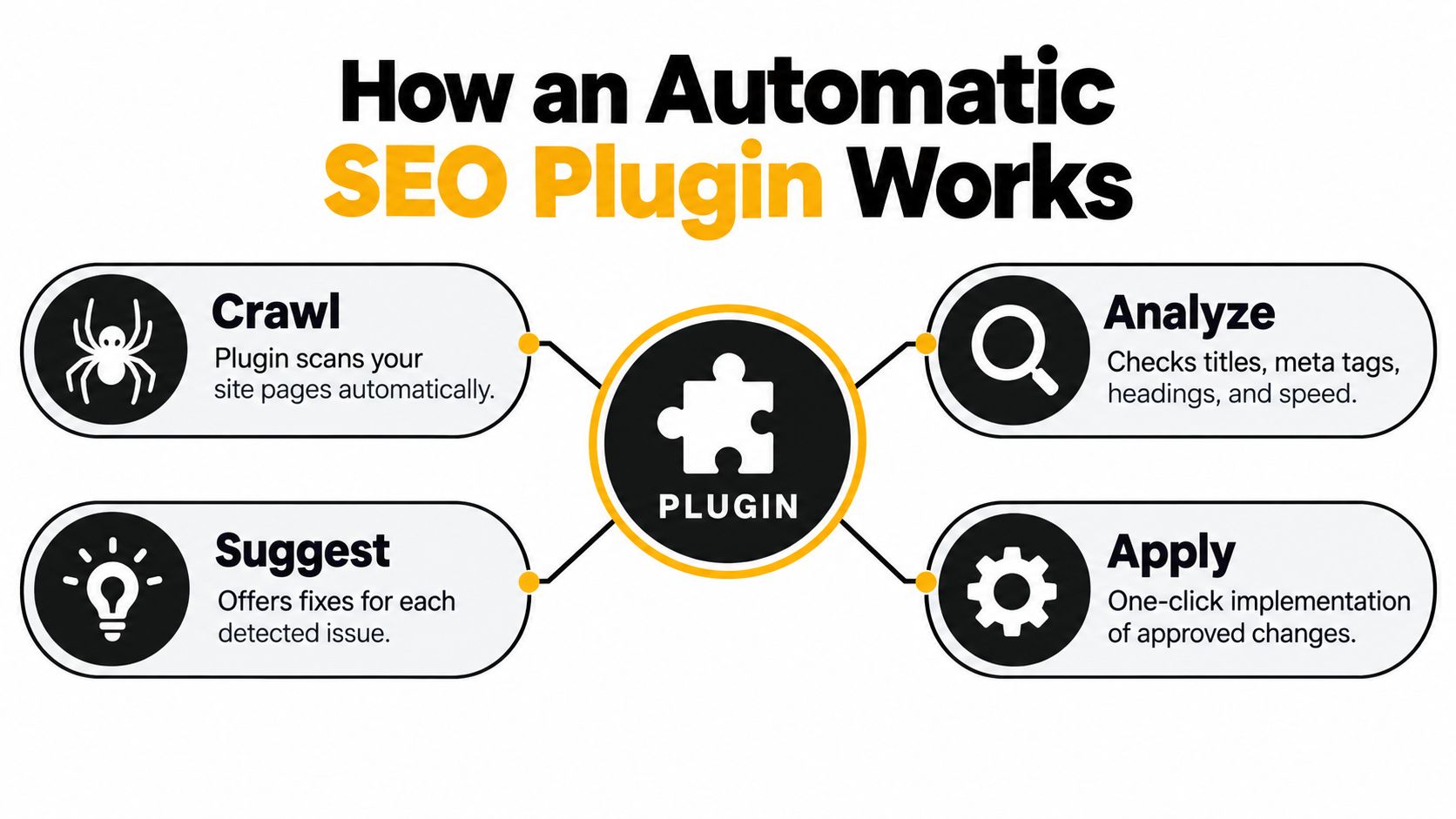
An automatic SEO plugin works by plugging into the places WordPress already exposes to developers. WordPress calls those entry points hooks, and they let a plugin act when the system is about to print a title tag, build metadata, or retrieve stored values. If the plugin has a clear setting or filter value, it supplies one. If it does not, it should step aside and let WordPress use the default value WordPress plugin hooks documentation.
The recurring tasks it usually takes over
A mature plugin usually handles a familiar set of jobs:
- Meta title and description templates so post types, categories, and archives can inherit sensible defaults.
- Schema markup generation for content types like articles, products, organizations, breadcrumbs, and local businesses.
- XML sitemaps so crawlers can discover pages without manual file editing.
- Canonical URL handling to reduce duplicate signal problems.
- Redirect management when a slug changes or a page disappears.
- Image alt text suggestions based on filenames or captions, though these still need human review.
- Robots directives that shape crawl behavior across posts, archives, and special templates.
That list sounds simple, but the technical consequence is where many installs go wrong. WordPress metadata filters can short-circuit database retrieval when a non-null value is returned, so precedence matters. If two plugins both try to control the same field, you do not get a blended result. You get a conflict, or a silent override.
Why plugin precedence causes silent conflicts
A theme may output one canonical, an SEO plugin may output another, and a custom function may inject a third. The page still loads, but the signals are contradictory, and crawlers have to guess which one to trust.
When an SEO plugin is installed well, it disappears into the workflow. When it is installed badly, it becomes a source of competing instructions.
I treat plugin choice as a compatibility decision, not just a feature decision. The best plugin in isolation can still create a mess if it does not respect the rest of the stack. That is why you should test output in the browser source, not just trust a dashboard label.
If you are comparing how automation shows up across WordPress tooling, TheGuideX's guide to AI-powered WordPress plugins is a useful adjacent read.
Which Tasks Real Plugins Automate Today
A practical way to judge an automatic SEO plugin is to ask which tasks it finishes without constant attention, which tasks it merely assists, and which ones still need a human before publishing. That's where most "best plugin" roundups go too broad. They blur together mature automation and light convenience features.
Here's the short version: title templates, sitemaps, canonicals, redirects, and basic schema are the most dependable automations. Internal link suggestions, AI copy helpers, and image text hints are useful, but they still need review. Anything involving business facts, product data, or editorial judgment should stay under human control.
| Task | What the plugin does automatically | What you still need to do | Worth enabling for a small site |
|---|---|---|---|
| Meta titles and descriptions | Fills fields from templates | Refine templates for each content type | Yes |
| XML sitemap | Regenerates sitemap files | Submit and monitor them | Yes |
| Canonical URLs | Outputs a preferred URL | Check after redesigns and migrations | Yes |
| Schema markup | Generates structured data blocks | Verify visible content matches markup | Yes |
| Redirects | Creates basic redirects on URL changes | Review chains and edge cases | Usually |
| Image alt text | Suggests defaults from filenames or captions | Write descriptive alt text for key images | Sometimes |
| Robots directives | Sets crawl rules from settings | Confirm no accidental blocking | Yes |
Yoast, Rank Math, and All in One SEO all automate some of this layer, but they differ in how much they expose, how much they hide, and how much review they still expect. A beginner should resist turning on every schema type available. Each extra type adds another thing that can drift out of sync later.
If you're optimizing media-heavy posts, TheGuideX's image optimization guide for WordPress pairs well with this because image handling is one of the first places automation starts to look sloppy when it's left unchecked.
Setting Up Your First Plugin The Right Way
A clean first setup keeps the plugin boring, which is exactly what you want. Don't chase every toggle. Get the core settings right, then leave the advanced stuff alone until the site has enough content to justify fine-tuning.
Start with the four panels that matter
- General settings. Set the site type, connect social profiles if the plugin asks for them, and complete webmaster verification only if you use those consoles.
- Search appearance templates. Define how titles and descriptions should behave for posts, pages, categories, and archives.
- Sitemaps and indexing. Confirm the plugin is generating a sitemap and that you're not blocking anything you meant to index.
- Schema defaults. Let the plugin assign article, organization, or breadcrumb defaults, then inspect how those outputs look in the page source.
Don't rush the advanced tabs. If the plugin shipped a recommended default during onboarding, keep it unless you understand the consequence. A lot of cleanup work comes from people customizing too early, before they even have a stable publishing pattern.
Then verify the search console side
Google's Search Central documentation recommends comparing pages with and without structured data using several months of Search Console performance data instead of assuming automation automatically creates traffic gains Google structured data documentation. That's the right mindset after install, too. The plugin is only the setup layer. You still need evidence.
A good first move after activation is to open Search Console, submit the sitemap the plugin generated, and watch whether the URLs get discovered cleanly. That tells you more than any dashboard badge ever will.
If you're deciding between two common WordPress options, TheGuideX's Rank Math vs Slim SEO comparison is a sensible side read before you settle on a default.
How The SEO Agent Can Help
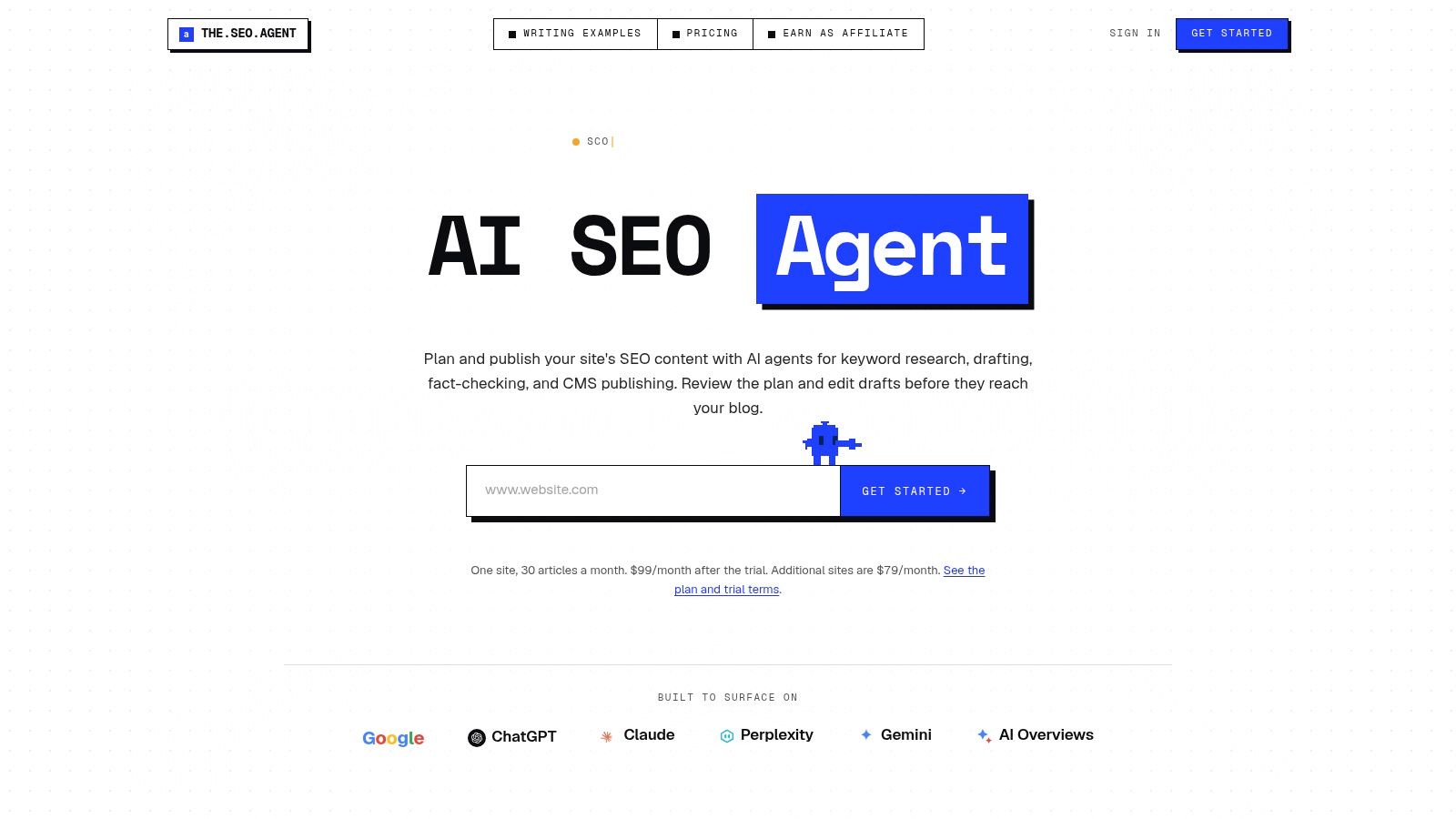
The SEO Agent is useful here because it sits one layer above a normal plugin. It's not just filling fields, it's helping decide what should exist in the first place, then pushing the finished work into WordPress. That matters if your real bottleneck isn't metadata, but the fact that no one has time to research, draft, and publish consistently.
A useful way to think about it is precision ceiling versus judgment zone. URLs, structured data validity, redirects, and publishing mechanics can be automated and checked. Entity accuracy, content quality, and whether a topic deserves a page still need editorial judgment. The SEO Agent is strongest when those responsibilities are separated instead of blurred together.
If you want a deeper product-level overview, the company's own explanation of an automatic SEO plugin for WordPress is worth reading alongside the broader WordPress setup discussion. It's most relevant for teams that need a publishing system, not just a metadata helper.
The appeal is that it reduces the number of handoffs. Research turns into a draft, the draft turns into a WordPress post, and the site gets a consistent publishing rhythm. That's especially useful when you're trying to get past the "we installed the plugin, now what?" stage.
If you're comparing tools, it helps to be honest about scope. A classic SEO plugin handles the site's technical layer. A system like The SEO Agent can help generate and publish content with much less manual work. Those are related, but they aren't the same job.
What An Automatic SEO Plugin Cannot Promise You
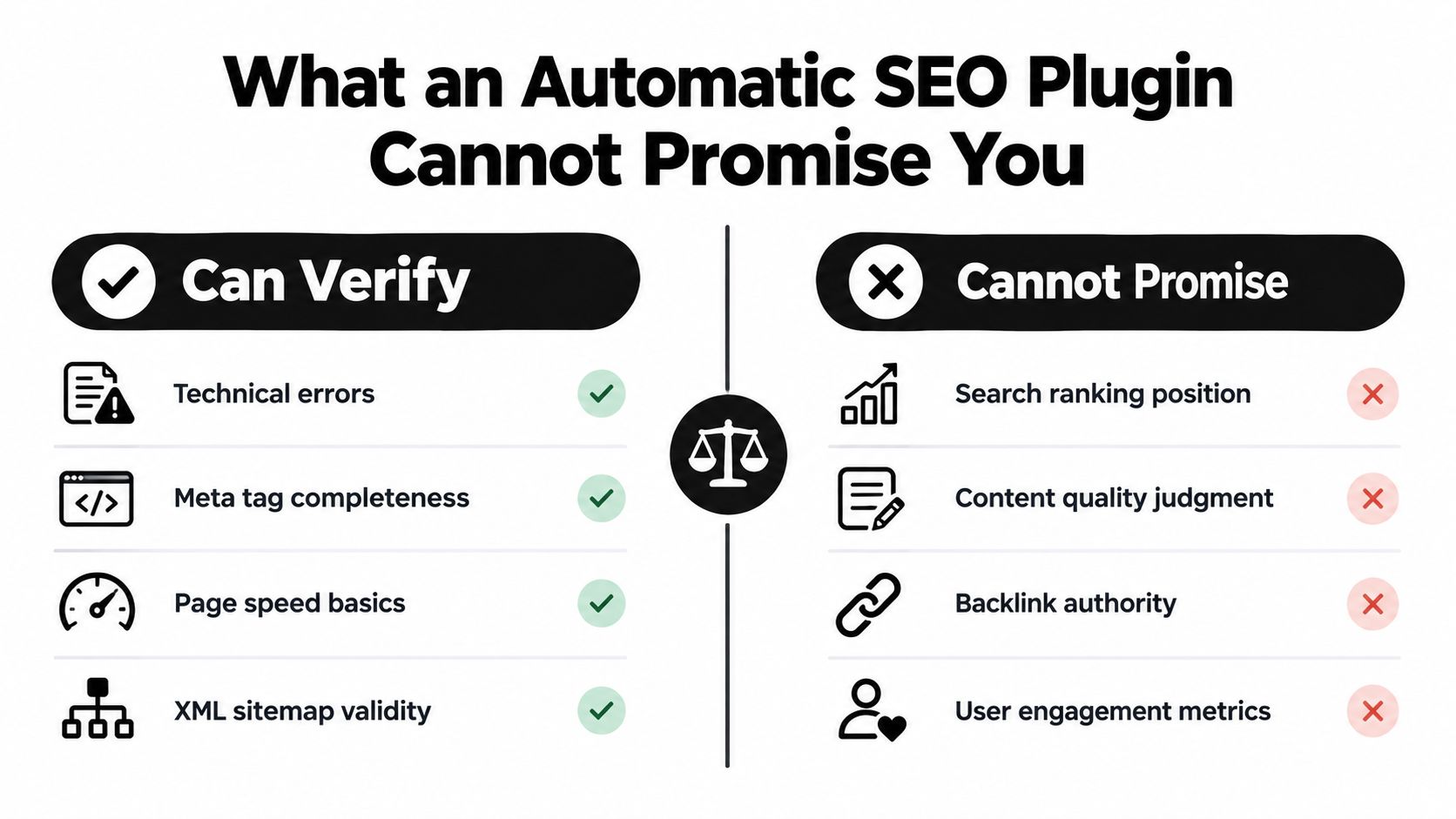
The most useful thing an automatic SEO plugin can do is verify technical structure. It can't promise results. That's the line too many marketers ignore when they treat schema or metadata as if they were ranking levers on their own.
What it can verify
It can help confirm that technical basics are in place, such as:
- Technical errors that affect crawlability
- Meta tag completeness across templates
- Page speed basics in the sense of not adding unnecessary weight
- XML sitemap validity so discovery isn't broken
What it cannot promise
It can't guarantee:
- Search ranking position
- Content quality judgment
- Backlink authority
- User engagement metrics
That's the hard boundary. A plugin can generate structured data for an Organization, Product, or Article, but it can't know if the business address is current, if the product price is still valid, or if the author bio matches the person who wrote the page. When those fields drift, automation becomes a liability.
Google's documentation is very clear on a related point. There is no special schema.org markup or new machine-readable file required for AI features. Sites should follow foundational SEO practices and make sure structured data matches visible page content Google AI search guidance. That means the old "one-click AI visibility" pitch is misleading.
This is why I am skeptical of any plugin that suggests a single toggle can enable AI Overviews or answer-engine visibility. The better strategy is much simpler: automate repetitive technical work, manually verify entity-level facts, and keep publishing useful pages that deserve to be cited.
When More Automation Hurts Your Site
A store I audited had a product schema block that kept serving an old promotional price after the sale ended. The plugin was working as designed. The site's data pipeline was not. Search engines saw the structured data, not the context around it, and the result was markup that looked valid but no longer described the page.
Another site changed a category slug during a redesign and let automatic redirects handle the move. The admin view looked tidy, but a few later edits turned that redirect path into a chain. Crawlers still reached the destination, yet the route was no longer simple, and simple matters when you are trying to preserve crawl efficiency.
The decision rule that saves headaches
Use this split:
- Automate repetitive, verifiable work. Sitemaps, templates, and default metadata belong here.
- Keep judgment manual. Business identity, author details, pricing, review claims, and product availability need a human.
- Audit externally fed data on a schedule. Product schema, news schema, and similar feeds need regular review.
Google has also announced the phasing out of some structured-data features starting in 2026, so automatic schema that once seemed useful may not produce the same outcome later. That makes stale automation riskier, because the plugin can keep outputting markup long after the search surface has changed.
Good automation reduces repetition. Bad automation multiplies stale assumptions.
That is the failure mode. The more a plugin depends on imported or cached data, the more likely it is to create technically valid but outdated signals. Outdated signals are still signals, which is what makes them dangerous.
Security and Maintenance Realities Nobody Mentions
Every plugin you install adds maintenance. An automatic SEO plugin is especially sensitive because it touches metadata, sitemap generation, redirects, and often schema output across the whole site. That means updates are not just cosmetic. They can change what search engines see.
The broader WordPress ecosystem makes that risk real. In the first half of 2025, 6,700 new vulnerabilities were identified across the WordPress ecosystem, 41% were assessed as exploitable in real-world attacks, and plugins accounted for 3,044 reported vulnerable components in that sample Patchstack's 2025 mid-year vulnerability report. That doesn't mean SEO plugins are uniquely unsafe. It does mean they live in the same maintenance environment as every other fully integrated plugin.
What to check before you let updates run loose
- Auto-updates. They're convenient, but a tightly integrated plugin on a live store shouldn't update blind without staging.
- Rollback plan. Know how you'd revert if titles, canonicals, or schema change unexpectedly.
- Permission scope. A plugin usually doesn't need broad access just to manage SEO settings.
- Post-update audit. Check a sample of pages for title rendering, sitemap output, and injected metadata.
- Search Console. Watch for sudden indexing changes after any major release.
I've seen a redesign go live with an old noindex setting still active. It didn't take a hacker. It took a missed setting. I've also seen schema drift happen after a plugin update, where a stale business detail sat on thousands of URLs until someone finally checked source code.
If you're building a safer WordPress stack, TheGuideX's backup plugins guide is worth keeping close because rollback is part of SEO hygiene too.
A Practical Operating Checklist for Beginners
The healthiest way to use an automatic SEO plugin is to treat it like infrastructure, not decoration. Set it up once with care, then audit it on a schedule. That's what keeps automation useful instead of noisy.
Before you install
- Pick one plugin and stop there. Two SEO plugins often means two sets of conflicting outputs.
- Confirm your hosting and theme are stable. If your stack is already fragile, don't add another integrated plugin yet.
- Plan a staging copy if you can. SEO settings are small, but their effects aren't.
- List the fields you'll verify manually. Business identity, author details, and product or service facts should never be left on autopilot.
After setup and after each major update
- Check the sitemap. Make sure the URLs look right and new content is being included.
- Inspect source code on sample pages. Confirm canonicals, titles, robots tags, and schema aren't duplicated.
- Review structured data against visible content. If the page says one thing and the markup says another, fix it.
- Open Search Console. Watch for indexing issues instead of trusting the plugin UI alone.
A free plugin usually covers the basics well enough for a simple blog or local site. A paid tier starts making more sense when the site becomes operationally more complex, like an ecommerce store, a multilingual build, or a portfolio of client sites with different content rules. That's when the time savings become real.
The core principle is simple. Automation handles repetition, humans handle decisions. Keep that split explicit, and your SEO plugin becomes a stability layer instead of a source of hidden problems.
If you want to keep building that workflow, explore the rest of TheGuideX library for WordPress, SEO, and content operations, then install only the tools that solve a problem you can name.
SEO Specialist and product builder with 10+ years in search. The notes come from the work, not the theory.